
reMarkable Paper Pro Move in a Technical Unboxing: When Digital Paper Suddenly Becomes Truly Mobile
- Less Tablet, More Notebook
- A Format More Reminiscent of a Reporter’s Notebook
- Aluminum, Glass and an Interesting Rear Construction
- 7.3-inch Canvas Color: Gallery 3 Goes Narrow
- The Startup Screen Already Reveals Quite a Lot
- Marker Plus: The Stylus Is Part of the Display System
- Underneath the Surface Sits Surprisingly Conventional Hardware
- The Book Folio in Basalt: Protection Without Turning It Into a Tank
- A Smaller Paper Pro, but Not Simply a Shrunken Copy
- Notice in accordance with EU transparency requirements:
Less Tablet, More Notebook
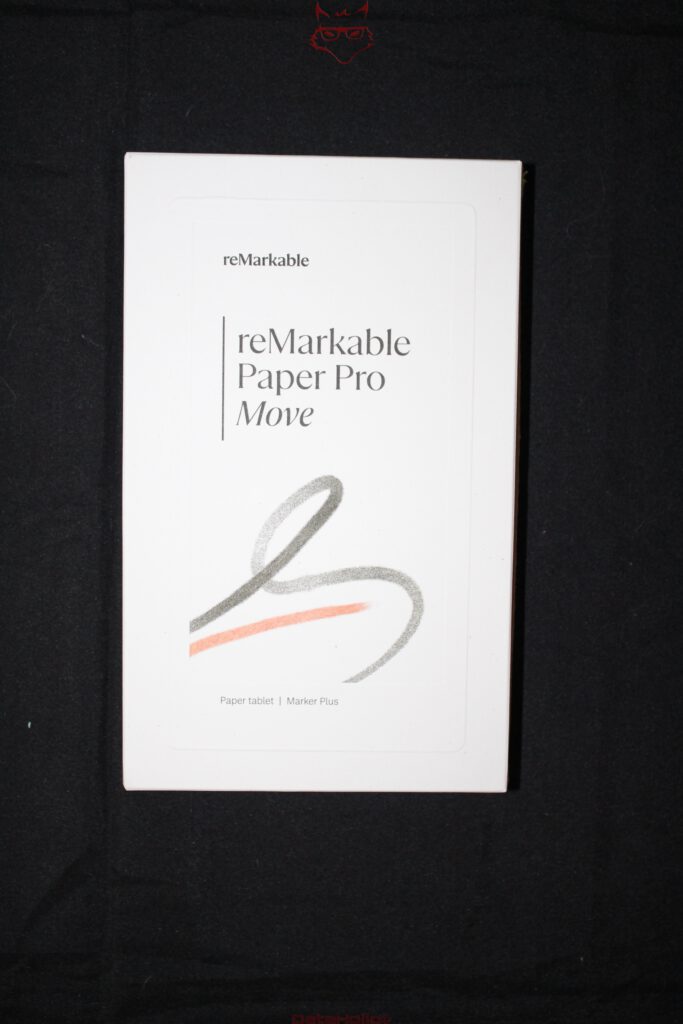
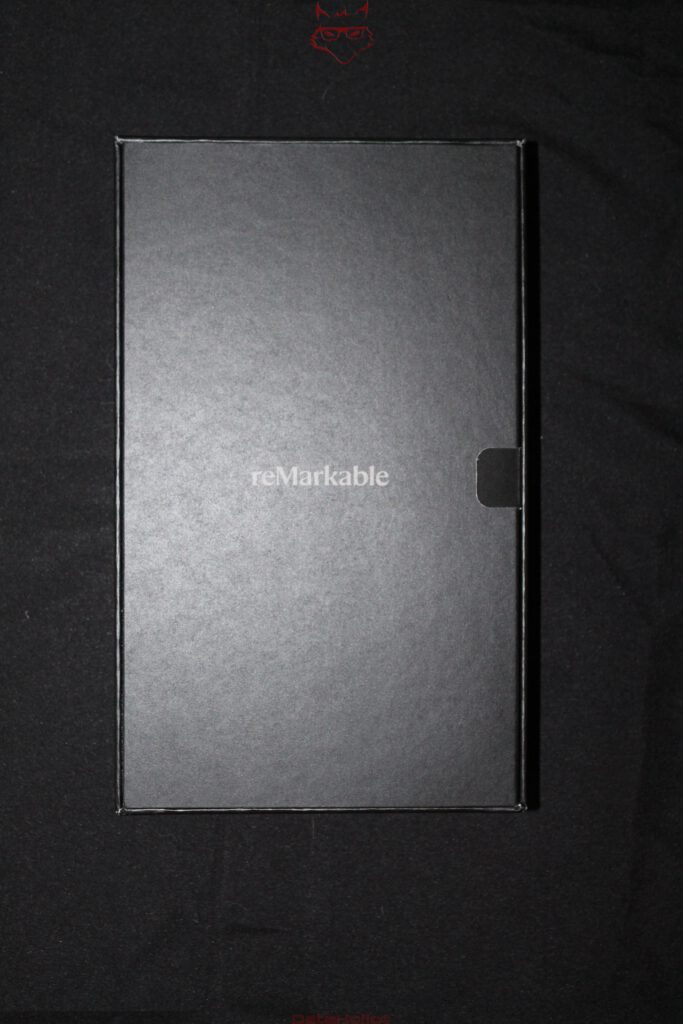
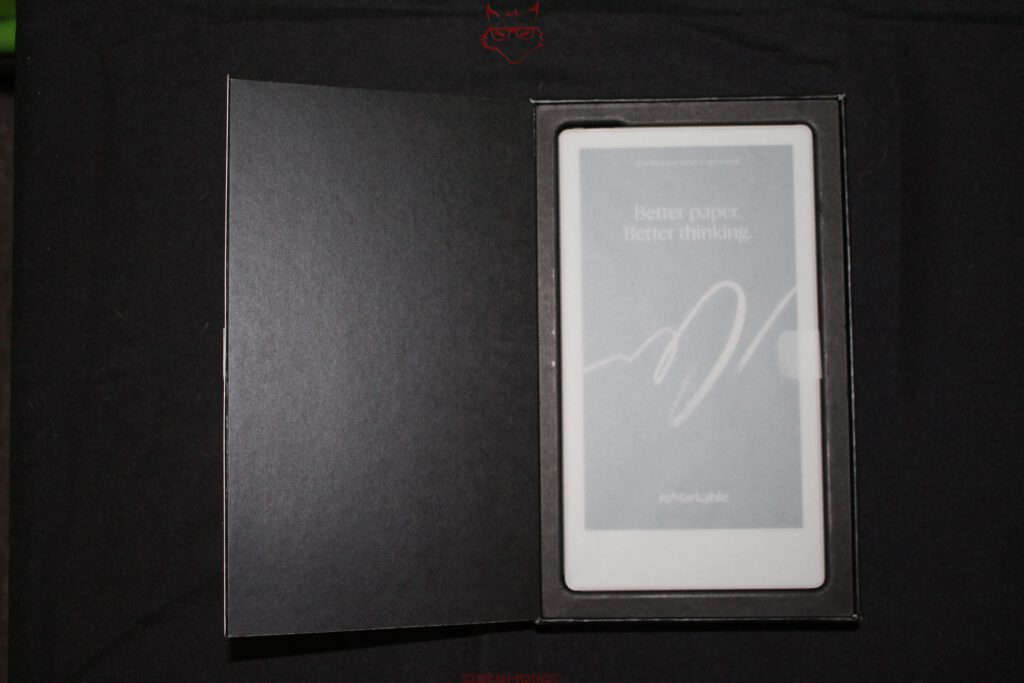
With the reMarkable Paper Pro Move, the technical assessment begins with the packaging itself. Not because some spectacular mechanism is waiting inside, but because reMarkable once again makes remarkably little effort to make a digital device look like conventional consumer electronics. The white box carries a restrained outline of the tablet, the product name, and a stylized stroke that looks more like something drawn with a pencil than something created on a touchscreen. No processor logo, no collection of performance promises, no back panel covered in colorful pictograms. Dieter Rams’ often-quoted phrase “Less, but better” fits almost suspiciously well here. This restraint, however, is more than packaging aesthetics. It reflects quite accurately how the Paper Pro Move has been constructed: as a digital writing device rather than a shrunken multimedia tablet.
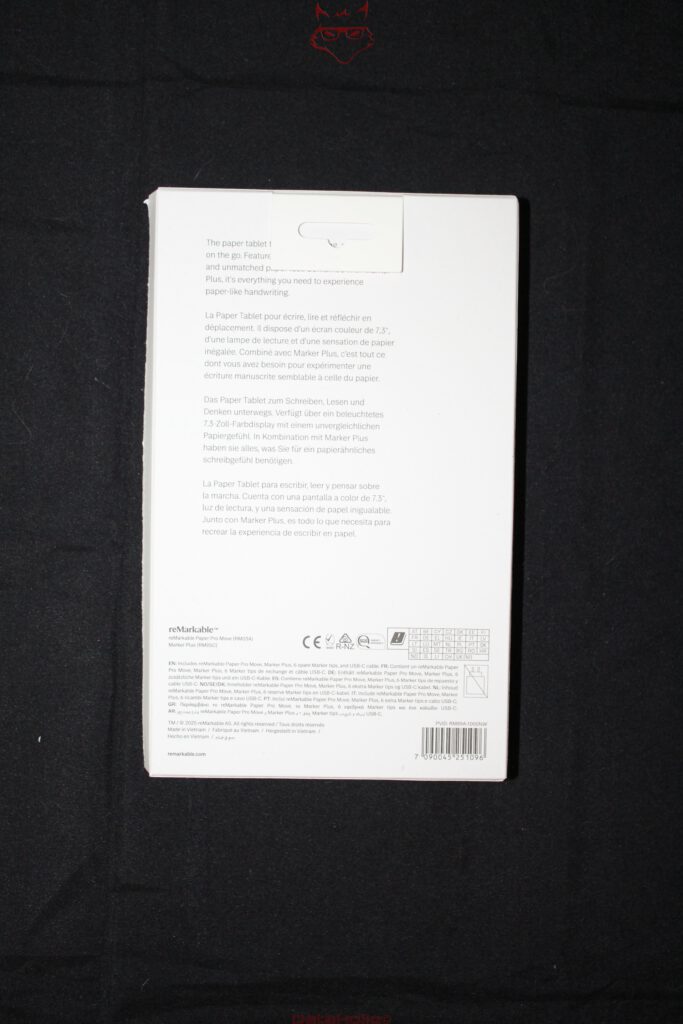
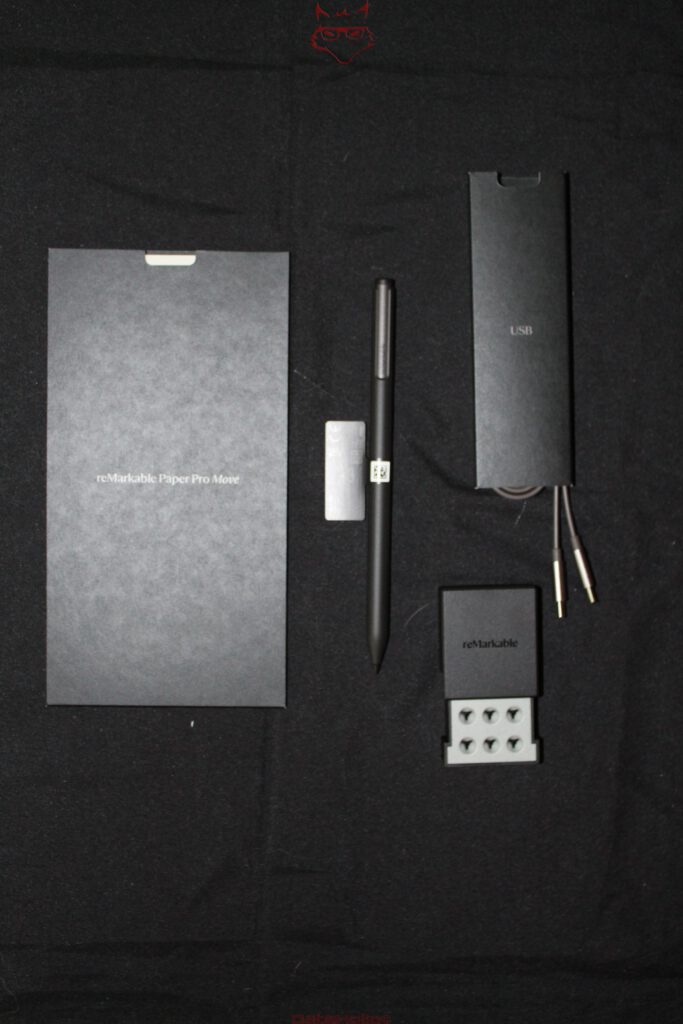
The back of the box is considerably more matter-of-fact about what is actually included. Depending on the configuration, the Paper Pro Move comes with either the Marker or Marker Plus, six replacement tips, and a USB-C cable. The package reviewed here contains the Marker Plus. Everything required to start using the device is therefore included, with the exception of a power adapter. ReMarkable also relies on fully recyclable packaging and states that more than 20 percent of the materials used in the device are recycled. The understated box is therefore less of a lifestyle exercise and more part of a consistently implemented material concept.
A Format More Reminiscent of a Reporter’s Notebook
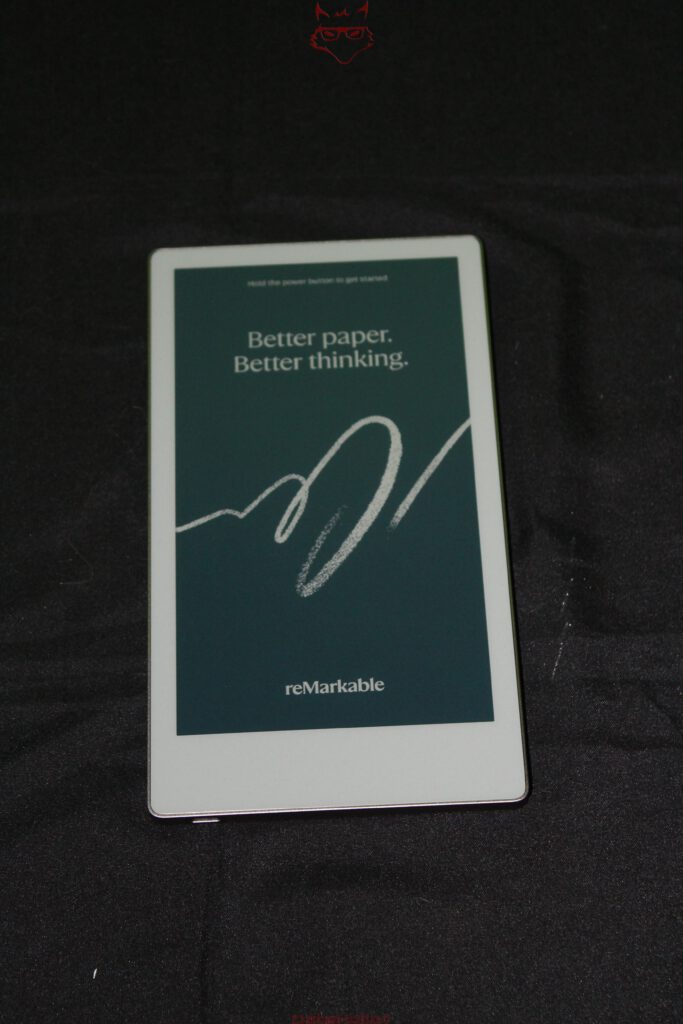
Removed from its packaging, the Paper Pro Move initially looks unusually tall and narrow. At 195.6 × 107.8 millimeters, the enclosure has almost the proportions of a traditional slim notebook. Thickness is 6.5 millimeters. This format alone clearly separates the Move, both visually and structurally, from the larger Paper Pro. The latter spreads its working surface across a desk, while the Move immediately gives the impression of a device designed for bags, meeting rooms, quick notes, and mobile use. The display’s 16:9 aspect ratio reinforces that impression.
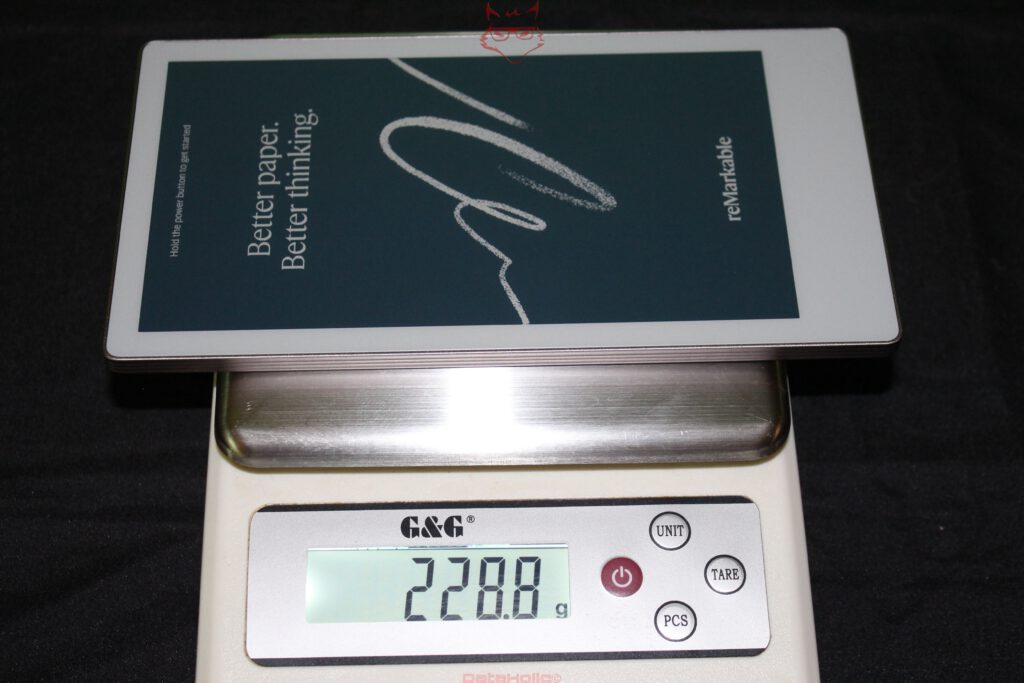
On the scale, the test unit comes in at 228.8 grams. ReMarkable specifies approximately 230 grams, putting the measured result almost exactly on target. More interesting than the 1.2-gram difference is the relationship between size and mass. The Move does not feel like a hollowed-out plastic shell. Its weight is distributed evenly across the body, giving the device a surprisingly substantial feel as soon as it is picked up. For comparison, the larger Paper Pro weighs around 525 grams. The Move therefore carries less than half that mass while retaining the fundamental technology behind the color display.
Aluminum, Glass and an Interesting Rear Construction
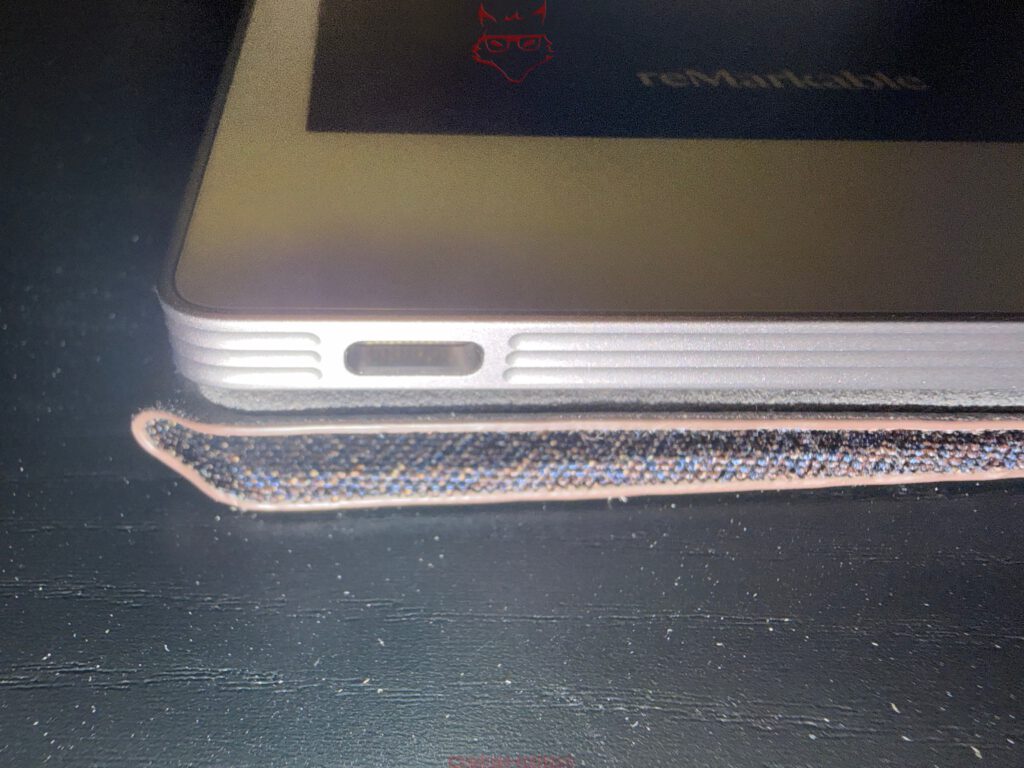
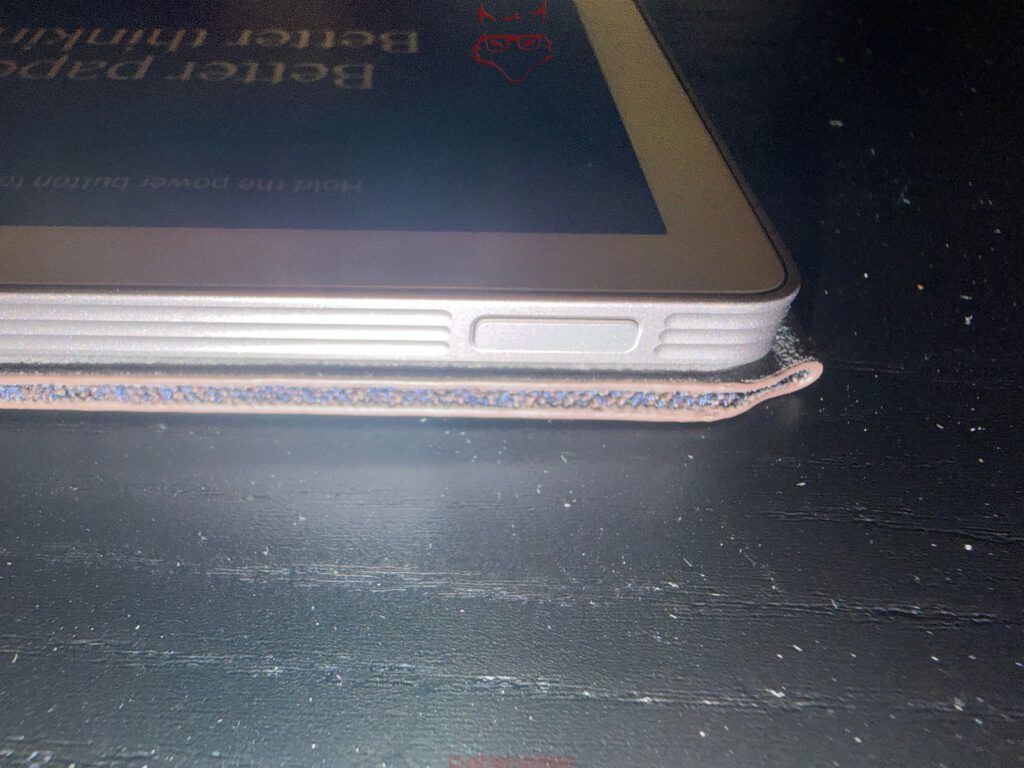
The surrounding frame is made from anodized aluminum. ReMarkable uses fully recycled aluminum for the mid-frame and power button, while even the magnets contain recycled rare-earth materials according to the manufacturer. The front is covered by textured glass positioned above the display. Unlike the smooth surface of a typical smartphone, this glass deliberately introduces friction. That friction is technically important because the stylus tip is not supposed to skate across a perfectly smooth pane of glass. The impression of digital paper therefore comes not only from E Ink, but from the entire mechanical interaction between the tip, textured glass surface, and the display stack underneath.
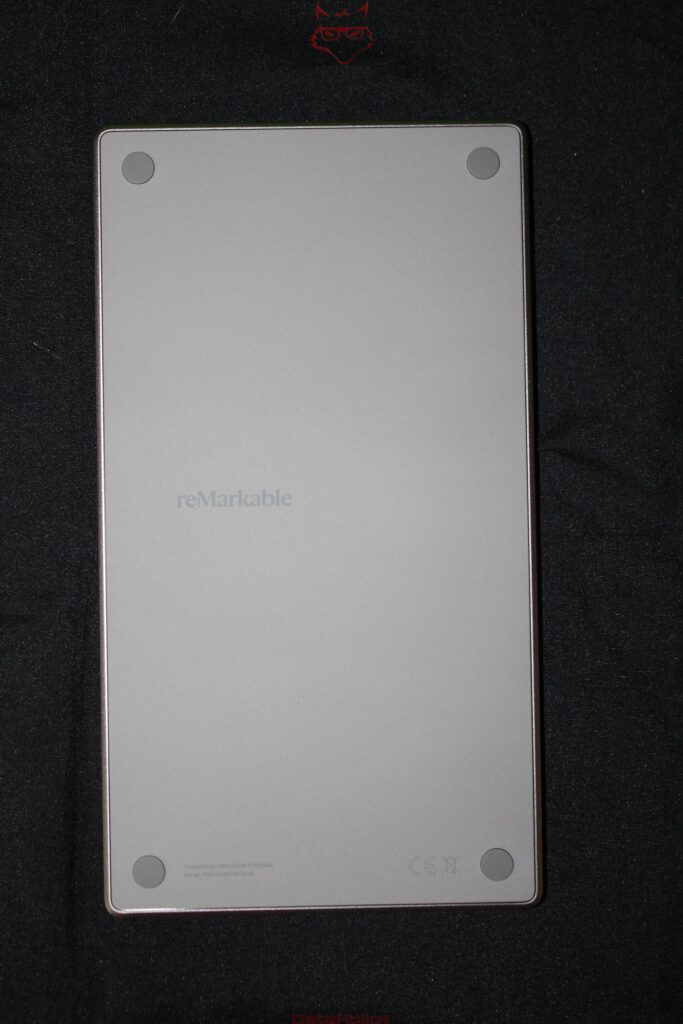
Things become particularly interesting around the back. While the larger Paper Pro uses a largely enclosed aluminum construction, the Move features a separate rear panel. Four circular contact pads sit near the corners, while the center carries little more than a restrained reMarkable logo. The design looks unspectacular, yet serves a technical purpose: according to the manufacturer, the separate rear panel makes repairs and the replacement of internal components such as the battery or mainboard easier. That deserves some attention in a device this thin. Repairability and a chassis measuring little more than six millimeters are rarely close friends.
7.3-inch Canvas Color: Gallery 3 Goes Narrow
The technical centerpiece is the 7.3-inch Canvas Color display based on E Ink Gallery 3. Resolution is 1696 × 954 pixels, resulting in a pixel density of 264 pixels per inch. Interestingly, that is higher than the 229 ppi offered by the larger Paper Pro. Fine text and thin lines benefit more obviously from this density than large areas of color. The display can reproduce up to 20,000 colors and includes adjustable reading illumination.
Unlike an LCD or OLED panel, the display does not create visible content through continuously illuminated pixels. In principle, an image remains visible without a constant supply of energy; power is primarily required when the displayed content changes. That difference is fundamental to both the appearance and energy behavior of the device.
Gallery 3 is also technically more complex than a conventional monochrome E Ink panel. Colors are generated through colored pigments within the microcapsule structure rather than through an additional color-filter layer. This benefits color reproduction, but requires more complex refresh processes. That is precisely why a Paper Pro Move should not be viewed as a tablet that simply happens to use E Ink. Display, stylus, rendering system, and surface have to work as a single unit.
ReMarkable specifies a writing latency of 12 milliseconds for the Move and a distance of only 0.92 millimeters between the stylus tip and the digital ink underneath. The latter initially sounds like classic specification-sheet gymnastics, yet it matters considerably for the writing experience. The greater the optical distance between the physical tip and the rendered line, the stronger the familiar sensation of writing on a sheet of glass positioned above the actual image. At 0.92 millimeters, the digital line sits remarkably close to the physical point of contact.
The Startup Screen Already Reveals Quite a Lot
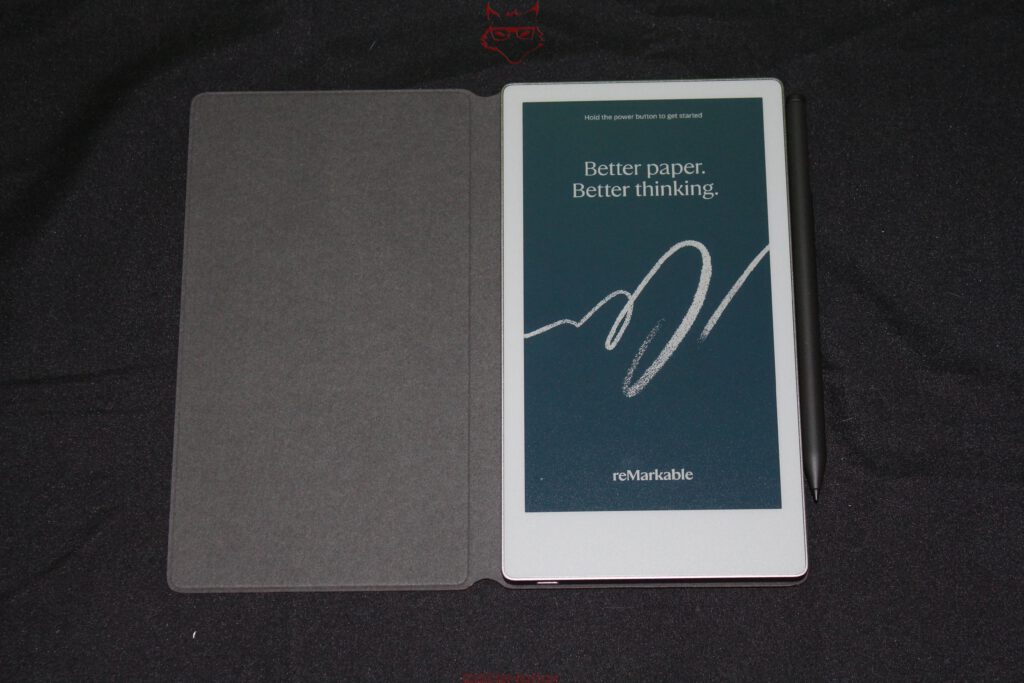
After the first power-up, a phrase appears that almost fits the hardware too perfectly: “Better paper. Better thinking.” Underneath sits a roughly drawn line that looks more like chalk or pencil than a conventional tablet interface. Even this first screen is technically interesting because it demonstrates exactly where the panel differs from traditional displays. Colors appear matte, restrained and considerably less luminous. Anyone expecting OLED saturation might briefly start looking through the box for a hidden saturation slider. That would, however, be the wrong benchmark entirely.
E Ink is not trying to imitate OLED badly. The technology is attempting to reproduce something much closer to paper. Colors consequently appear more printed than emitted. Under direct ambient light, that characteristic becomes an advantage because the display does not have to overpower its surroundings with its own light source. The textured glass additionally reduces reflections, while the integrated reading light only becomes necessary when the environment itself can no longer provide enough illumination.
Marker Plus: The Stylus Is Part of the Display System
Placed next to the narrow Move, the Marker Plus almost looks oversized, but technically it is an integral part of the concept. It uses active pen technology, contains its own 80 mAh battery, and recognizes 4,096 levels of pressure together with tilt angles of up to 60 degrees. A second pressure-sensitive element at the upper end functions as a digital eraser. The stylus weighs approximately 18.4 grams according to the current specification sheet, while the user guide rounds this to around 19 grams.
Those minor differences are far less interesting than the charging system. The Marker attaches magnetically to the edge of the tablet and charges wirelessly while sitting there. According to reMarkable, five minutes attached to the device provides enough energy for approximately one hour of use.
The six included replacement tips are made from a carbon-filled material and are deliberately designed as wear items. At first glance, that may seem less elegant than a permanently hard plastic tip, but it is part of the friction concept. A slightly yielding tip moving across textured glass creates controlled resistance. A hard tip on smooth glass would last longer, but it would also feel rather like using a ballpoint pen on a window. Sometimes technical elegance means deliberately allowing one component to wear out.
Underneath the Surface Sits Surprisingly Conventional Hardware
Although the first physical impression is dominated almost entirely by display, glass and aluminum, underneath sits a complete computer system. A 1.7 GHz dual-core processor based on Cortex-A55 cores works alongside 2 GB of LPDDR4X memory and 64 GB of internal storage. Power comes from a 2,334 mAh lithium-ion battery. ReMarkable specifies up to two weeks of battery life and charging from zero to 90 percent in less than 45 minutes.
Compared with modern smartphones, the relatively modest battery capacity almost looks amusing, but it suits the fundamentally different power requirements of an E Ink system. A display that does not need to redraw itself 120 times every second changes the entire energy equation.
Charging takes place through USB-C. Wireless communication is handled through 2.4 and 5 GHz Wi-Fi. That is effectively the end of the physical connectivity story. No headphone jack, no memory-card reader, no second USB port, and not even a decorative speaker grille. In a product world where refrigerators occasionally appear to have more interfaces than old workstations, the restraint borders on provocative. For the intended purpose, however, it makes structural sense.
The Book Folio in Basalt: Protection Without Turning It Into a Tank
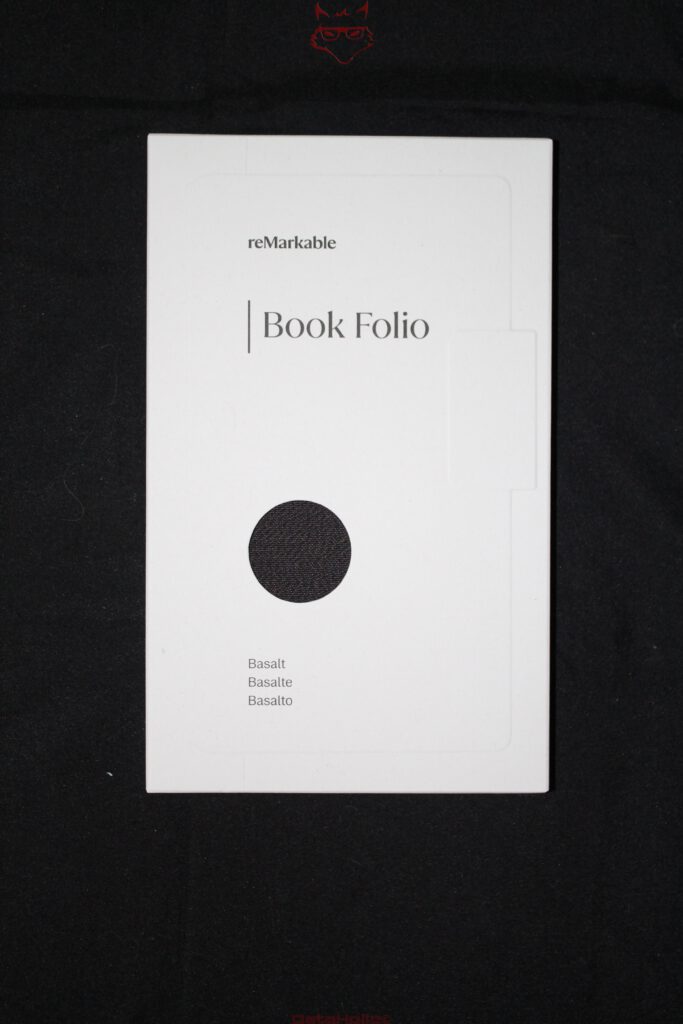
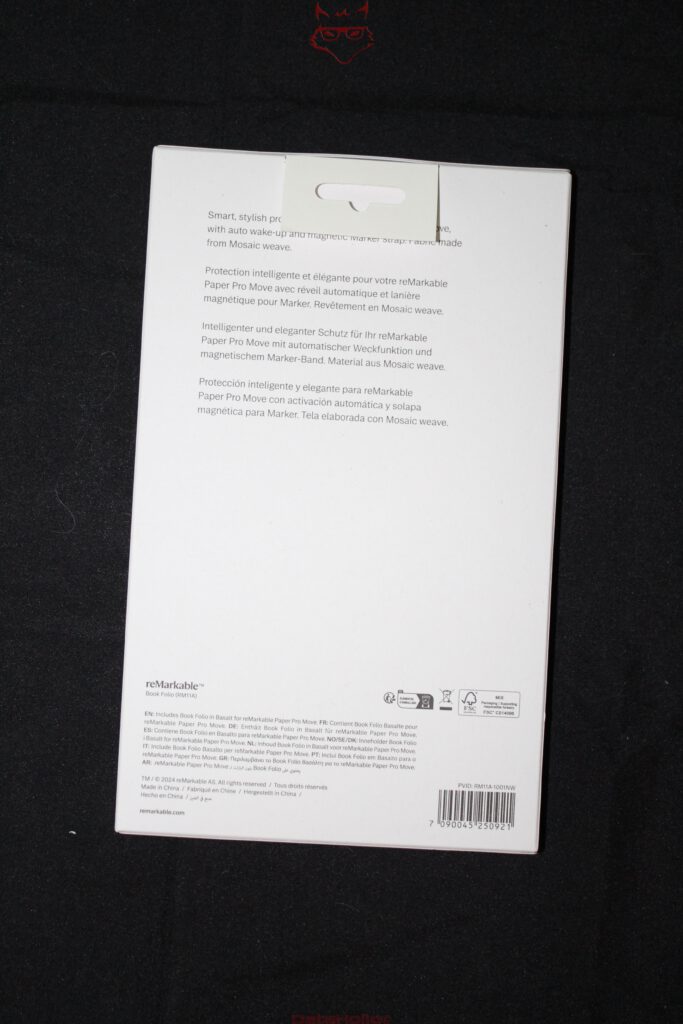
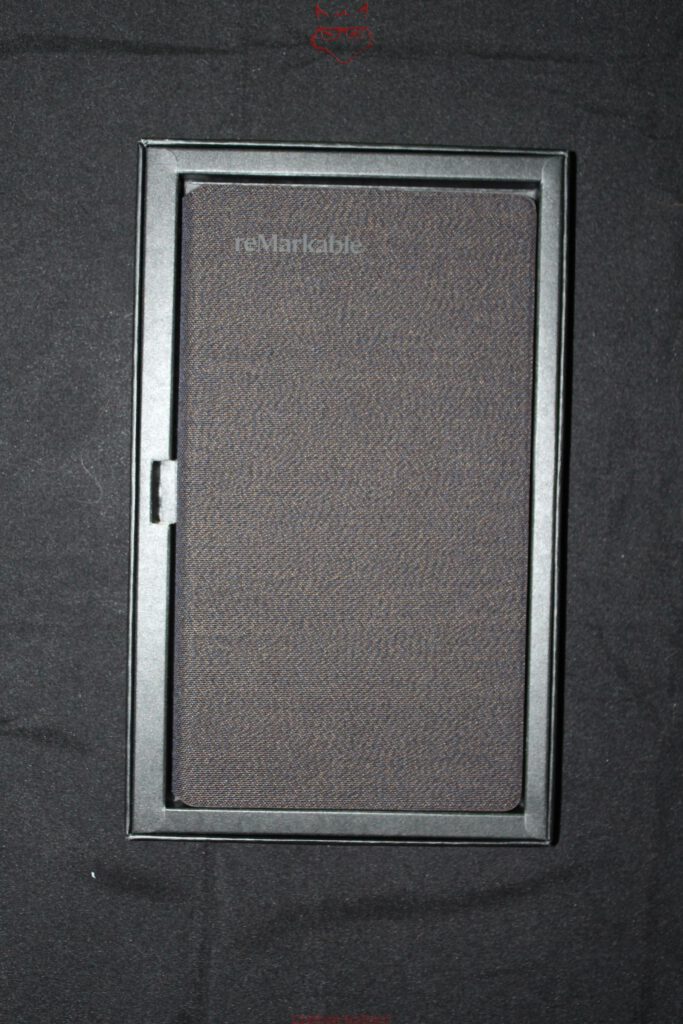
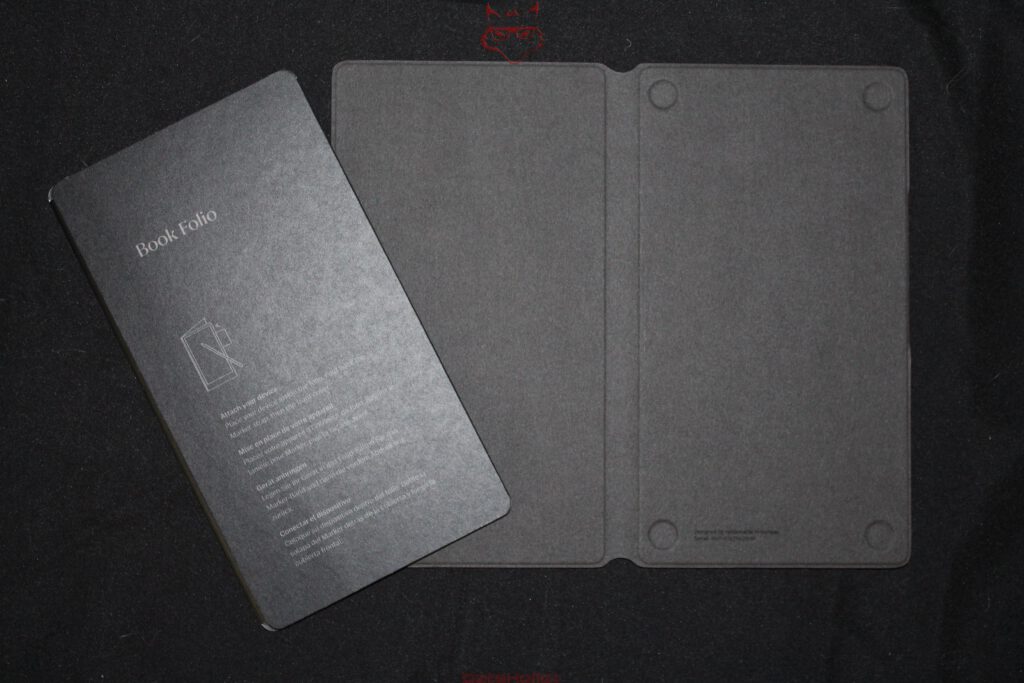
The separate Book Folio follows the same philosophy as the tablet. The Basalt version shown here uses recycled Mosaic Weave fabric on the exterior, while a soft microfiber surface protects the textured display glass on the inside. The tablet itself is held magnetically. An additional magnetic strap secures the Marker or Marker Plus along the side. When the strap is not needed, it attaches neatly to the rear of the folio. A small detail, admittedly, but precisely the sort of detail that determines whether a stylus is still attached to the device three weeks later or has migrated somewhere between the bottom of a backpack and an old charging cable.
The folio also integrates magnets and sensors for automatic wake and sleep functionality when opening or closing the cover. Mechanical protection and device functionality therefore overlap. This is not simply a loose sleeve; the folio is designed as a functional extension of the tablet.
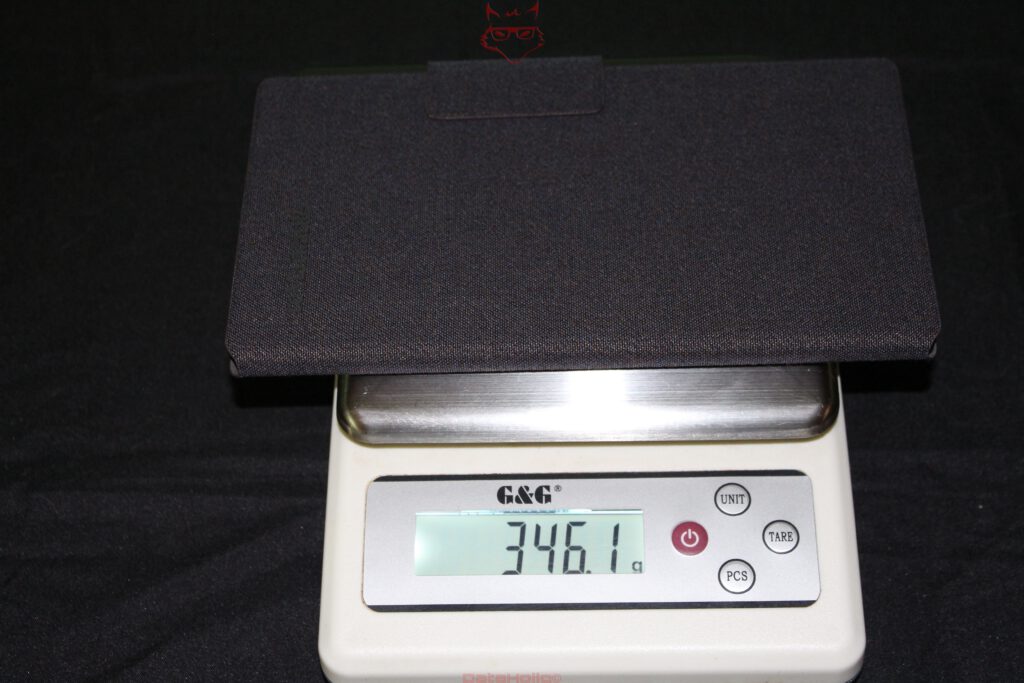
Together with the Paper Pro Move, the scale reads 346.1 grams. Based on the measured tablet weight of 228.8 grams, the folio adds roughly 117 grams to the complete package. That increase is noticeable, yet the resulting system remains light for a complete writing device with protected glass and securely stored Marker.
A Smaller Paper Pro, but Not Simply a Shrunken Copy
The first technical impression of the Paper Pro Move is ultimately defined less by any single specification than by the consistency of its construction. The 7.3-inch format changes the entire device. Display, enclosure, battery, stylus integration and folio have not simply been reduced in size; they have been rebalanced around mobility. The higher pixel density, unusually narrow proportions, separate rear panel and comparatively low weight make it quite clear that this is not simply a Paper Pro with its edges cut away.
TechRadar described the device rather succinctly as “A perfect writing tablet.” For a technical unboxing, that is not yet a conclusion that can be substantiated, which is exactly why the statement belongs where it is for now: as an interesting outside perspective. What can already be established after opening the box is that reMarkable has gone to considerable lengths to make the Paper Pro Move feel as little like conventional consumer electronics as possible. Aluminum, textured glass, a Gallery 3 display, active Marker and Mosaic Weave folio form a system that resembles premium writing equipment more closely than yet another tablet with a stylus.
Notice in accordance with EU transparency requirements:
The reMarkable Paper Pro Move featured in this article was provided to us by reMarkable as a non-binding loan unit for testing purposes. This is not paid advertising.
reMarkable had no influence on the content, assessment, or editorial independence of this article. All opinions expressed are based exclusively on our own practical experience.
We would like to sincerely thank reMarkable for providing the reMarkable Paper Pro Move and for the trust placed in dataholic.de.