
reMarkable Paper Pro Unboxing – Digital Paper That Doesn’t Want to Feel Like a Tablet (incl. Marker Plus;Book Folio and Type Folio)
- When Writing Starts Looking Like Writing Again
- Paper Pro and Marker Plus: An Excellent First Impression
- Ports, Contacts and Chassis: Purposeful Simplicity
- Book Folio: A Cover That Preserves the Notebook Experience
- Type Folio: A Keyboard That Stays Hidden Until It’s Needed
- Weight, System Integration and the First Technical Impression
- Transparency Notice (EU Requirements):
When Writing Starts Looking Like Writing Again
Over the past few years, tablets have become faster, brighter, more colorful, and increasingly versatile. Ironically, that is often where their biggest weakness lies. A device that can do everything usually tries to be everything at once: a notebook, a video player, a messenger, a web browser, an email hub, a sketchpad, and a compact laptop. The reMarkable Paper Pro approaches things from a completely different direction. It doesn’t want to be louder than necessary, it doesn’t wave app icons in front of the user, and it certainly doesn’t insist on reminding anyone that another notification is waiting somewhere. The philosophy feels almost old-fashioned, and that’s precisely what makes it so interesting: write, read, highlight, organize. Nothing more for the sake of having more. That level of restraint requires confidence.
Right out of the box, the Paper Pro feels less like another tablet and more like a technical tool designed for people who appreciate paper but have grown tired of carrying stacks of notebooks. Comparing it to a traditional iPad or Android tablet simply doesn’t do it justice. Yes, it features a large 11.8-inch display, USB-C, accessory contacts, and a modern aluminum chassis, but its real purpose isn’t maximum computing power or vivid colors. Instead, reMarkable combines a color digital paper display with front lighting, an aluminum body, an active Marker, and two very different cover solutions. The Book Folio keeps the system light and notebook-like, while the Type Folio adds a keyboard and transforms it into something remarkably close to a digital writing portfolio.
Even before pressing the power button for the first time, it becomes obvious that reMarkable has carefully considered how its products are presented. The box doesn’t demand attention, the packaging doesn’t shout for it, and even the accessories feel as though they were designed to prove themselves through daily use rather than on a store shelf. That perfectly matches the philosophy of the device itself. A digital notebook shouldn’t feel like fireworks the moment it’s unboxed. It should feel calm, precisely crafted, and create the reassuring impression that what’s inside isn’t simply another electronic device but a complete working concept.
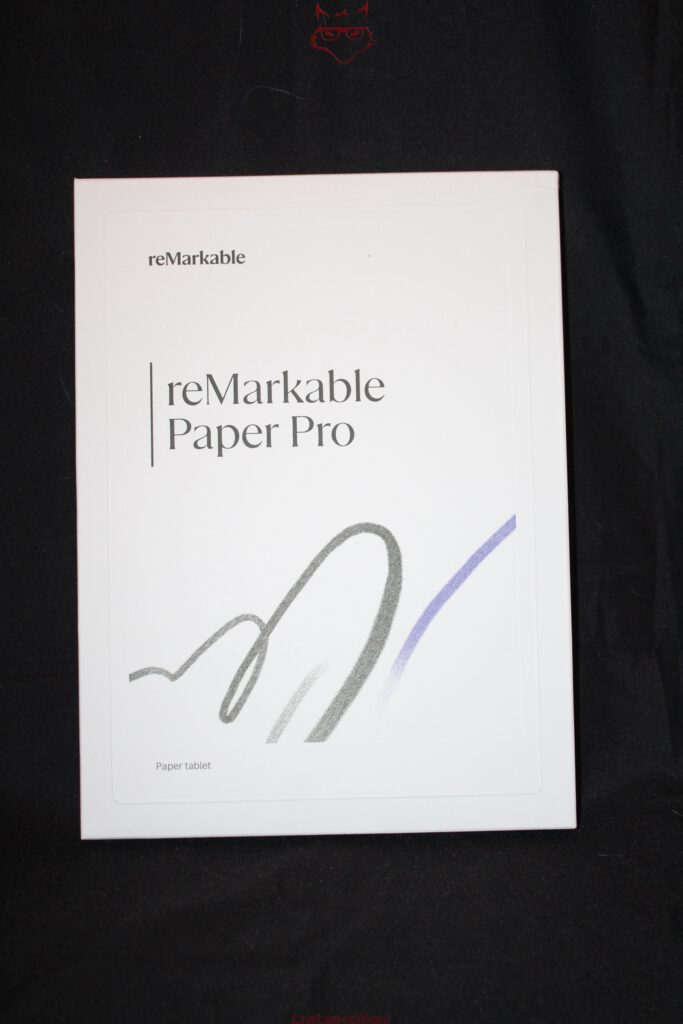
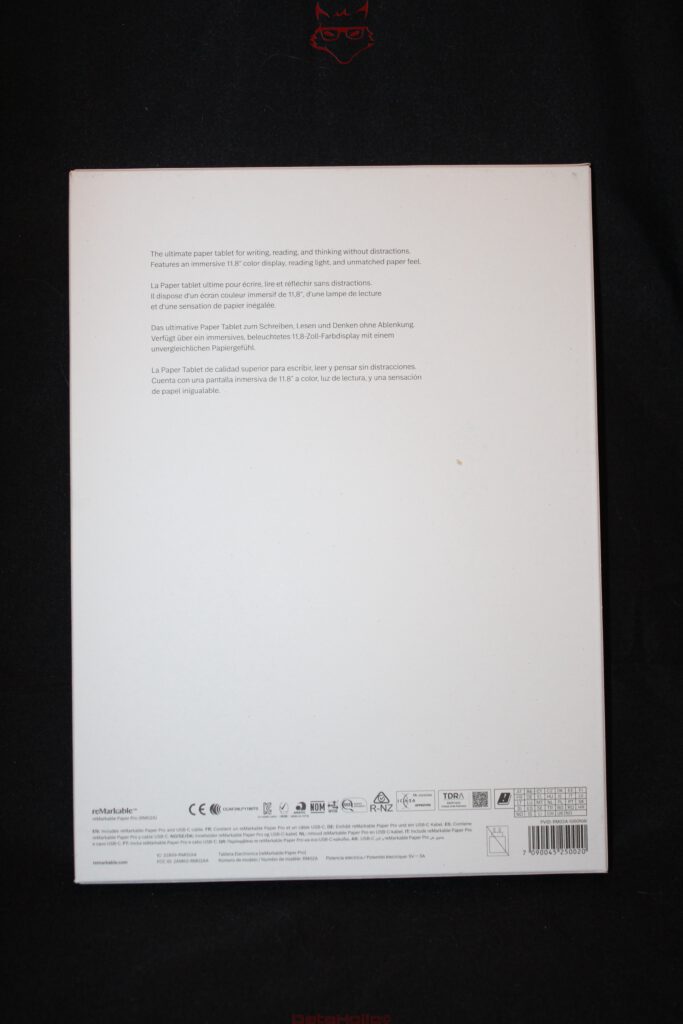
Paper Pro and Marker Plus: An Excellent First Impression
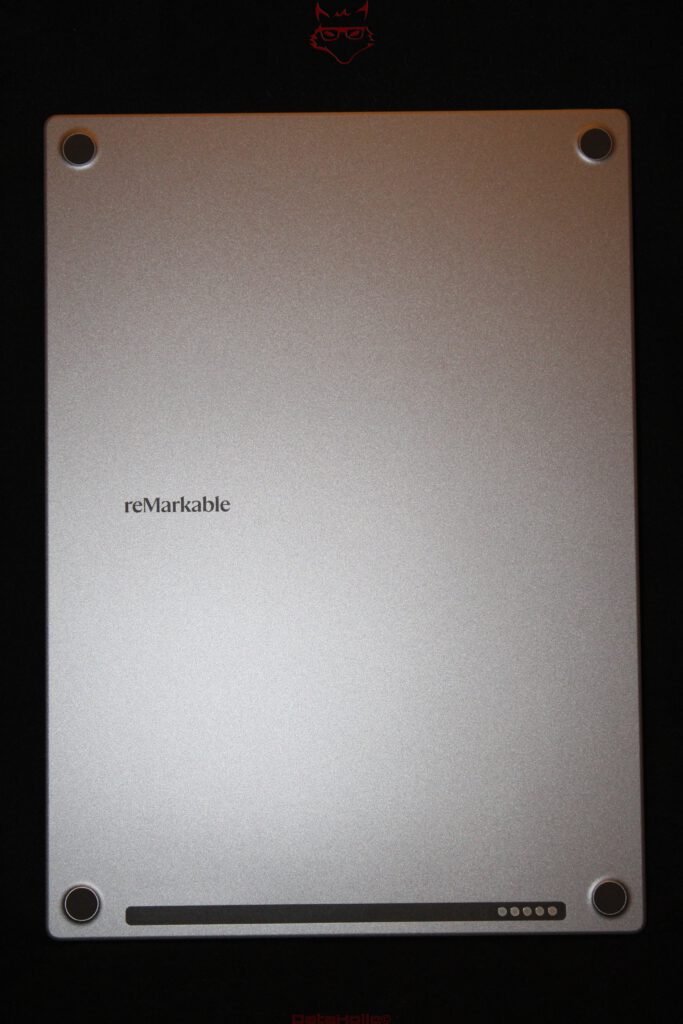
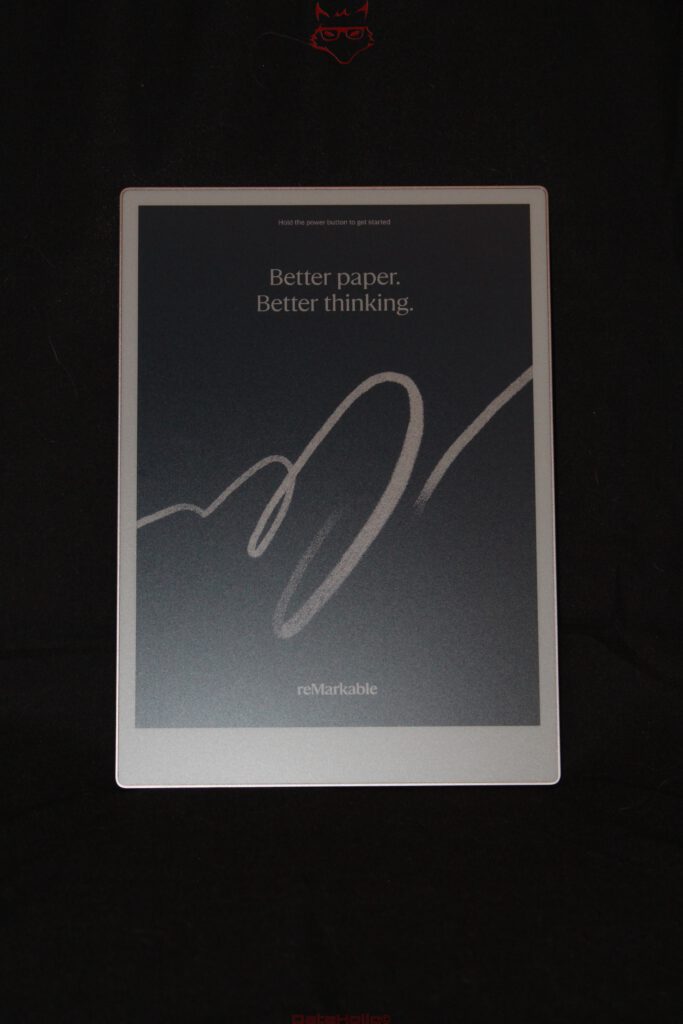
The Paper Pro sits neatly secured inside its packaging and immediately conveys that familiar reMarkable feeling: plenty of screen, very little distraction, and exceptionally clean lines. The chassis appears remarkably thin, the aluminum back panel is beautifully finished, and the chamfered edges are machined with impressive precision. Looking closely at the detailed photographs, the transition between the display surface and the frame is exceptionally even. There are no unnecessary decorative elements, no visible screws, and no flashy design tricks. The construction feels understated rather than inexpensive—more like a well-engineered tool that understands exactly what it was built to do.
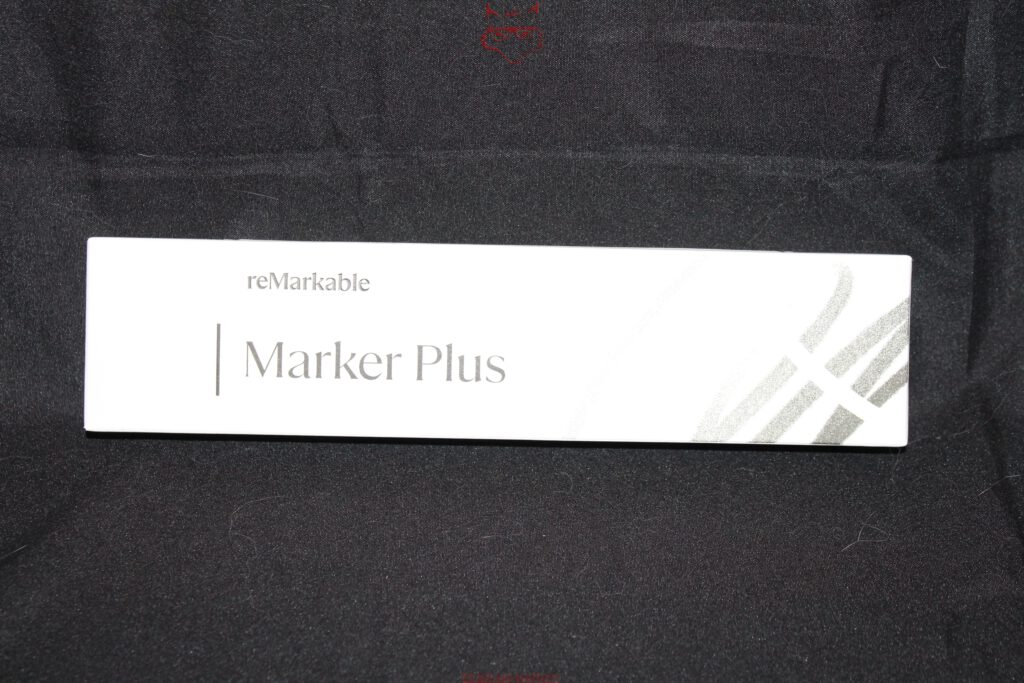
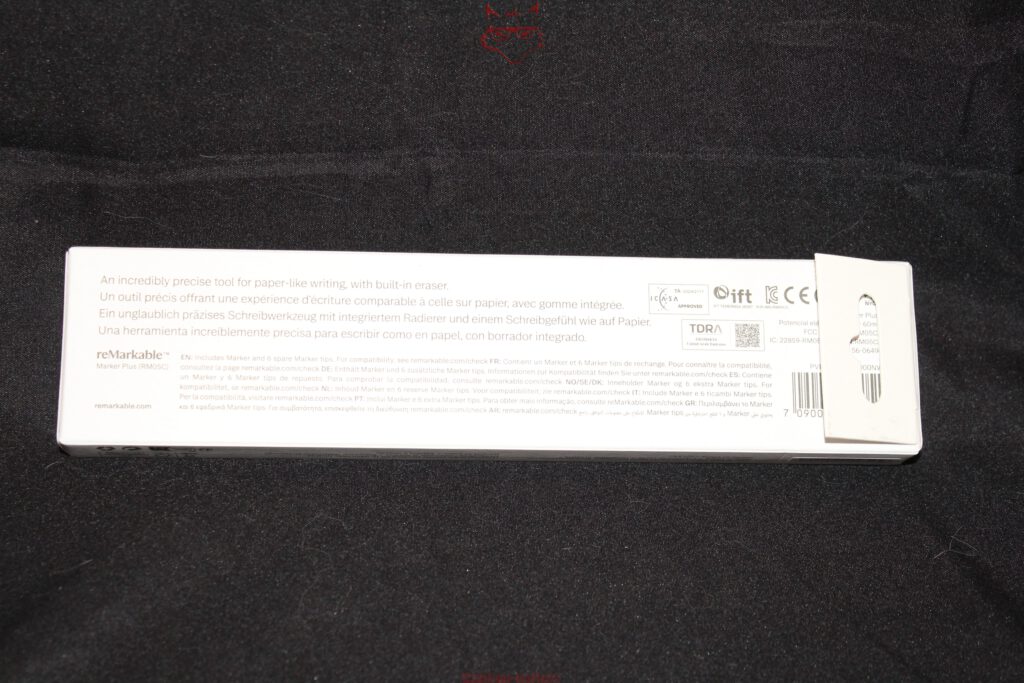
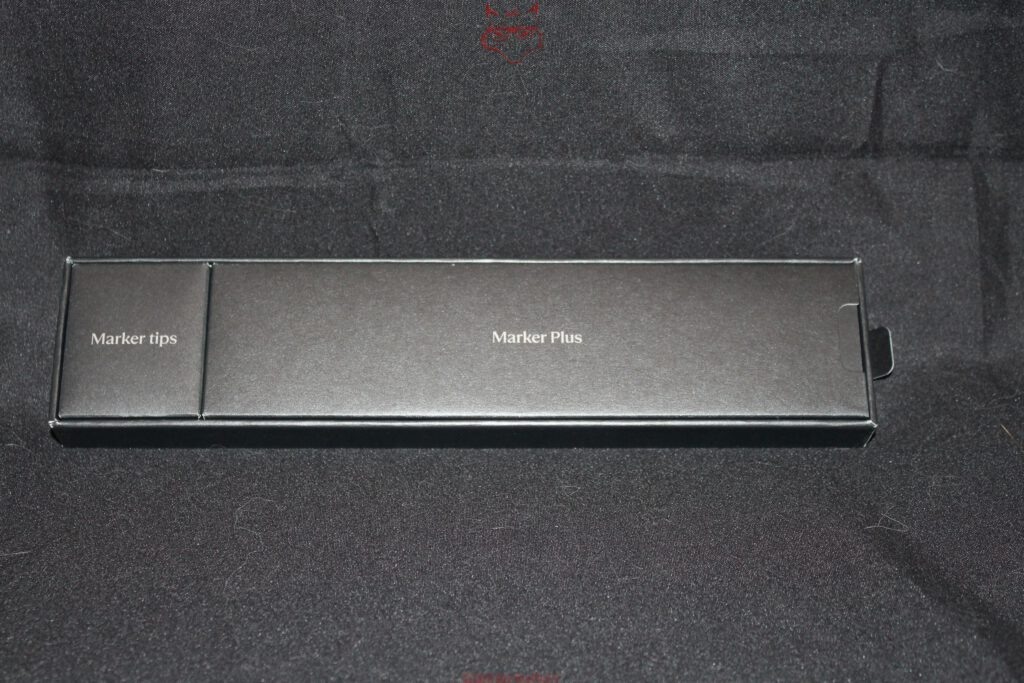
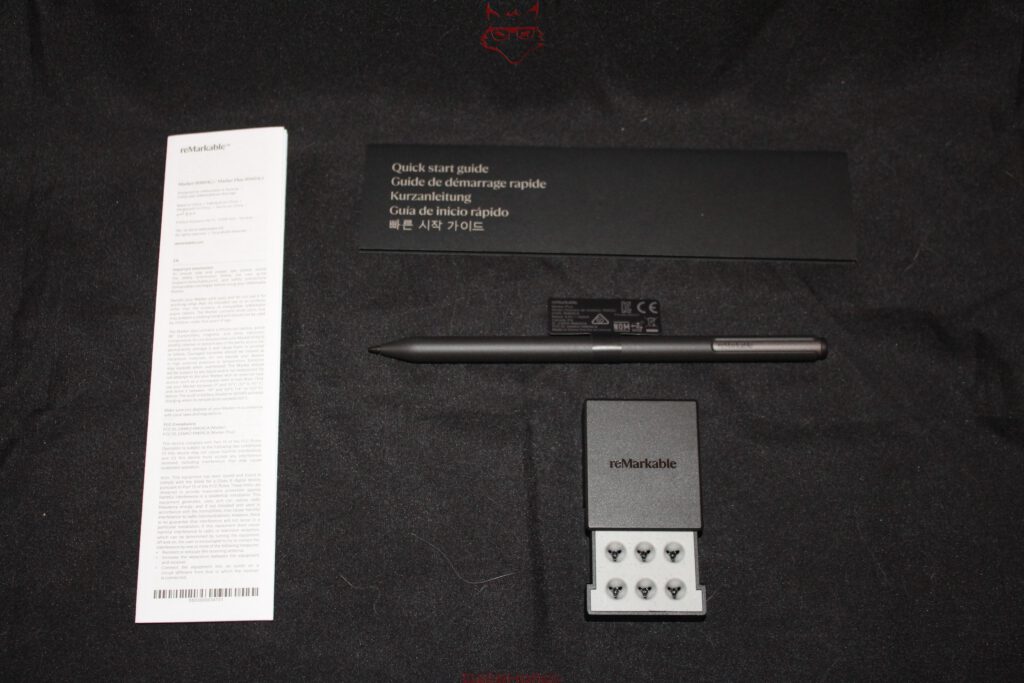
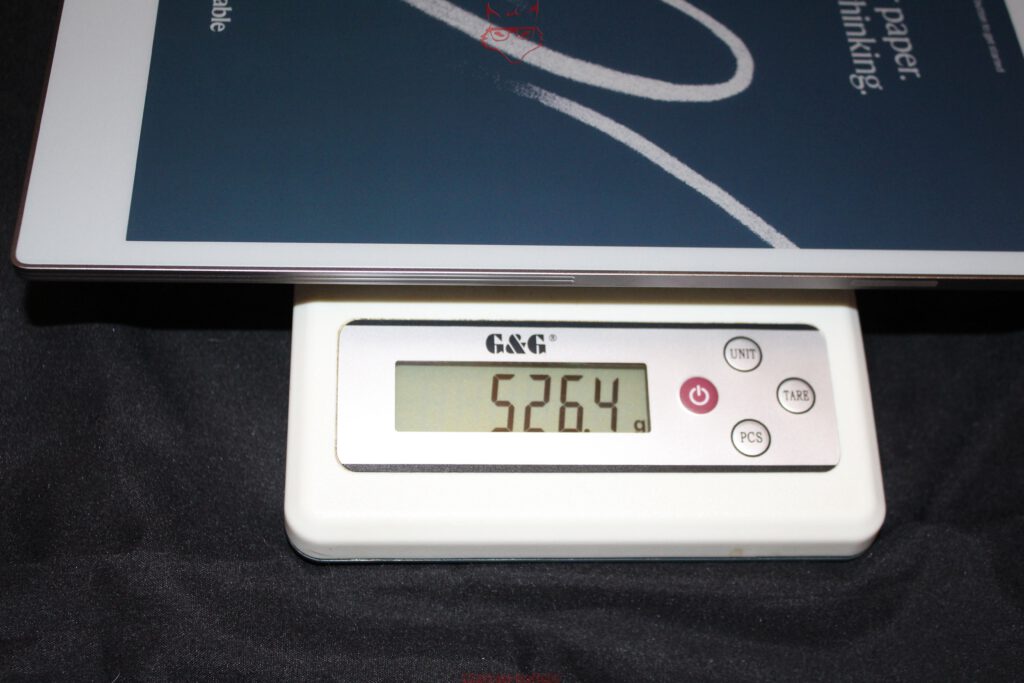
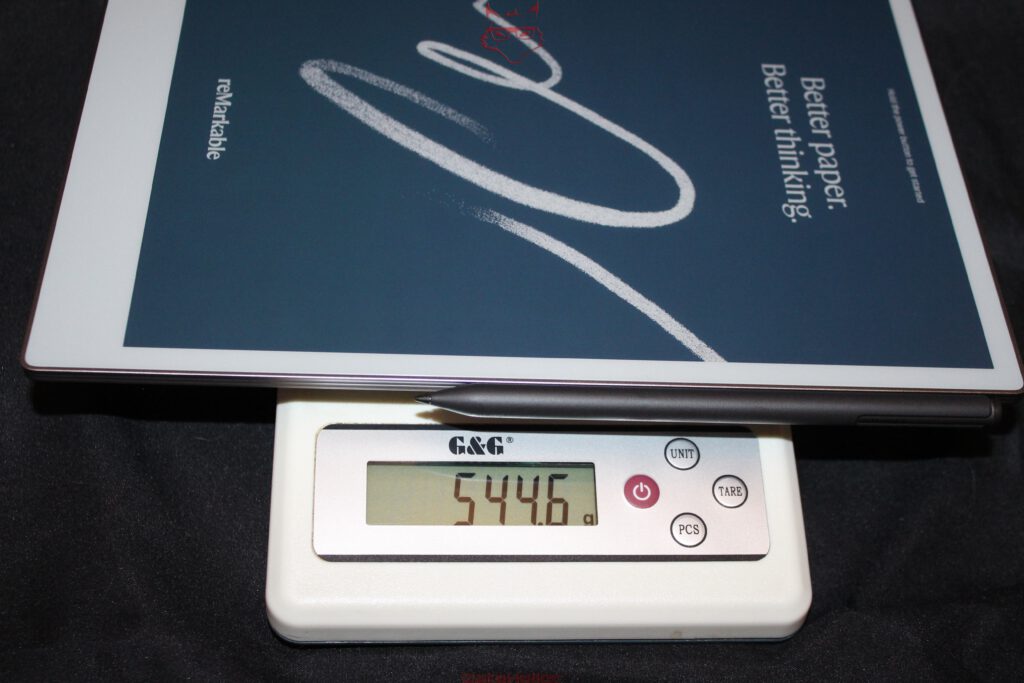
From a technical perspective, the combination of a large display and restrained dimensions is particularly interesting. The 11.8-inch panel moves the Paper Pro much closer to the proportions of a large notebook than a traditional e-reader. That extra screen real estate makes significantly more sense for sketches, documents, and handwritten notes than the smaller displays found in many E Ink devices. Despite its size, the Paper Pro remains comfortably portable with a measured weight of 526.4 grams. Adding the Marker Plus increases the total weight to 544.6 grams, meaning the pen contributes only around 18.2 grams and has virtually no impact on overall portability.
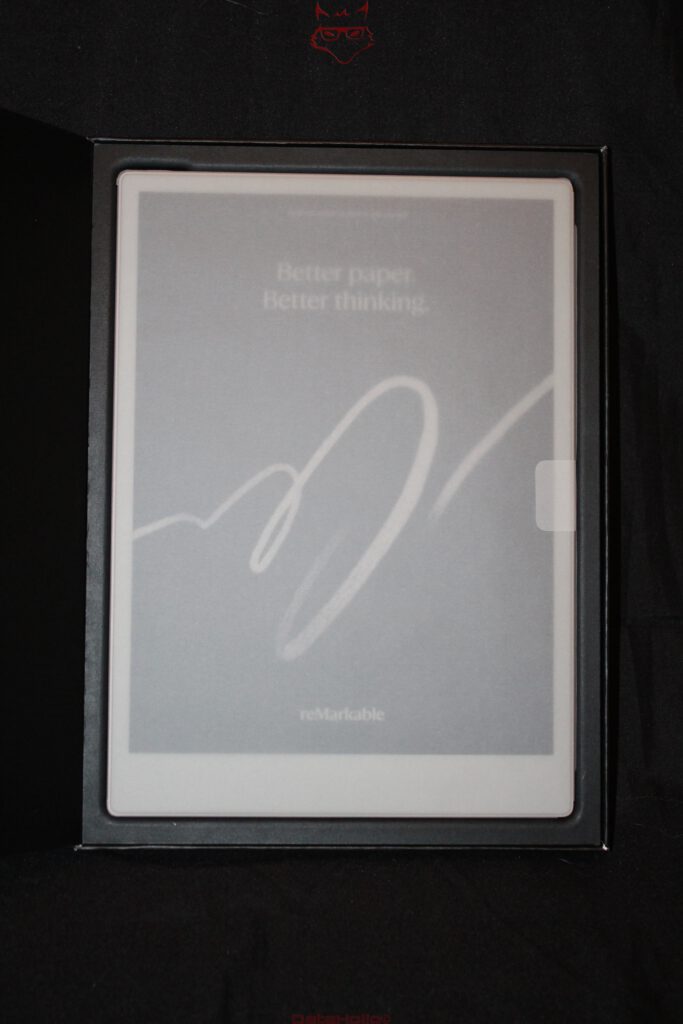
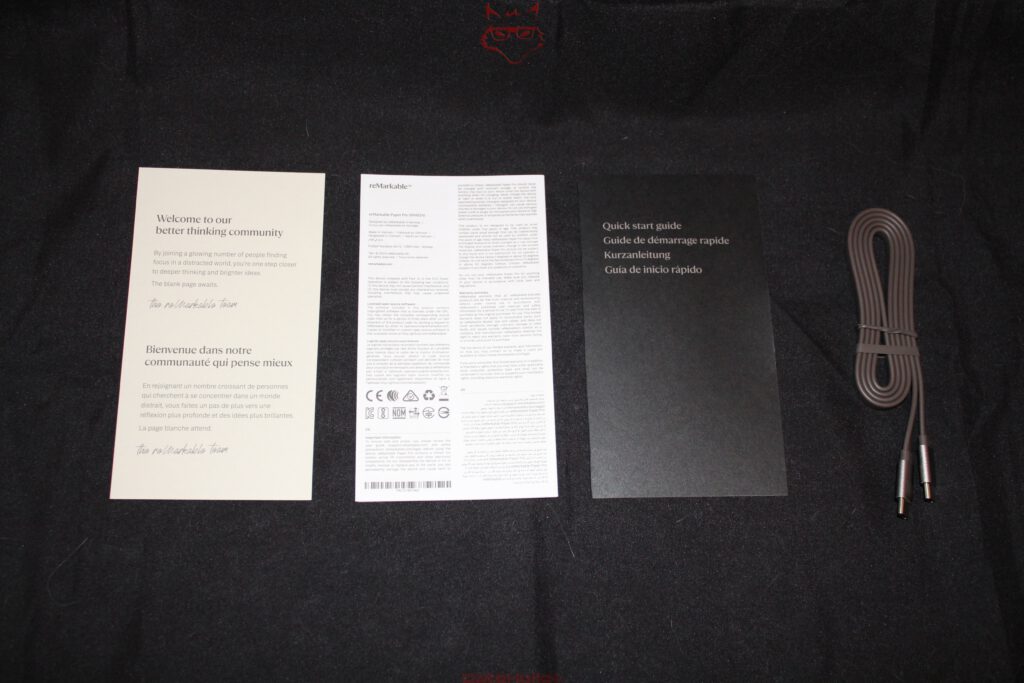
Visually, the Marker Plus complements the tablet perfectly. It attaches magnetically to the side of the Paper Pro, adopting a solution that has become common among premium tablets but feels especially appropriate here. There is no separate case, no clip, and no additional charging cable to deal with during everyday use. The Marker belongs with the device and remains exactly where it’s needed. The included replacement tips also demonstrate that reMarkable views the interaction between pen and display not merely as a writing experience but as a consumable component. That makes perfect sense for a device whose primary purpose is writing rather than tapping or swiping.
Ports, Contacts and Chassis: Purposeful Simplicity
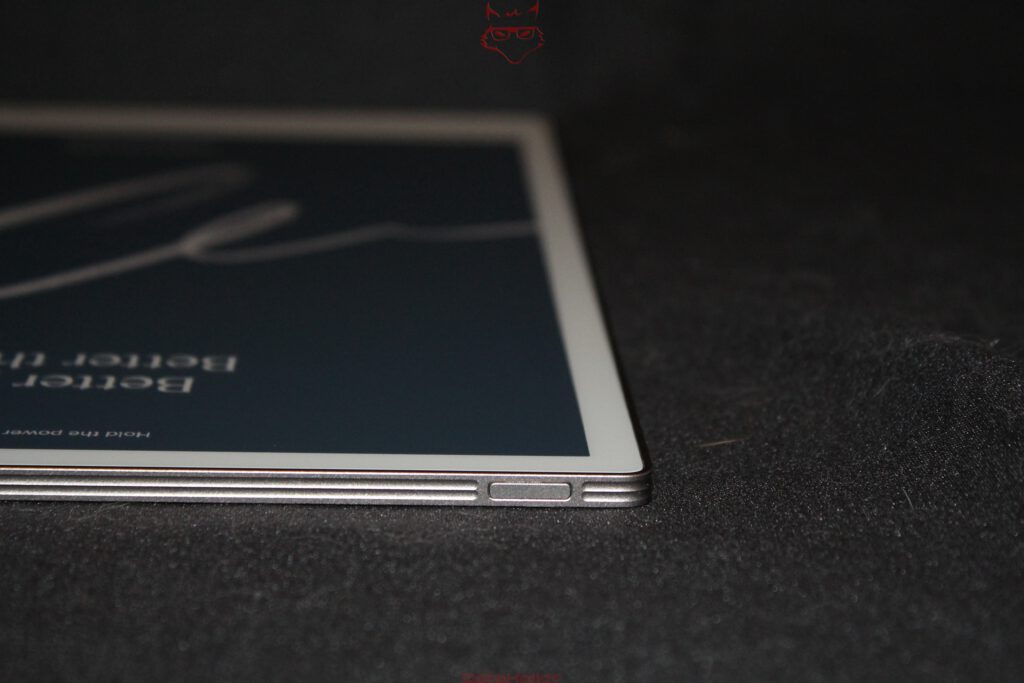
There isn’t much to discover around the Paper Pro—and that’s exactly the point. The USB-C port sits neatly integrated into the aluminum frame, the power button blends discreetly into the design, and the rear reveals the contact points for the accessories. Nothing more is necessary. HDMI, headphone jacks, microSD card slots, or other traditional tablet ports would feel almost out of place here. The Paper Pro isn’t a multimedia device. It’s a digital workspace designed around synchronization, pen input, and a carefully integrated accessory ecosystem.
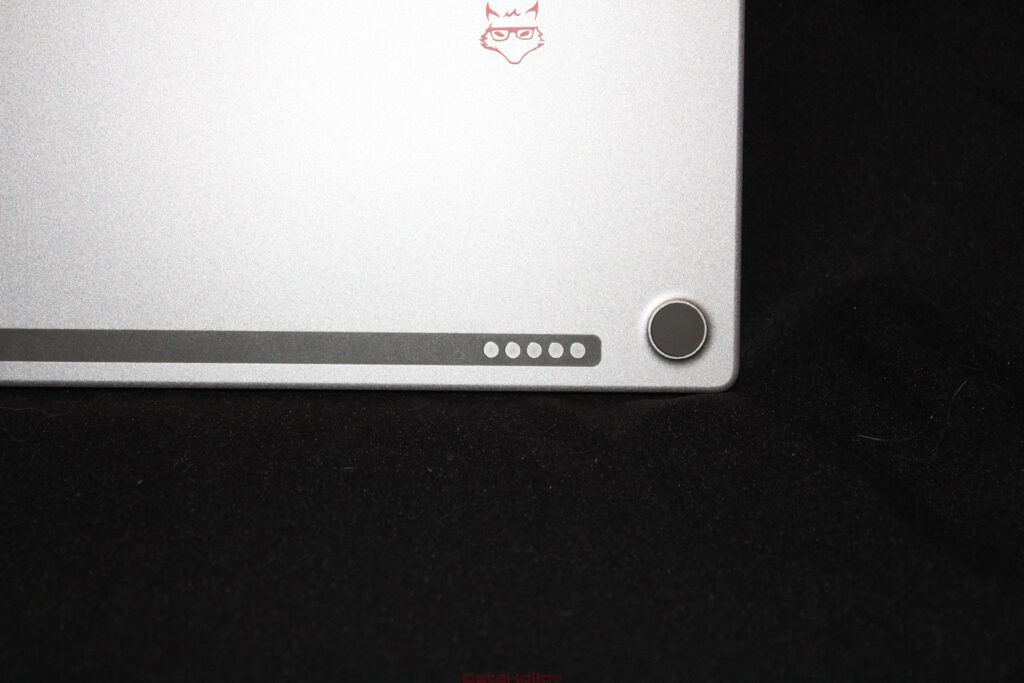
The rear panel illustrates particularly well how strongly reMarkable believes in a unified system. The accessory contacts for the Folios are perfectly flush with the surface, the small feet are cleanly integrated, and the uninterrupted aluminum back remains pleasantly understated. On a device that will spend countless hours on desks, in backpacks, and on different work surfaces, this kind of structural clarity matters. Every edge, every opening, and every transition between materials represents a potential source of wear, creaking, or unnecessary distraction. Nothing on the Paper Pro feels randomly positioned.
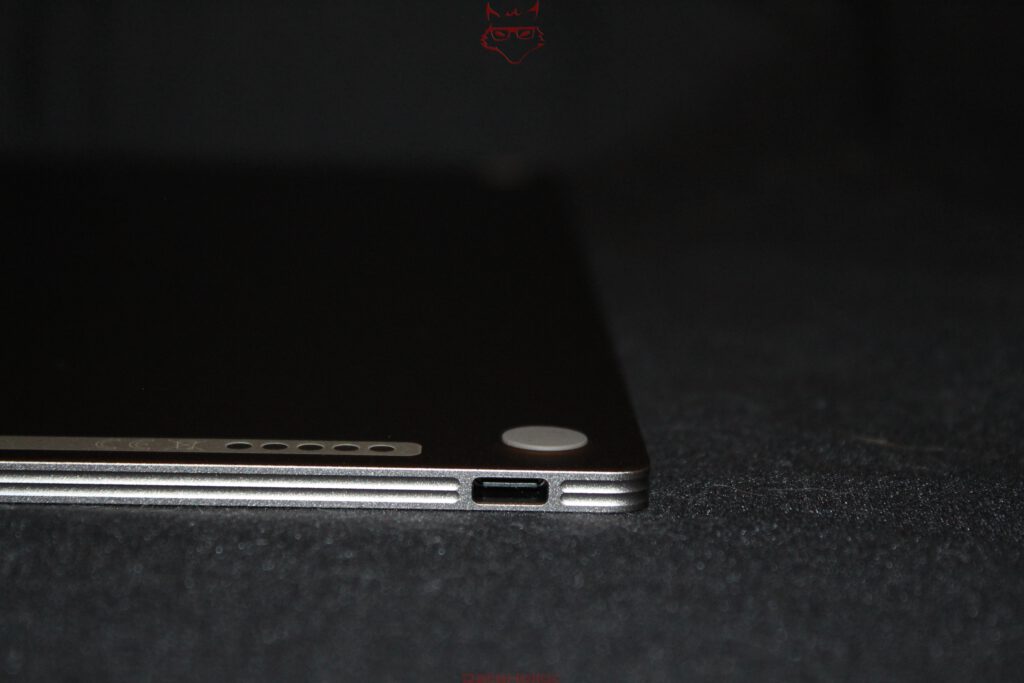
The aluminum chassis serves a purpose well beyond aesthetics. It provides torsional rigidity, protects the large display, and gives the remarkably slim device a reassuring structural foundation. Plastic could certainly have reduced the weight even further, but it would never have conveyed the same level of solidity or premium quality. This is one of the clearest distinctions between an inexpensive E Ink tablet and a thoughtfully engineered digital notebook. The Paper Pro doesn’t feel like a screen wrapped in plastic—it feels like a purpose-built writing instrument.
Book Folio: A Cover That Preserves the Notebook Experience
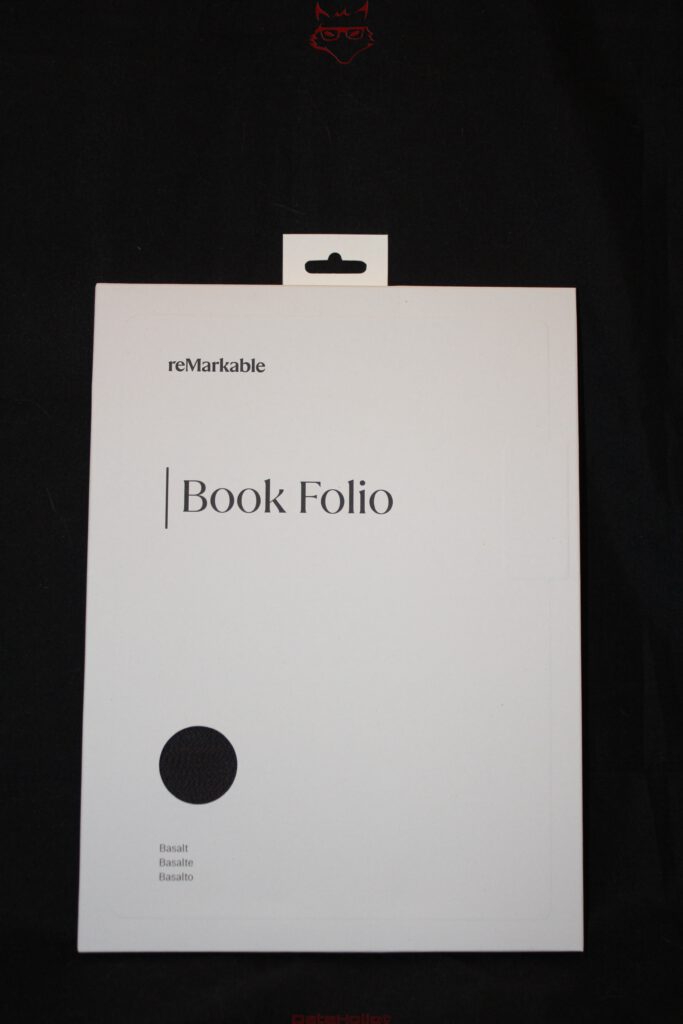
At first glance, the Basalt Book Folio appears almost understated, and that’s exactly why it works so well. The exterior features reMarkable’s textured Mosaic Weave fabric, which feels considerably more pleasant than smooth faux leather or simple plastic. The material offers excellent grip, hides fingerprints effectively, and visually complements the aluminum chassis of the Paper Pro. The Basalt color is particularly well chosen: dark, calm, technical, yet never harsh.
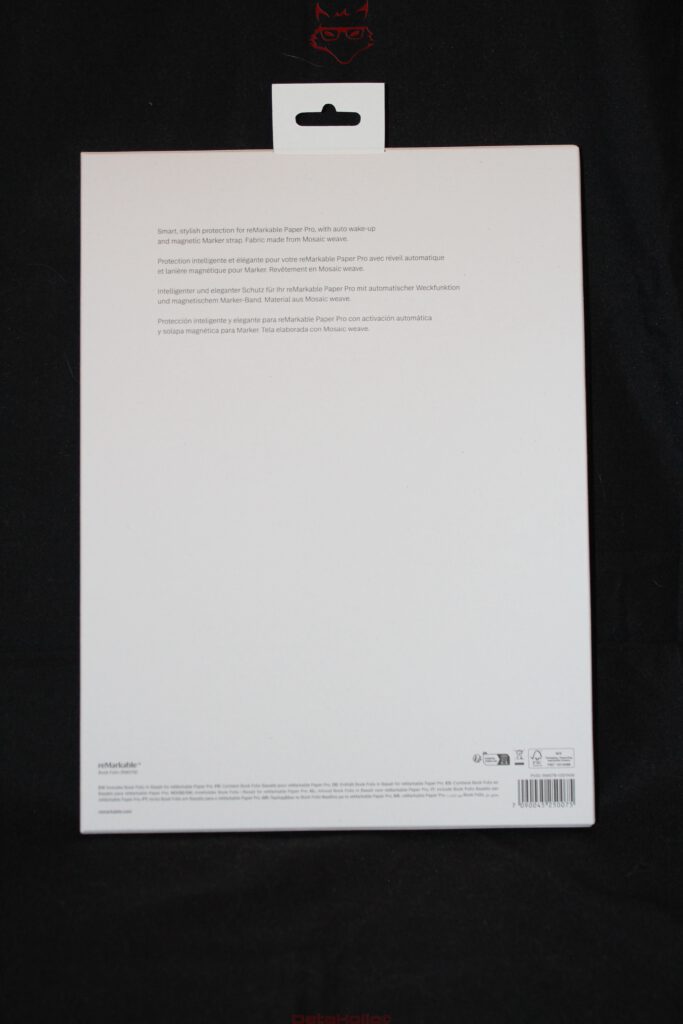
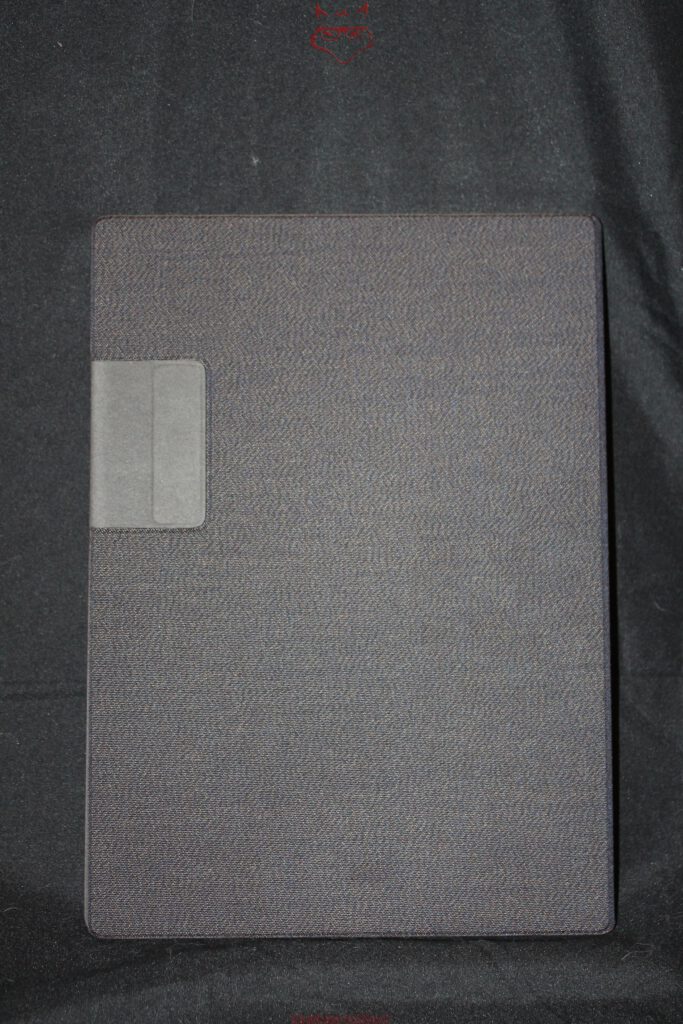
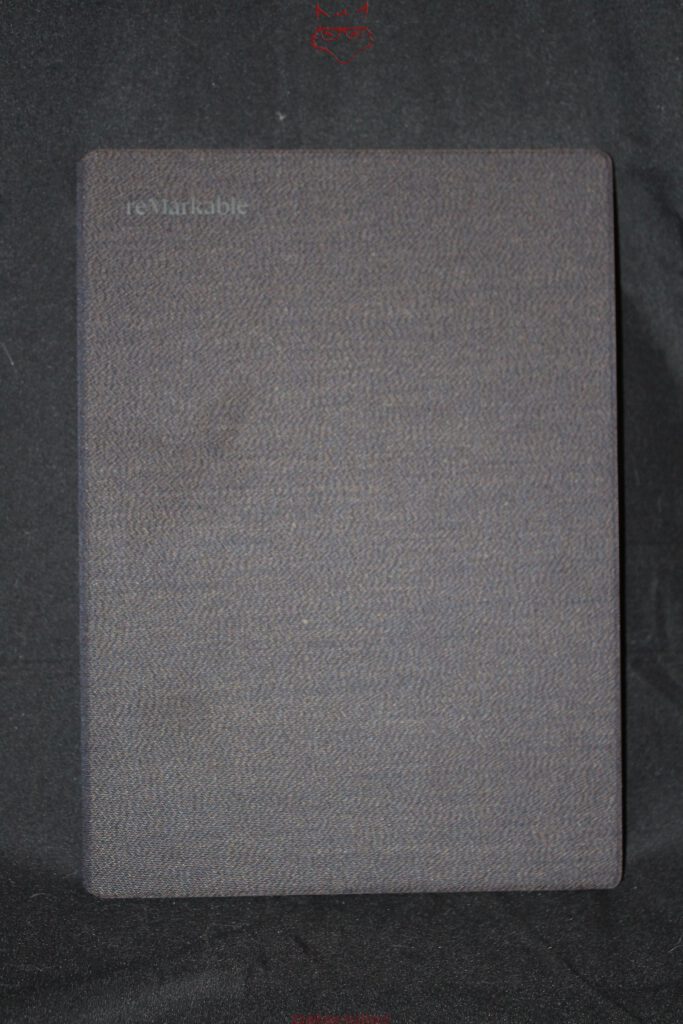
Inside, the cover becomes softer and more functional. The Paper Pro attaches magnetically, eliminating the need for plastic clips or rigid retaining brackets. Besides looking cleaner, this approach is also gentler on the device itself. Traditional clips can create pressure points over time or make removing the tablet unnecessarily awkward. The magnetic system feels significantly more refined. The Paper Pro practically guides itself into position and sits perfectly flush once attached.
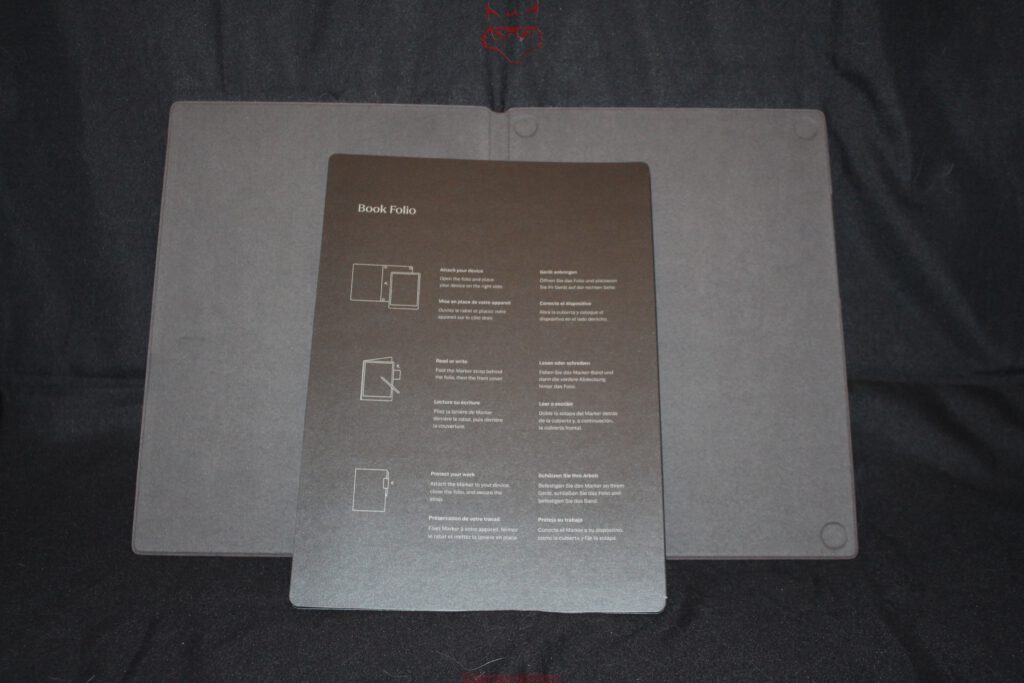
The integrated Marker loop along the side deserves particular praise. Although the Marker Plus attaches magnetically to the tablet, magnetic force alone isn’t always enough inside a crowded backpack. A sudden impact, a charging cable, another notebook, or an awkward movement can easily dislodge the pen. The fabric loop provides an additional layer of security while looking like an intentional part of the overall design rather than an afterthought. Details like this often have a greater impact on long-term usability than impressive technical specifications.
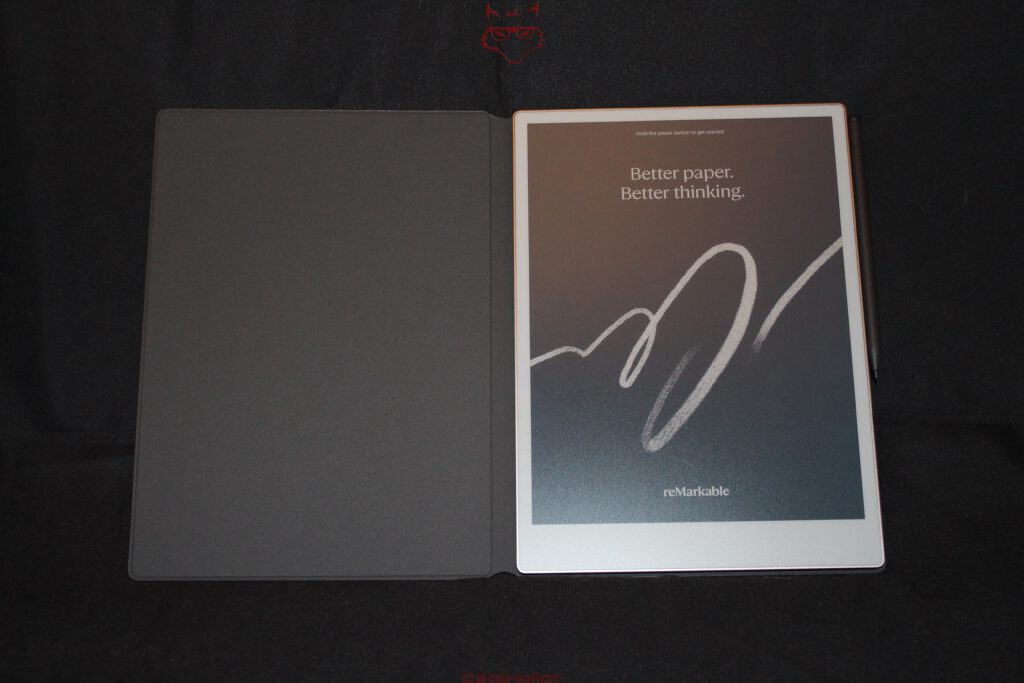
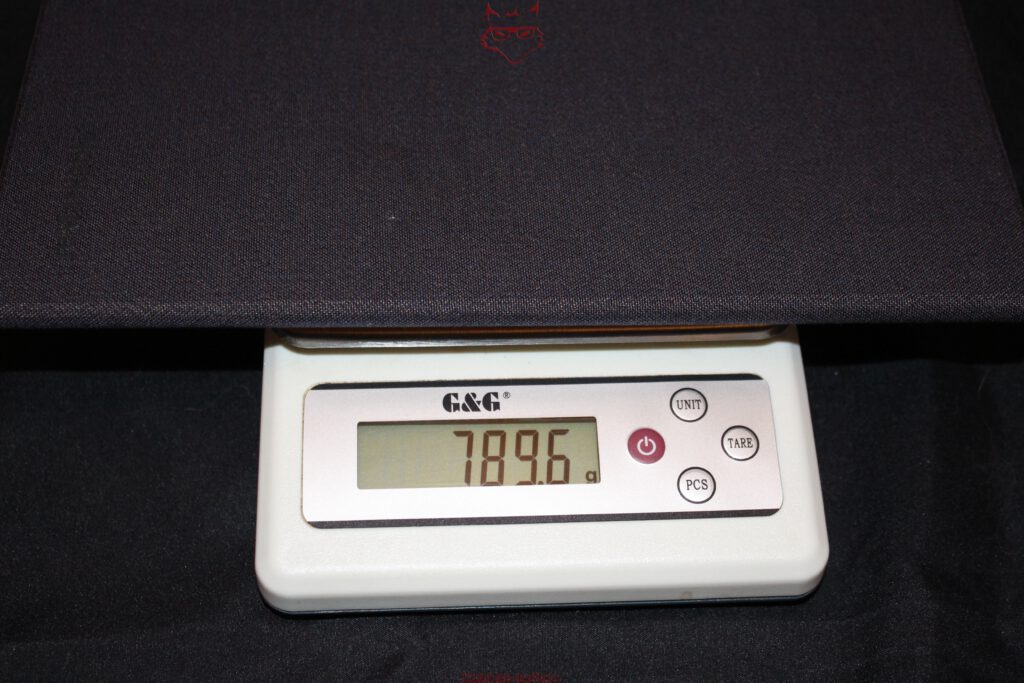
According to our own measurements, the Paper Pro weighs 789.6 grams when paired with the Book Folio. That means the cover itself contributes approximately 263.2 grams. The additional weight is noticeable but remains perfectly reasonable. With the Book Folio attached, the Paper Pro clearly remains a digital notebook rather than evolving into a miniature computer. The cover protects the device, enhances portability, and preserves its original character.
Type Folio: A Keyboard That Stays Hidden Until It’s Needed
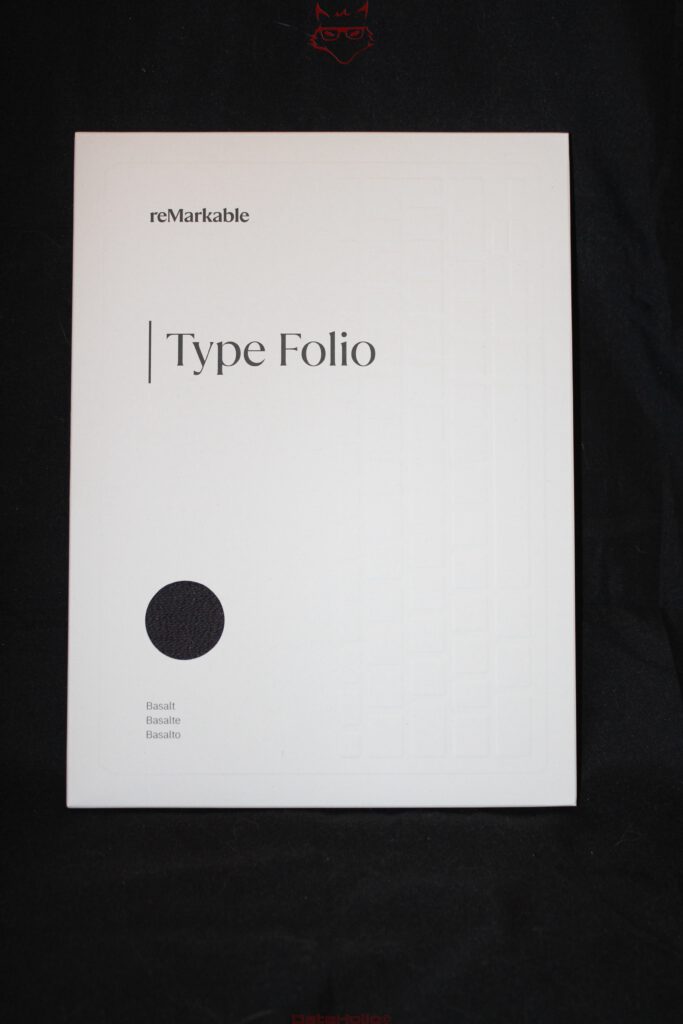
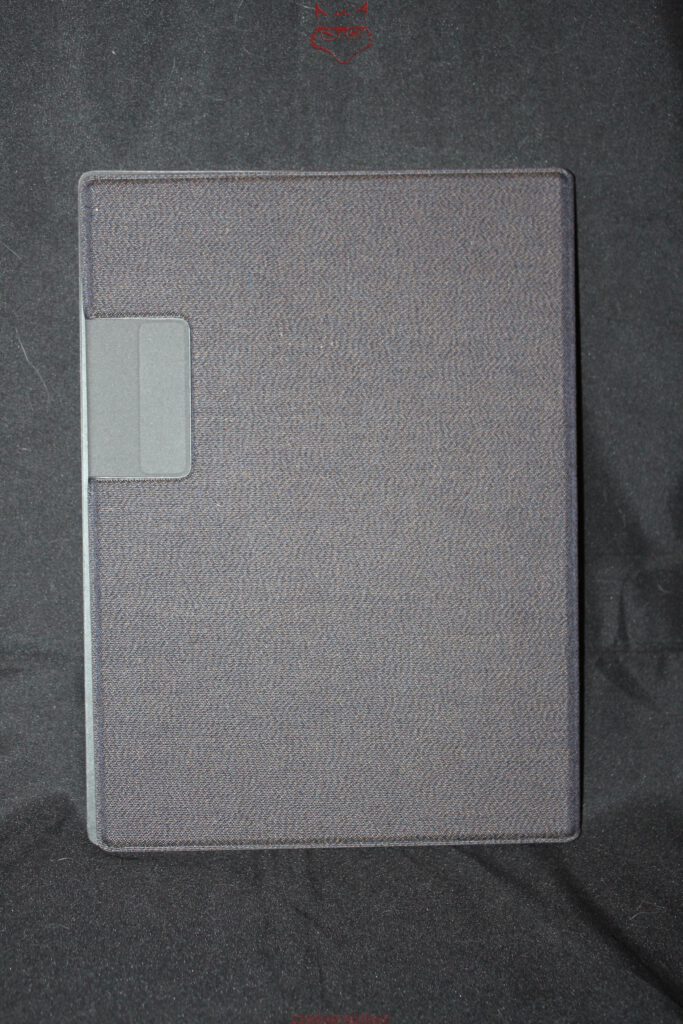
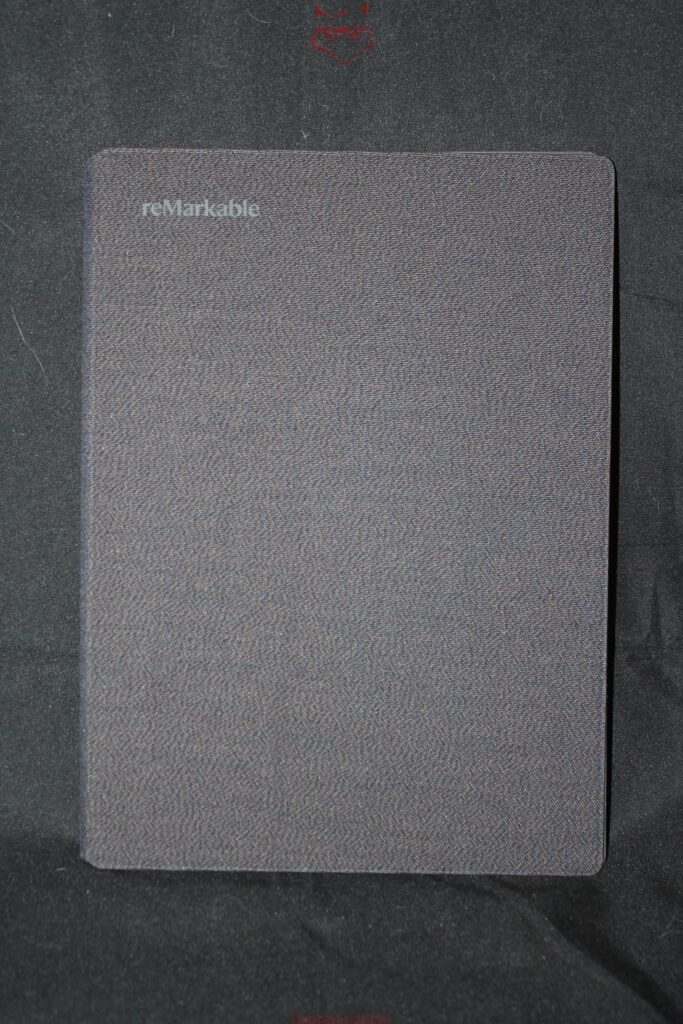
The Type Folio approaches the concept quite differently. When closed, it also resembles a premium cover. The same restrained design language, the same Basalt finish, and once again the distinctive textile surface. Only after opening it does the real engineering reveal itself. The keyboard doesn’t simply sit exposed inside the cover. Instead, it disappears into a folding mechanism that feels remarkably similar to an intricate paper construction. Surprisingly, this suits reMarkable perfectly. A digital paper device receives a keyboard that unfolds almost like a carefully folded writing portfolio. The result feels elegant without becoming gimmicky.
Inside, five gold-plated pogo pins establish the connection between the keyboard and the Paper Pro. This eliminates the need for a dedicated battery inside the Type Folio while also removing Bluetooth pairing and separate charging from the equation. From a technical standpoint, it’s an elegant solution that aligns perfectly with the philosophy of the device. A keyboard built for focused writing shouldn’t require pairing, charging, or reconnecting. Insert the tablet, align the contacts, and start writing. Sometimes good engineering really can be this simple.
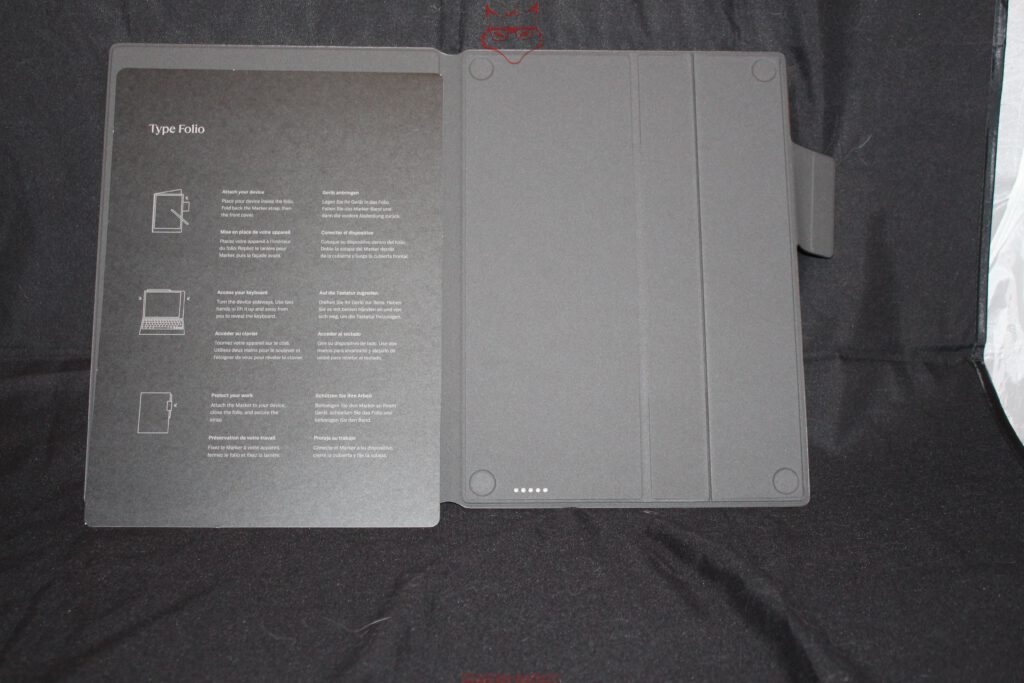
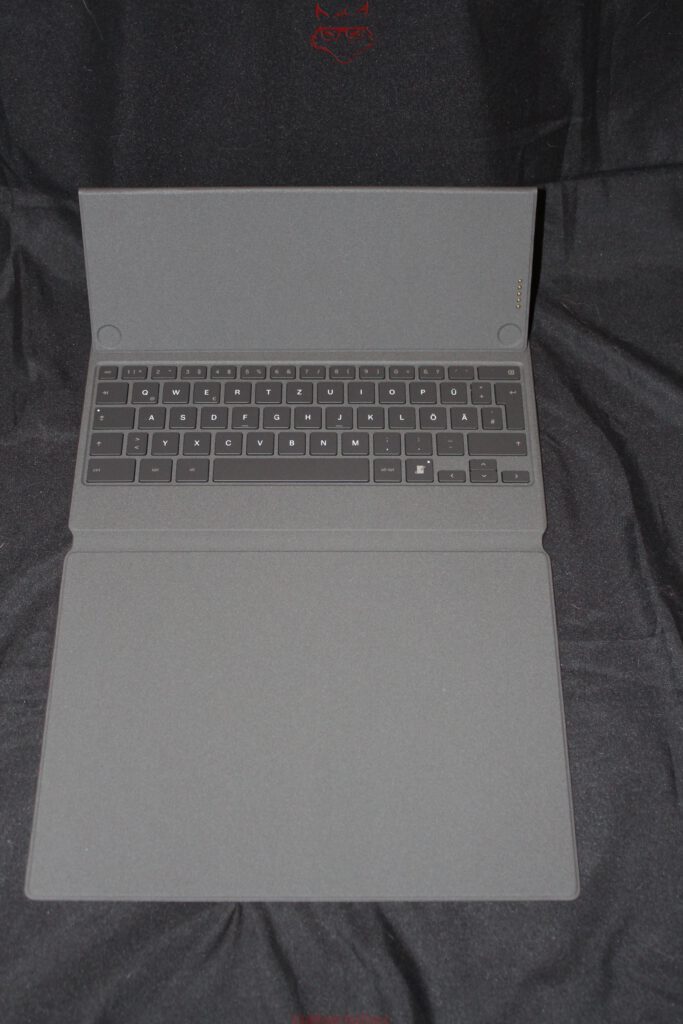
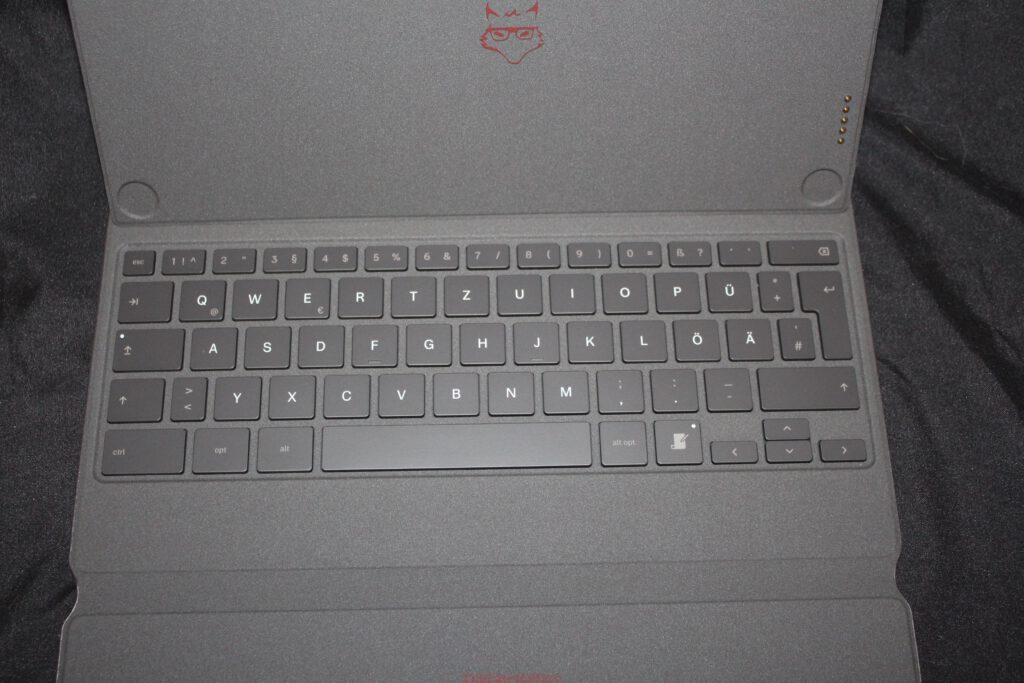
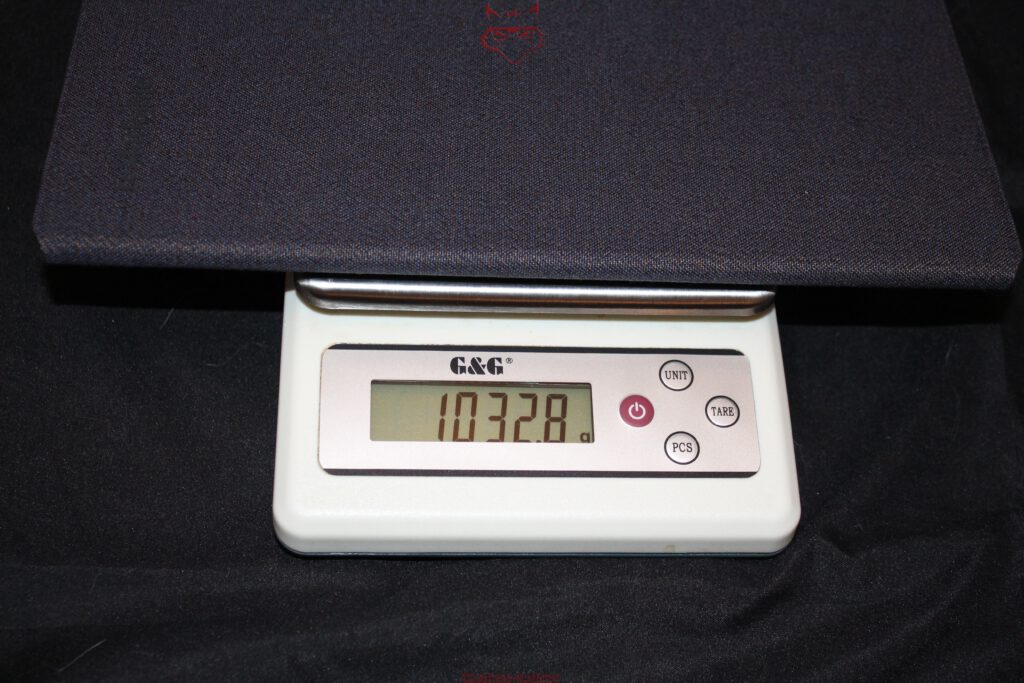
The keyboard itself uses a full German ISO layout complete with umlauts, a large Enter key, and a comfortably familiar key arrangement. According to reMarkable, the key travel measures 1.3 millimeters, while the complete system—including the Paper Pro installed—measures 14 millimeters when closed. Our own measurements also reveal that the complete Paper Pro and Type Folio combination weighs 1,032.8 grams. That places the keyboard cover itself at approximately 506.4 grams—almost twice the weight of the Book Folio. It also performs an entirely different task. Instead of simply protecting a digital notebook, it transforms the device into a compact writing system.
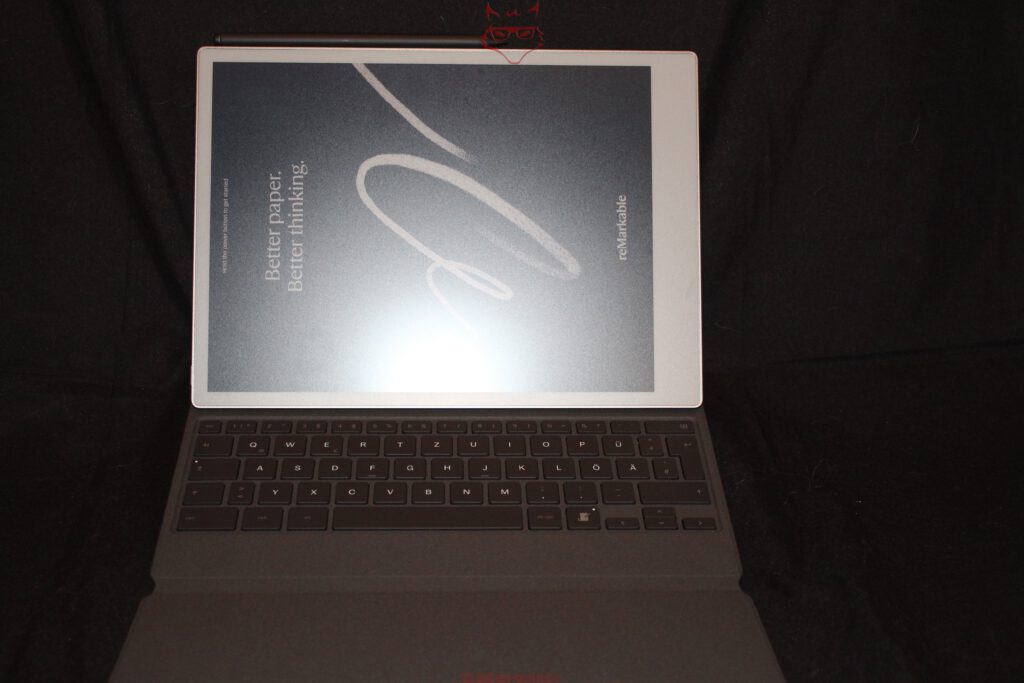
That distinction is important. The Type Folio isn’t a better Book Folio—it is a different tool altogether. The standard cover protects the notebook experience, while the keyboard cover transforms the Paper Pro into a platform for longer writing sessions. Interestingly, reMarkable never attempts to imitate a laptop. There is no touchpad, no floating display, and no dramatic mechanical showpiece. Instead, it raises a far more interesting question: how much keyboard does a digital paper device actually need without losing its original identity? Judging solely from the unboxing experience, the answer is surprisingly convincing.
Weight, System Integration and the First Technical Impression
The measured weights tell almost as much as the official specifications. The Paper Pro itself remains pleasantly light at 526.4 grams. Adding the Marker Plus changes virtually nothing. The Book Folio increases the total to 789.6 grams, firmly maintaining the feel of a portable digital notebook. The Type Folio pushes the complete package to 1,032.8 grams, moving it noticeably closer to an ultra-portable writing workstation. The progression makes perfect sense because each accessory fulfills a clearly different role.
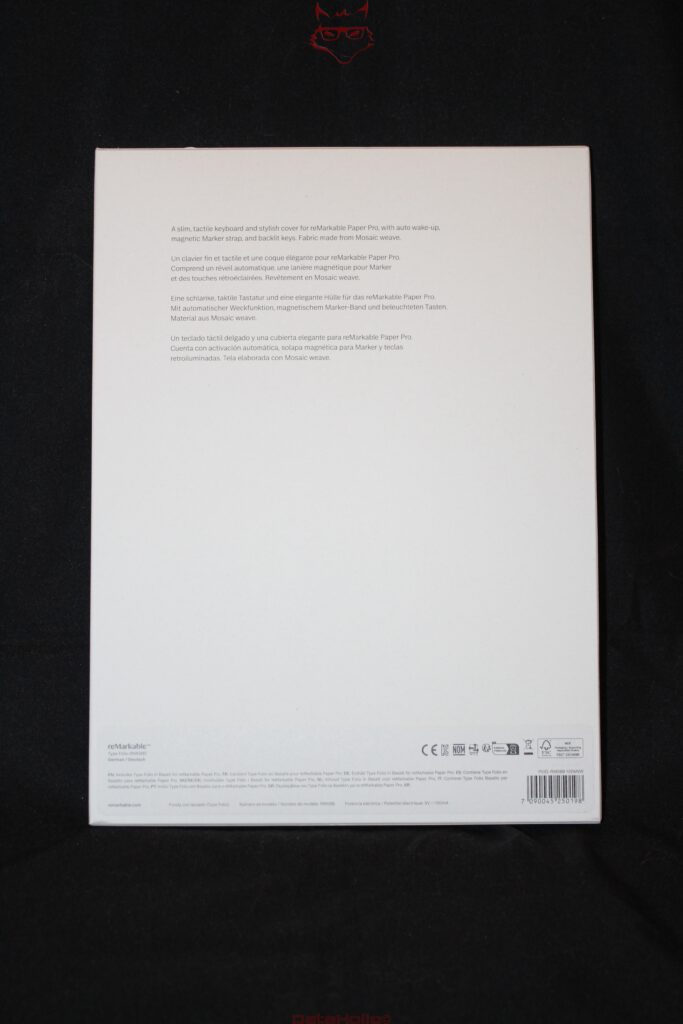
Perhaps the most striking aspect is how cohesive the entire ecosystem feels. The Paper Pro, Marker Plus, Book Folio, and Type Folio all share the same design language. Aluminum, woven fabric, magnets, and restrained colors create a family resemblance that never feels artificially assembled. Even the packaging follows the same philosophy. Minimal printing, minimal explanations, and a remarkable sense of calm. In an industry where product boxes often compete through oversized feature lists and aggressive marketing graphics, that restraint feels almost refreshing.
The first technical impression is therefore unusually clear. The Paper Pro isn’t a tablet that also happens to support note-taking. It is a digital writing device that treats every accessory as an integral part of the overall concept. The Book Folio protects without adding unnecessary bulk. The Type Folio expands the possibilities without compromising the original idea. The Marker Plus feels as natural alongside the device as a fountain pen beside a notebook. That consistency makes the unboxing experience considerably more engaging than one might initially expect from an E Ink device.
| Product | Weight |
|---|---|
| reMarkable Paper Pro | 526,4 g |
| reMarkable Paper Pro + Marker Plus | 544,6 g |
| reMarkable Paper Pro + Book Folio | 789,6 g |
| reMarkable Paper Pro + Type Folio | 1.032,8 g |
Transparency Notice (EU Requirements):
The reMarkable Paper Pro, Book Folio, Type Folio, and Marker Plus featured in this review were provided to us by reMarkable as a non-binding loan for testing purposes. This article is not sponsored content.
reMarkable had no influence whatsoever over the content, conclusions, or editorial independence of this review. All opinions expressed are based exclusively on our own hands-on experience.
We would like to sincerely thank reMarkable for providing the review samples and for placing their trust in dataholic.de.