
Conclusion: Noctua NF-A14x25 G2 chromax.black – when a fan makes the rest of the system look outdated
- Test System Overview
- Positioning: What is the NF-A14x25 G2 supposed to be?
- Everyday Use: When a fan “disappears”
- Thermal Performance and Real-World Behavior
- Precision Has a Price: Particulars of the NF-A14x25 G2
- Pros: Where the NF-A14x25 G2 Really Excels
- Cons: Where the NF-A14x25 G2 Falls Short
- Who Should Buy the NF-A14x25 G2 chromax.black?
- Personal Impressions and Anecdotes
- Price–Performance: Luxury or Smart Investment?
- Final Verdict: A Fan That Makes a Statement
Some components disappear into a system the moment you install them. Others draw attention even though, ideally, you should barely notice them at all. The Noctua NF-A14x25 G2 chromax.black is firmly in the second category.
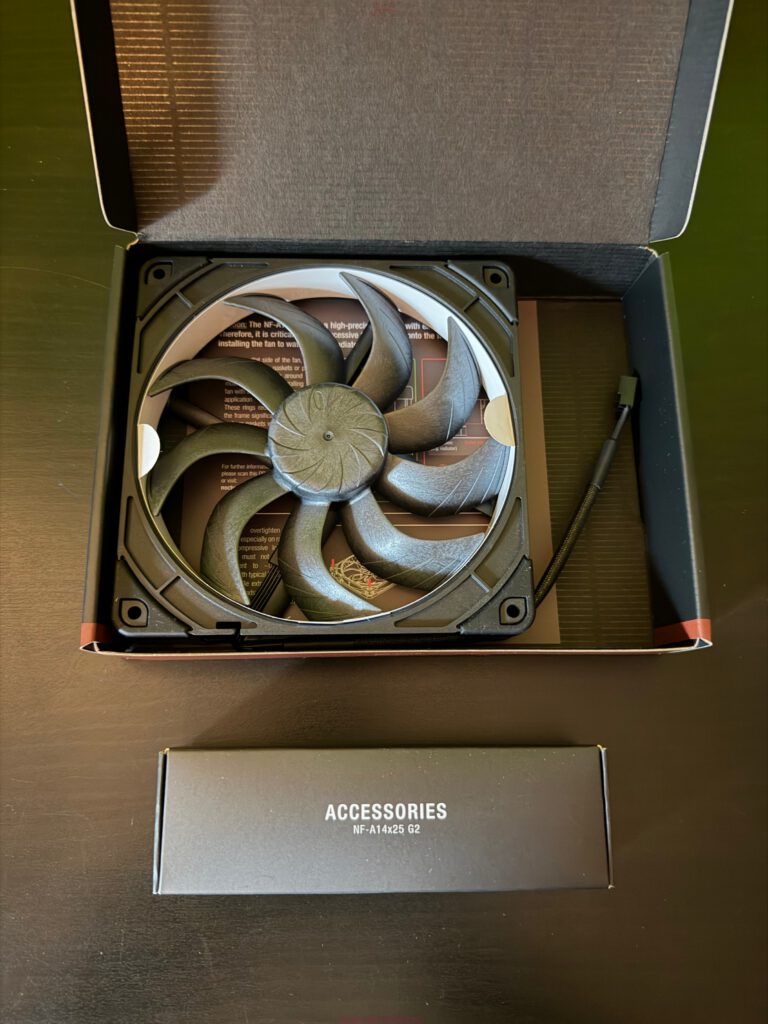
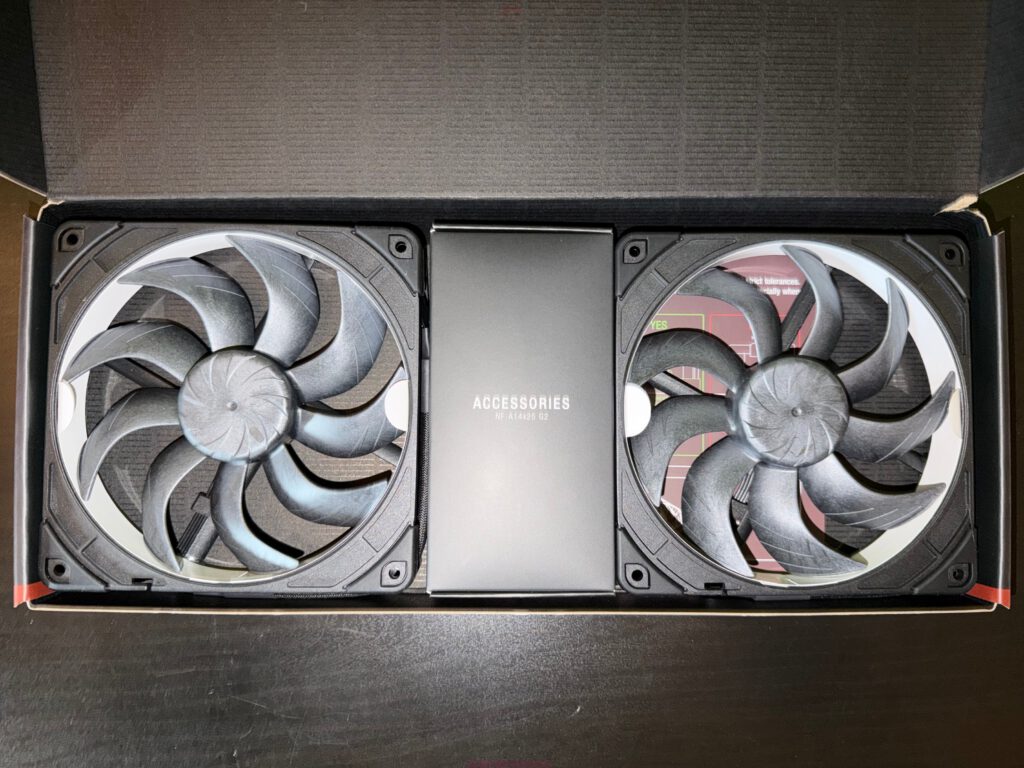
My first encounter with this fan wasn’t spectacular at all—at least not visually. A black box, minimalist design, no RGB fireworks, no bold graphics. But the moment you lift it out, you immediately feel that something is different. The weight, the rigidity of the rotor, the extremely small gap between the blades and the frame—everything feels more like precision engineering than a simple 140 mm case fan.
The NF-A14x25 G2 chromax.black isn’t a bargain-bin item, nor is it something you buy with a “should be fine” mentality. It’s a deliberate choice. And after several weeks of everyday use, one thing is very clear: If you’re willing to pay the price, you’re getting a fan that sets standards in many areas—though it won’t be the perfect solution for everyone.
Test System Overview
To put this conclusion into context, here’s the hardware used during testing:
| Hardware | Manufacturer |
|---|---|
| Mainboard | MSI MAG X870E Gaming Plus Max WiFi |
| CPU | Ryzen 9 9900X |
| RAM | Crucial Pro DDR5 RAM 64 GB Kit (4×16) 6000 MHz |
| SSD | Kingston 2 TB PCIe 4.0 NVMe M.2 |
| CPU Cooler | Noctua NH-D15 G2 chromax.black |
| GFX Card | AMD Radeon RX 6800 XT |
| Power Supply | MSI MPG A1000GS PCIe 5 |
| Case | MSI MPG Velox 300R Airflow |
| Display | LC-Power LC-M27UFD |
| Keyboard | Dygma Defy |
| Mouse | Razer Viper V3 Pro |
| Mousepad | MSI True Gaming |
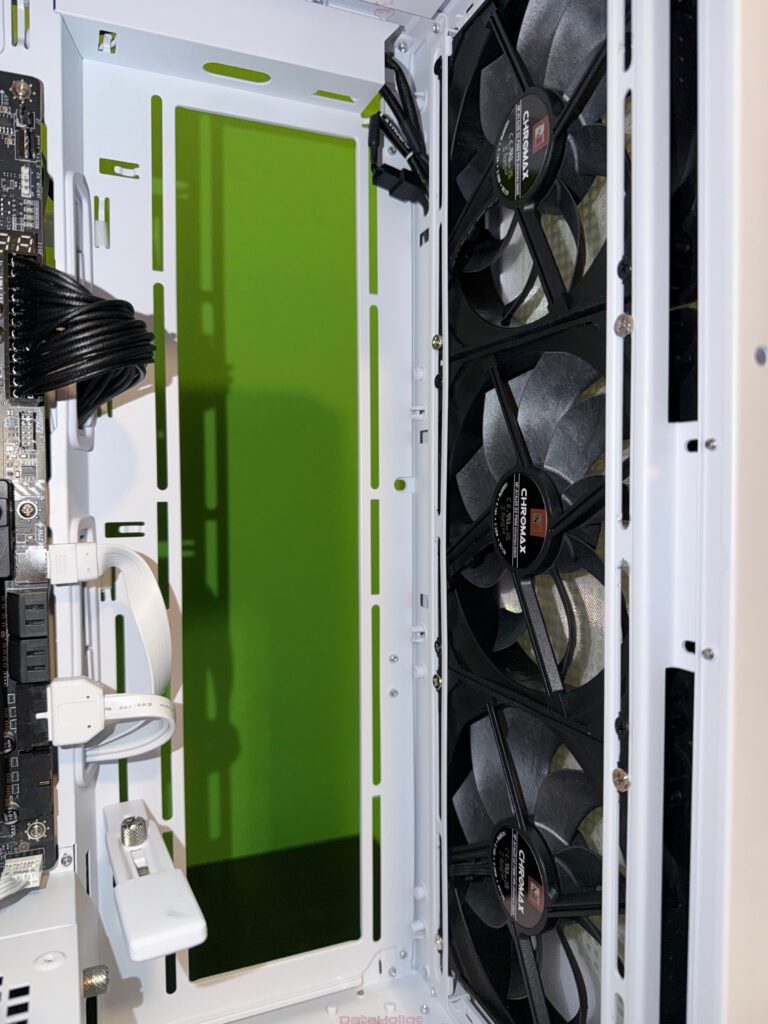
Multiple NF-A14x25 G2 chromax.black fans were installed as front intakes and paired with the NH-D15 G2. This covers typical real-world scenarios: case airflow, high static-pressure use on heatsinks, and sustained loads from a 16-thread Ryzen processor under gaming and workstation workloads.
Positioning: What is the NF-A14x25 G2 supposed to be?
Noctua positions the NF-A14x25 G2 as the next evolutionary step of its premium 140 mm line. It introduces a revised rotor geometry (“progressive bend” impeller with subtle winglets and a specialized turbulator hub) and—most notably—an extremely tight 0.7 mm tip clearance between rotor and frame.
This engineering approach reduces air leakage and increases usable airflow, regardless of whether the fan is used as a general case intake or is pushing air through high-density heatsinks or radiators. Noctua markets it as an “all-rounder” that excels in both airflow and static-pressure applications.
Add in the familiar ingredients: Sterrox LCP rotor material, extremely low deformation, SSO2 bearings with over 150,000 hours rated lifetime, and a six-year manufacturer warranty.
In short: The NF-A14x25 G2 chromax.black aims to be the one 140 mm fan you can use anywhere—and expect top-tier performance.
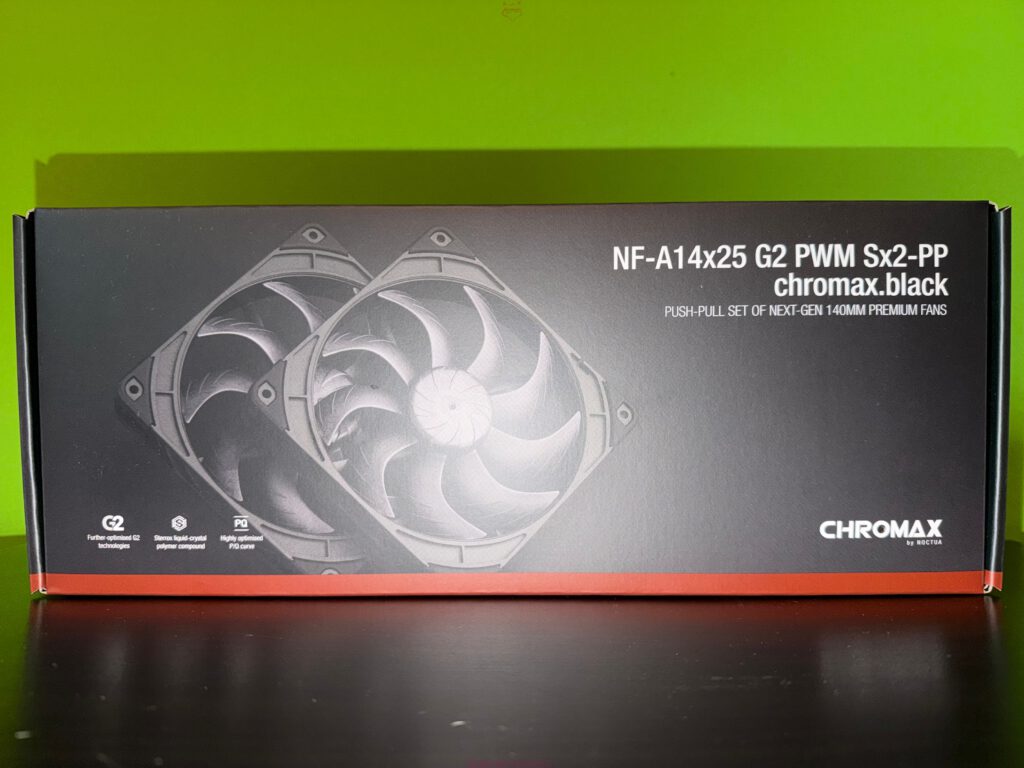
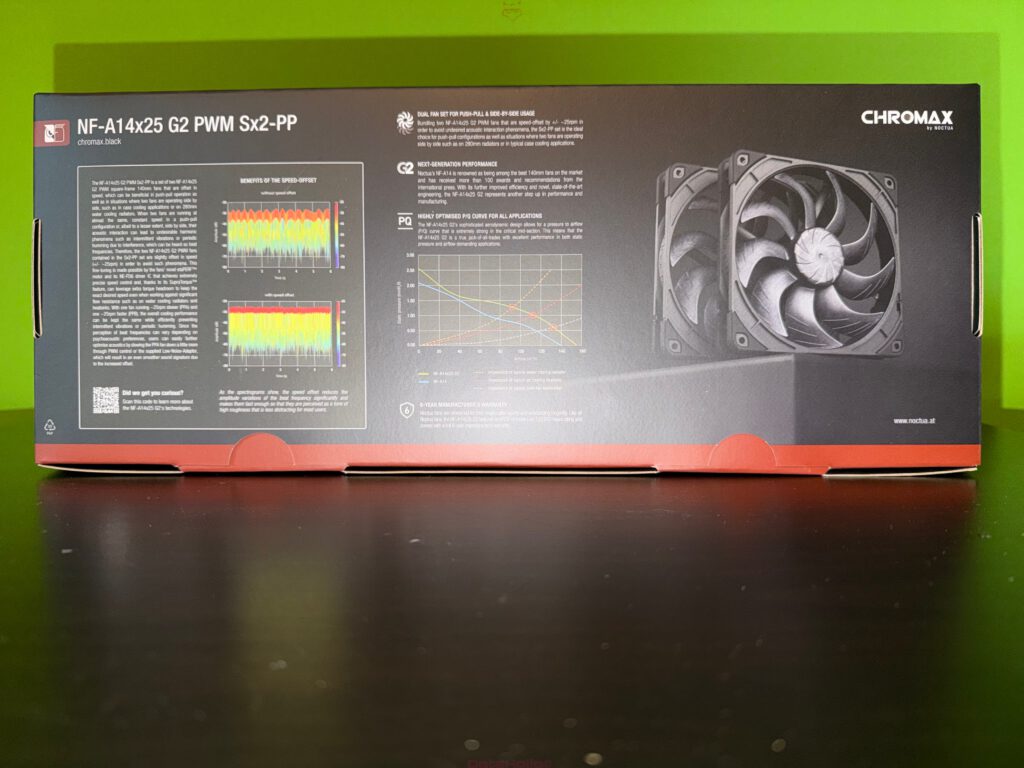
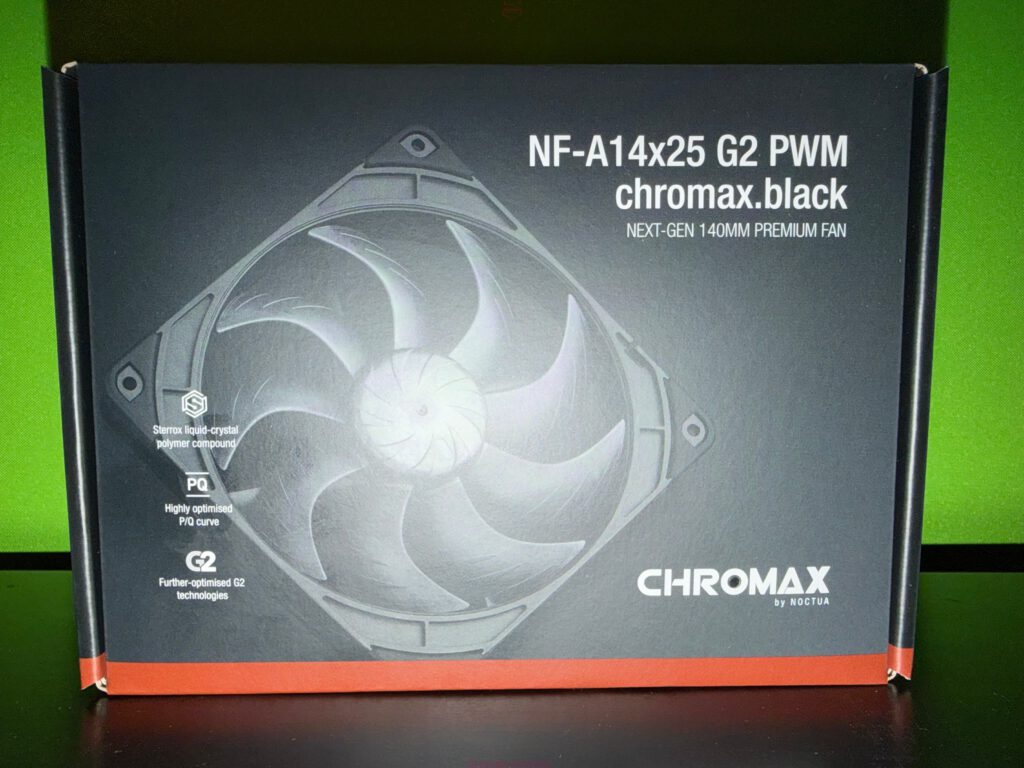
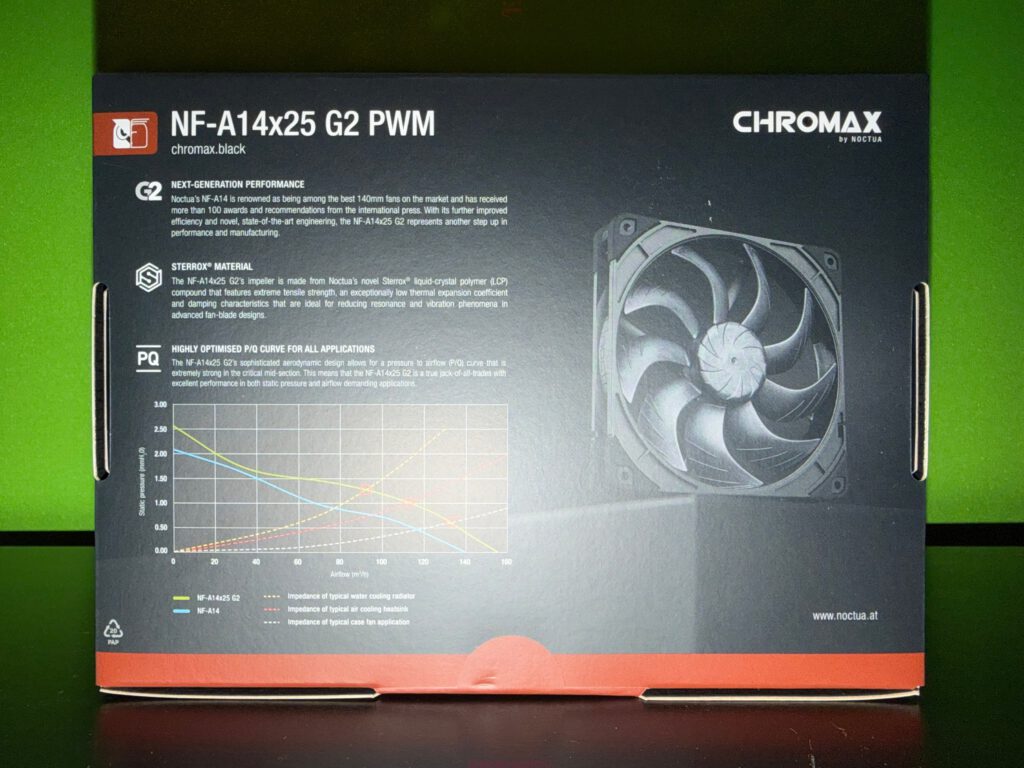
Everyday Use: When a fan “disappears”
What stands out immediately in daily use is how little the fan draws attention to itself acoustically. Between 600 and 1000 RPM, the NF-A14x25 G2 is so quiet that CPU or GPU fans often drown it out completely.
In idle or light office workloads, the system simply hums along with a soft airflow noise. In gaming workloads, you hear airflow, but without any annoying tones—no whine, no rattle, no high-pitched harmonics. Many professional reviews highlight precisely this exceptionally clean acoustic profile.
A small anecdote from testing:
After rebuilding the system, the PC seemed too quiet. So quiet, in fact, that I assumed at least one fan wasn’t running. Checking the BIOS and monitoring tools revealed: everything was spinning—just far more efficiently than with the previous fans.
That “wait, everything’s running, but I barely hear it” moment is the hallmark of a good fan.
Thermal Performance and Real-World Behavior
Temperature results heavily depend on the system, case layout, and fan curves. But paired with the NH-D15 G2 and as case intakes, the NF-A14x25 G2 consistently shows its strengths—especially when pushing air through restrictive structures like radiator fins, dust filters, and densely packed heatsink arrays.
The tight tip clearance and optimized P/Q curve give it a clear performance edge over many competitors and even its own predecessor in various scenarios.
In practice, this means:
- At moderate RPMs, the fan keeps CPU and case temperatures several degrees lower than typical mid-range fans without being louder.
- Under sustained all-core loads (rendering, encoding, long gaming sessions), temperatures stay stable without requiring peak fan speeds.
- During heat waves or in non-air-conditioned rooms, increasing the curve slightly still results in tolerable noise—up to around 1200–1300 RPM.
Its maximum speed of roughly 1500 RPM produces significant airflow, and while clearly audible, the noise profile remains controlled compared to other high-performance fans in this range.
Precision Has a Price: Particulars of the NF-A14x25 G2
The fan’s engineering comes with one caveat that shouldn’t be glossed over:
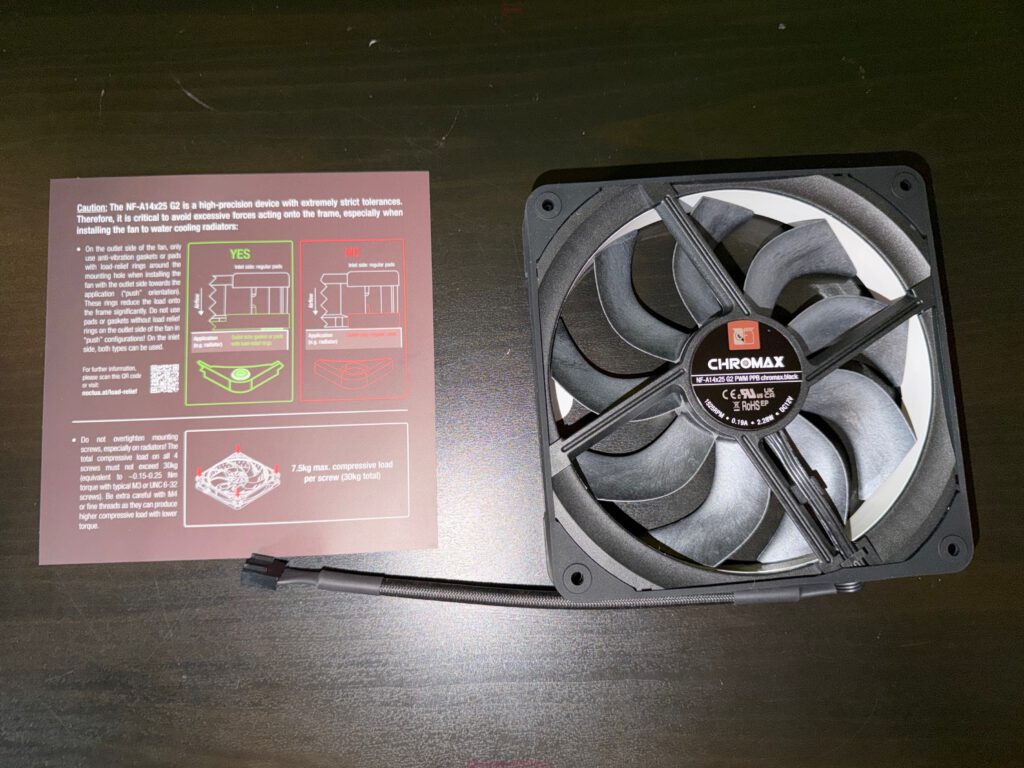
It does not tolerate overly aggressive mounting on radiators.
Noctua explicitly warns against excessive screw tension or using incompatible anti-vibration pads on radiators. In accelerated stress tests, fans mounted with too much force and under high heat showed frame deformation.
In everyday terms:
- On radiators, only use the recommended pads and mounting method.
- Do not overtighten screws.
- Case fan usage with the included silicone mounts or standard screws is completely unproblematic.
In our test build, the fans ran on the NH-D15 G2 and as case intakes—no issues whatsoever. Still, it’s worth mentioning:
This is a precision-engineered component. Treat it as such.
Pros: Where the NF-A14x25 G2 Really Excels
1. Strong performance with low noise
The most important point:
The fan delivers excellent airflow and pressure without becoming intrusive. Its sweet spot sits comfortably between 700 and 1100 RPM—the exact range in which most systems spend 95% of their time.
In this range, the NF-A14x25 G2 outperforms many cheaper fans and clearly surpasses the original NF-A14.
2. Outstanding acoustic signature
Noise isn’t just about volume—it’s about character.
The G2 produces a smooth, broadband airflow noise without tonal spikes. No rattling, no PWM buzz, no odd inconsistencies at low speed. Many reviewers describe it as one of the best-sounding 140 mm fans available today.
A Reddit user summed it up nicely:
“Finally a 140 mm fan with no weird noises whatsoever.”
3. High-end materials and long lifetime
Sterrox LCP is more than marketing—it provides extreme rigidity, minimizing micro-vibrations and deformation even at high speeds. Combined with Noctua’s SSO2 bearing, the result is a very stable and durable fan.
With over 150,000 hours MTBF and a six-year warranty, the NF-A14x25 G2 is built to outlive most of the systems it’s installed in.
4. Generous accessories and flexibility
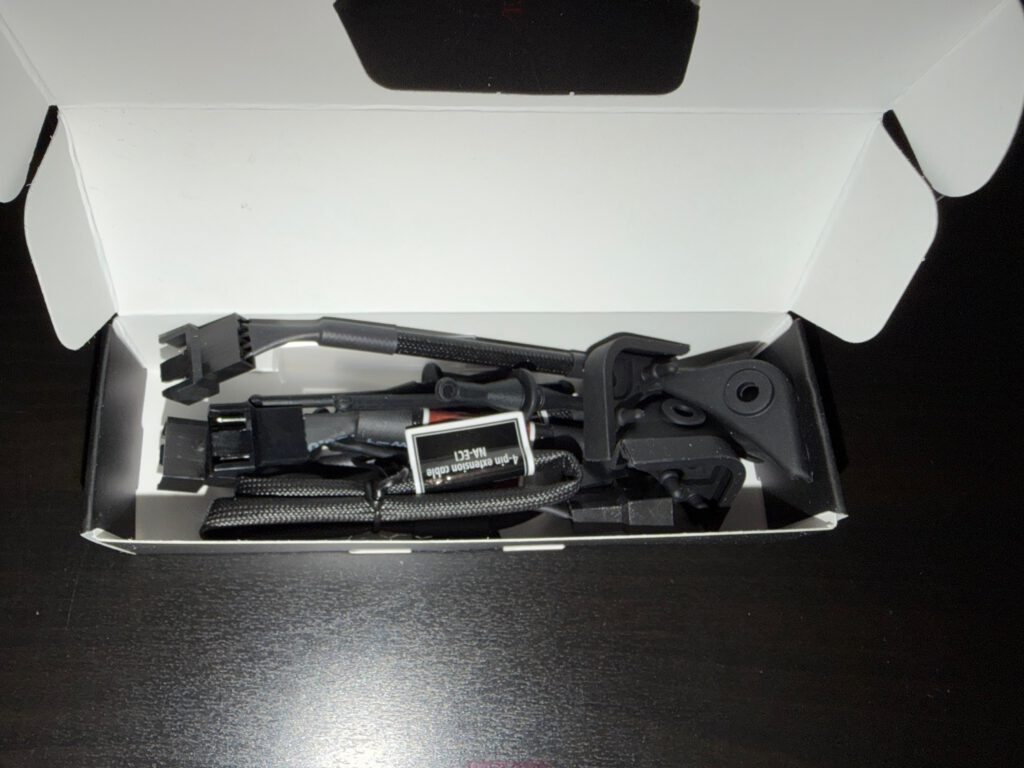
The included accessory pack is classic Noctua:
- PWM Y-splitter
- Extension cable
- Low-noise adapter
- Various anti-vibration mounts
- Special radiator gasket
The Y-splitter alone solves a common issue on many motherboards with limited fan headers. The silicone mounts help reduce vibration transfer in thin-panel cases.
5. Subtle, high-quality appearance
The chromax.black edition swaps Noctua’s iconic brown for an all-black design that fits virtually any build. It’s understated but elegant, especially in systems where the hardware itself—not RGB lighting—sets the tone.
In the white Velox 300R with green accents, the black fans create a clean, professional contrast.
Cons: Where the NF-A14x25 G2 Falls Short
1. The price
This is the biggest downside.
Around €40 per fan is unquestionably premium territory. Outfitting an entire case with four to six of them quickly becomes a significant investment. For many users, this will be the primary dealbreaker.
2. No RGB option
For some a blessing, for others a disappointment.
If you’re building a fully illuminated showpiece PC, these fans won’t fit your aesthetic.
3. Sensitivity on radiators
The precision frame design requires careful installation on radiators. For most users, it’s no problem—just something to be aware of. For those who tend to overtighten everything, this is a point of caution.
4. Overkill for mid-range systems
In a simple office PC or a budget gaming setup, the NF-A14x25 G2 is more than unnecessary—it’s wasteful. Cheaper fans will get the job done without noticeable downsides in such systems.
Who Should Buy the NF-A14x25 G2 chromax.black?
1. Silent-focused high-end gaming PCs
If you’re building a powerful system but want it whisper-quiet, this fan is ideal.
2. Workstations with prolonged heavy loads
For workloads like rendering, encoding, or software development, consistent cooling with minimal noise is invaluable.
3. High-end air cooling setups
The NF-A14x25 G2 pairs perfectly with flagship coolers like the NH-D15 G2.
4. Radiator configurations
With proper installation, the fan delivers excellent static pressure performance.
5. Long-term builds
If you upgrade rarely and value longevity, the six-year warranty and durable design make this a smart investment.
Personal Impressions and Anecdotes
A moment that stuck with me:
Running Cinebench on the Ryzen 9 9900X after installing the G2 fans, the system stayed noticeably cooler—but the stunning part was the sound profile. Even under load, the fans didn’t feel stressed. Instead of a roar, the PC emitted a calm airflow tone, as if the fans were saying, “We’ve got this.”
Another humorous note:
The accessory box in the Sx2-PP set looks almost like a miniature motherboard package. When you open it, a small avalanche of cables, rubber pads, and mounting parts tumbles out. Anyone who enjoys building PCs will grin—it’s like opening a bag of Lego pieces. Only, instead of building a starship, you’re assembling industrial-grade cooling.
Price–Performance: Luxury or Smart Investment?
Is the NF-A14x25 G2 chromax.black worth it?
From a purely budget-oriented perspective: no.
A €40 fan is irrational in an €800 full PC build. The money is better spent elsewhere.
But in the realm of premium hardware—where the CPU cooler costs €120–150, the motherboard €300+, and silence is a core design goal—the calculus changes.
This fan becomes what it’s meant to be:
a long-term, high-quality component that quietly improves your experience every single day.
It won’t magically double your FPS.
But it will make your system quieter, cooler, and more pleasant to use—often in ways you stop noticing because they simply become the new normal.
Final Verdict: A Fan That Makes a Statement
At the end of the day, the NF-A14x25 G2 chromax.black delivers almost exactly what it promises.
It is:
- technically advanced, with precision aerodynamics and tight tolerances,
- acoustically excellent, especially in everyday RPM ranges,
- mechanically robust, with premium materials and bearings,
- visually understated, fitting in any sophisticated build,
- and priced confidently, to put it mildly.
Is it perfect?
No. The mounting sensitivity and the premium price remain real drawbacks. And for RGB-centric or budget builds, it’s simply the wrong choice.
But for enthusiasts, silence lovers, and anyone who appreciates precision engineering, the NF-A14x25 G2 chromax.black is one of the best 140 mm fans currently available.
It’s not mandatory—but it’s deeply satisfying.
If your goal is a system that’s quiet, cool, and built to last, this fan fits that vision exactly.

Transparency Notice (required by EU regulations):
The Noctua NF-A14x25 G2 chromax.black fans featured in this review were provided to us by Noctua as a non-binding loan for testing purposes. This is not paid advertising.
Noctua had no influence on the content, evaluation, or editorial independence of this article. All opinions are based solely on our own practical experience.
We would like to thank Noctua for supplying the fans and for their trust in dataholic.de.