
BOOX Go 6 (Gen II) Review: When an E-Reader Suddenly Becomes a Digital Notebook for Your Pocket
There are technical devices whose entire concept becomes clear within a few minutes. A classic e-reader usually belongs in that category: select a book, open a page, read, occasionally turn a page and eventually notice that the battery somehow still has not run out. The BOOX Go 6 (Gen II) rather stubbornly refuses to remain in that simple category. On the outside, it is still an exceptionally compact 6-inch e-reader, but underneath sits a small Android system with the Google Play Store, Wi-Fi, Bluetooth, microSD expansion, a microphone, USB-C, adjustable front lighting and, for the first time within this particular model family, proper stylus support. That combination changes the character of the device far more than a quick look at the specifications initially suggests.
On paper, the generational change actually looks almost unspectacular. Six inches, 1,448 × 1,072 pixels, 300 ppi, 32 GB of internal storage, an octa-core processor running at 2.0 GHz and a 1,500 mAh battery were already familiar in a similar form. RAM increases from 2 GB in the previous Go 6 to 3 GB, the chassis has been revised and the weight rises from around 146 to approximately 160 grams. A revolution looks different. The crucial difference is hidden in a place that can easily disappear somewhere between RAM, weight and battery capacity in a conventional comparison table: the Go 6 (Gen II) supports the active BOOX InkSense Plus. A device primarily designed for consuming text therefore becomes one capable of annotating text, capturing thoughts and writing short notes.
At first, that sounds like an additional feature. In everyday use, it feels more like a shift in the entire concept.
Six inches are not a limitation, but the whole point
Large E-Paper tablets have one obvious advantage: space. A 10.3-inch device is excellent for PDFs, academic papers, handwritten notes and lengthy meeting minutes. At the same time, that creates exactly the problem traditional notebooks have had for centuries. The larger the writing surface becomes, the more likely it is to remain wherever it was last used.
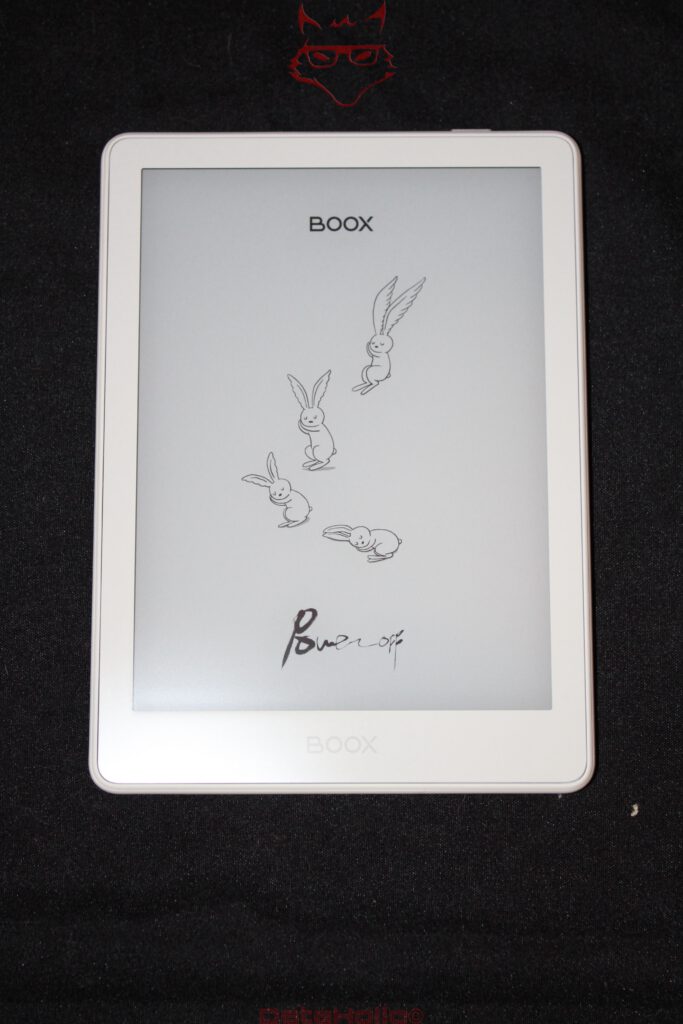
The Go 6 (Gen II) reverses that logic. At 149 × 109 × 6.8 millimetres and around 160 grams, it is closer to a small paperback than a tablet. Add the magnetic protective cover and the package naturally becomes slightly larger, but it still occupies considerably less space than a typical 10-inch E-Paper device with its case. In a bag between a smartphone, keys and headphones, the device is barely noticeable. In a backpack, it almost disappears.
That is precisely where one of its greatest strengths lies. The best digital notebook is not necessarily the one with the largest writing area or the longest feature list. Quite often, it is simply the one that is actually there when needed.
Six inches do impose clear limits, however. A4 PDFs do not suddenly become comfortable to read simply because the panel offers 300 ppi. An academic publication with two columns, tables and tiny footnotes still requires zooming or navigating around the page. EPUB files are an entirely different matter. Font size, line spacing and margins can be adjusted, allowing the compact display to work exceptionally well. Novels, technical books with reflowable layouts, longer web articles and straightforward documents fit the format beautifully.
That creates a clear division of labour: the Go 6 (Gen II) is not trying to be a shrunken 10-inch note-taking tablet. It is an e-reader that has learned how to write.
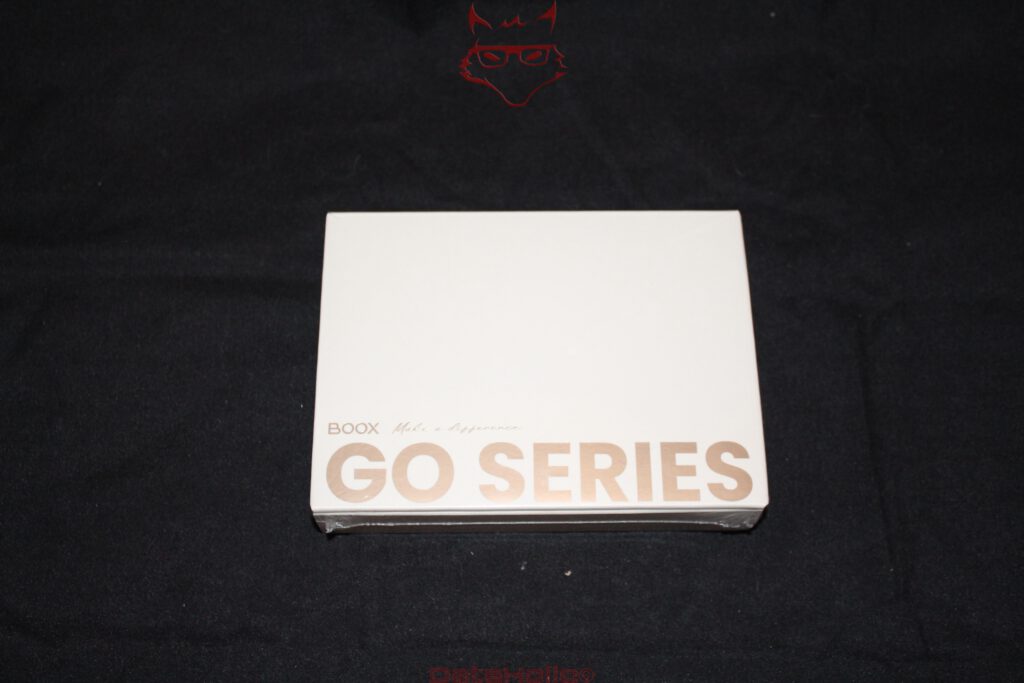
The display: 300 ppi and the pleasant absence of spectacle
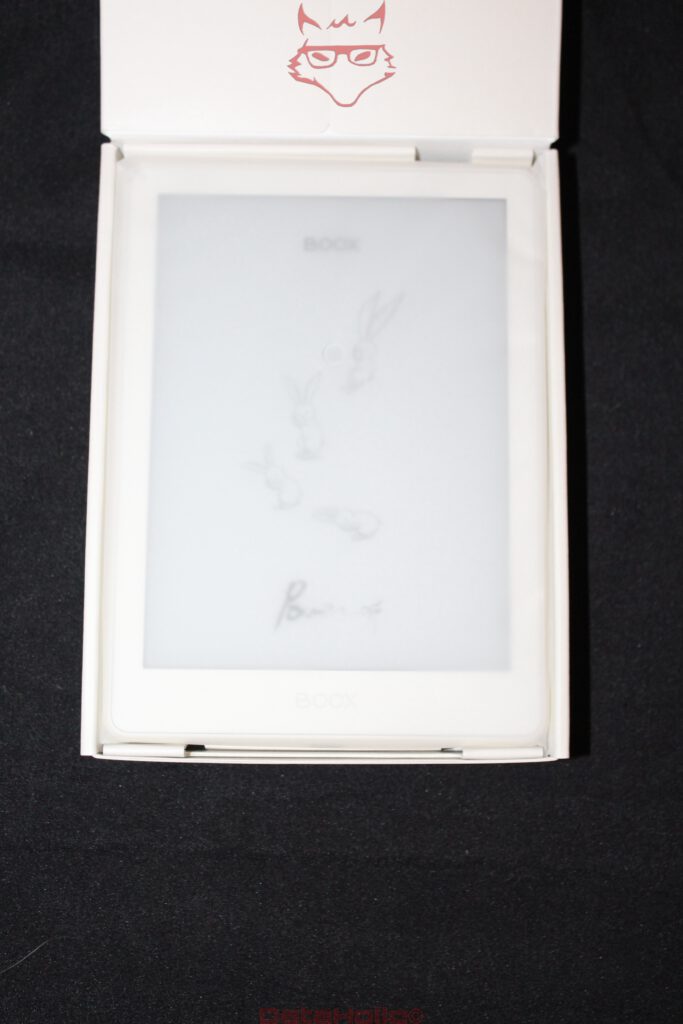
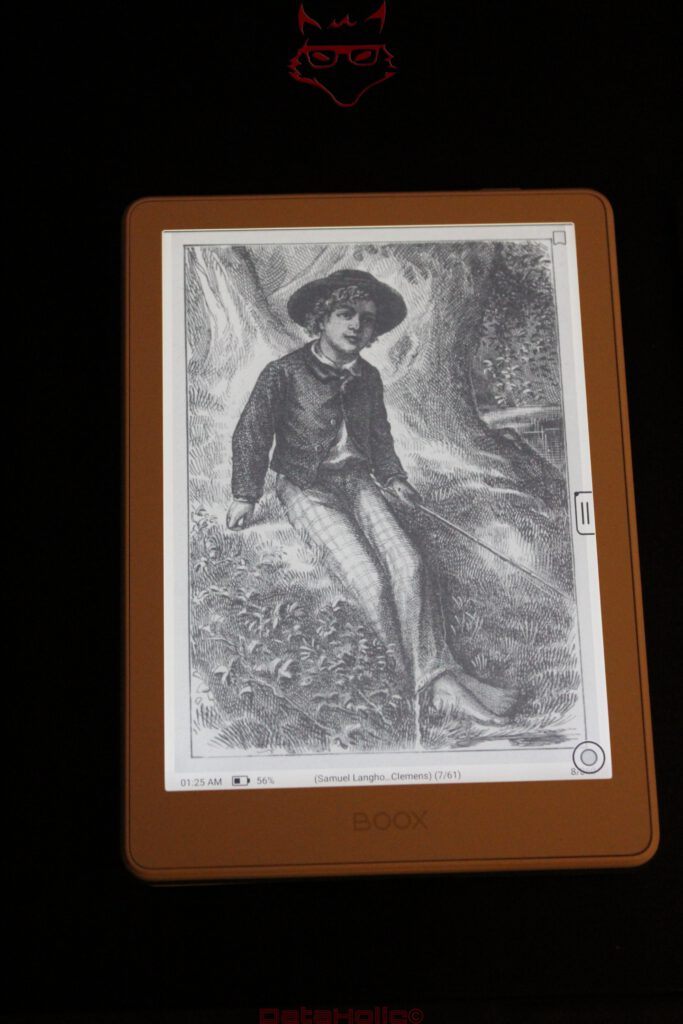
BOOX remains conservative with the display, and that is certainly not meant as criticism. The monochrome 6-inch E-Paper panel has a resolution of 1,448 × 1,072 pixels. That results in 300 pixels per inch, a pixel density that has established itself as an extremely sensible benchmark for high-quality e-readers.
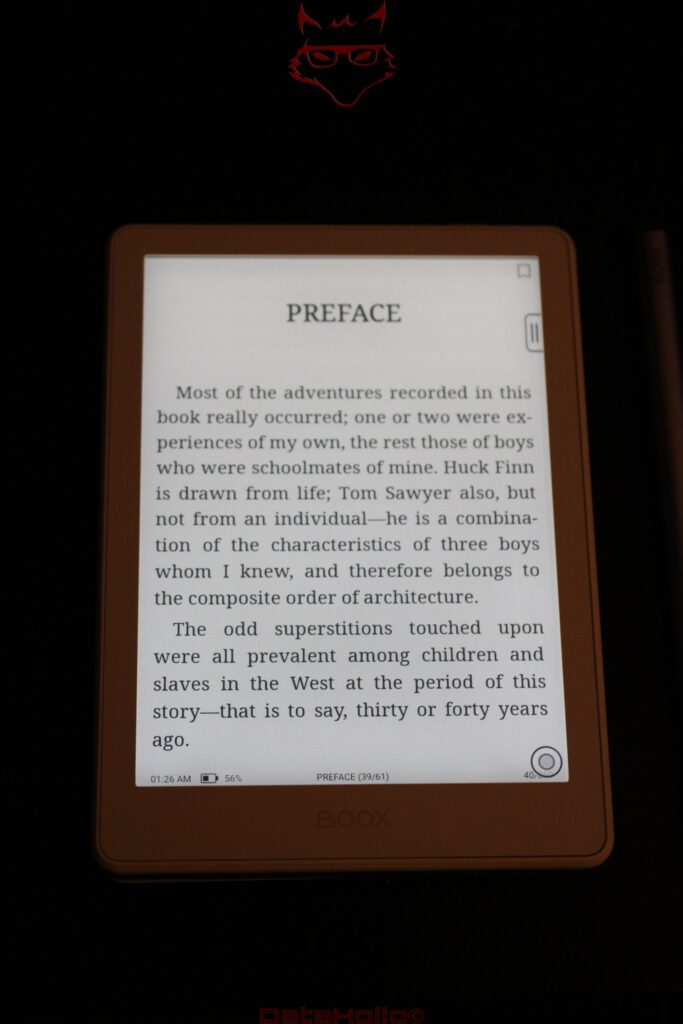
Letters appear cleanly defined, curves are rendered neatly and even relatively small fonts remain surprisingly easy to read. The effect is fundamentally different from a high-resolution OLED panel. An OLED tries to attract attention through contrast, colour saturation and brightness. E-Paper works almost in the opposite direction. The longer the Go 6 is used, the less noticeable the display itself becomes. That is exactly what it is supposed to do.
Its inherent advantage becomes particularly obvious outdoors. A conventional display has to compete with incoming light. E-Paper benefits from it. Bright ambient light improves the perceived image instead of inevitably making it worse. On a balcony, on a train beside a window or outside on a bench, text consequently looks pleasantly natural.
There is a small piece of physical irony here: a device without a conventional illuminated display feels particularly comfortable in brilliant sunshine. OLED flagships mobilise enormous peak brightness figures and sophisticated brightness management under those conditions. The Go 6 can sit beside them and essentially react like a sheet of paper: “More light? Excellent.”
It does not have to manage entirely without illumination, though. BOOX integrates a front light with adjustable colour temperature. Cooler light is better suited to brighter environments, while warmer settings are more comfortable in the evening. Unlike an LCD or OLED, the illumination conceptually does not sit behind the displayed pixels. Light is distributed across the surface. As a result, the characteristic appearance of a reflective E-Paper panel remains largely intact.
The flush front with anti-glare cover glass also gives the device a pleasantly cohesive surface. At the same time, the term “paper-like” should not be stretched too far. Glass remains glass and E-Paper remains an electronic display. The visual impression gets considerably closer to printed material than a conventional tablet does, but a page from a paperback has not suddenly been digitally recreated.
E-Paper remains E-Paper, and that is exactly why it needs to be understood
A fair conclusion also needs to address a characteristic shared by every E-Paper device: image reproduction works differently from LCD and OLED. Motion, animation and fast scrolling are not the natural comfort zone of this technology. Different refresh modes can trade image quality against speed. Faster updates often mean more visible remnants of previous image content, while high-quality full refreshes take a little longer.
Ghosting is therefore not automatically a defect. It is part of the physical operating principle of the display and can be reduced through appropriate refresh modes.
With a book, this barely matters. A page is rendered and then remains static. That is precisely where E-Paper demonstrates its strength. With an Android app full of animations, sliding menus and constantly changing elements, however, it becomes obvious that Android was not originally designed for electronic ink.
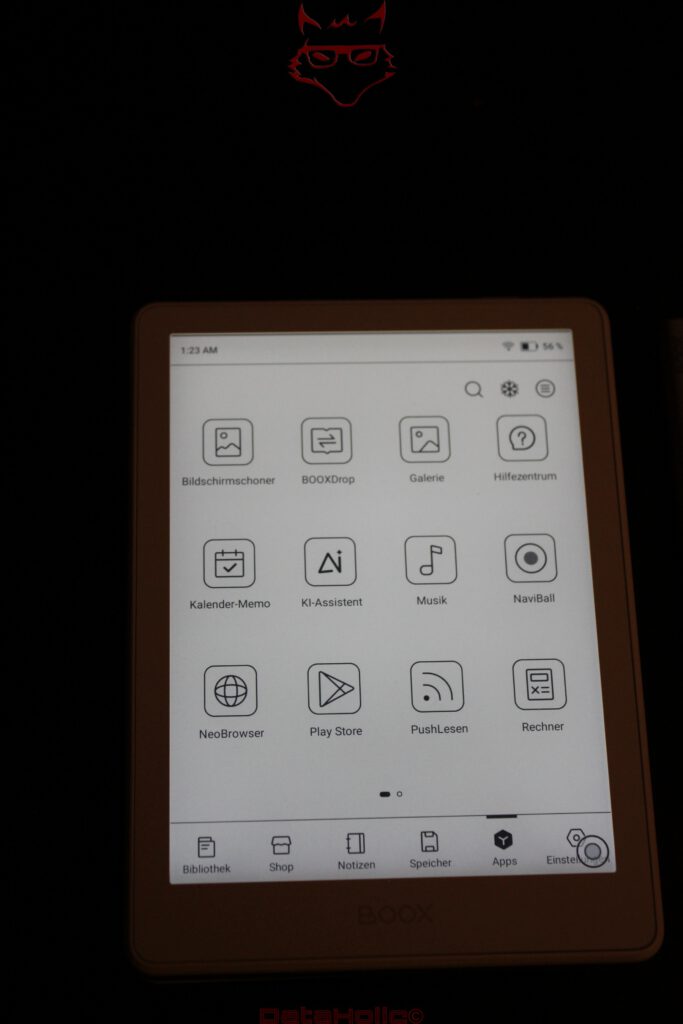
This leads to an important conclusion: the Google Play Store does not transform the Go 6 into a Galaxy Tab in pocket format. It expands an e-reader with apps.
That order is crucial.
Android 11: enormous freedom built on a rather old foundation
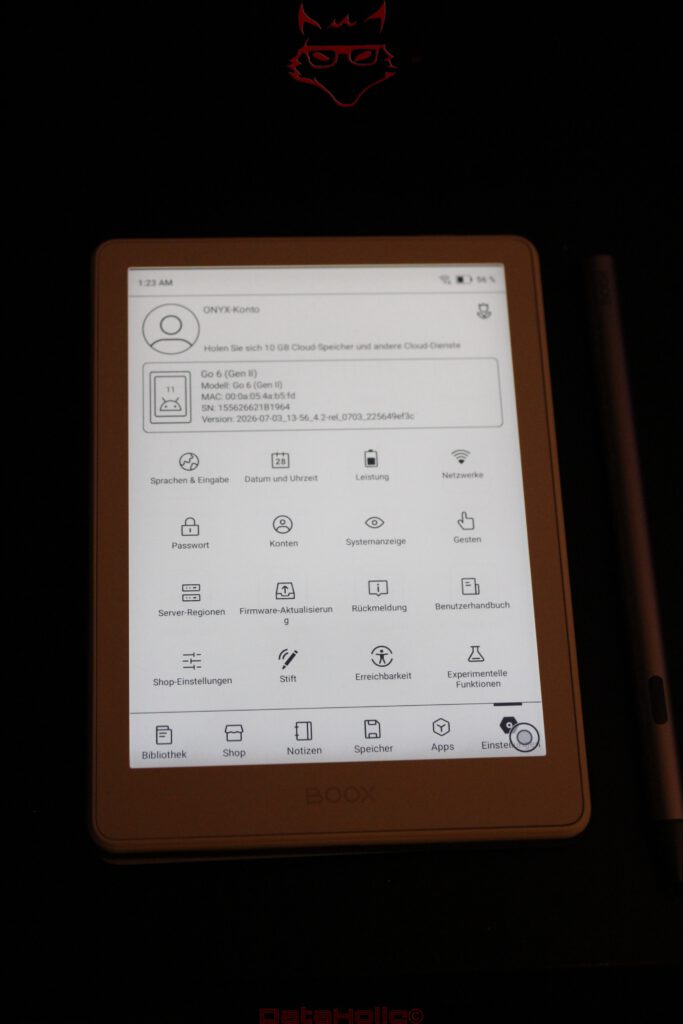
BOOX continues to use Android 11. In 2026, that is difficult to overlook. Android 11 was originally released back in 2020 and the software foundation can therefore hardly be described as young. A more recent Android base would have been desirable, particularly on a newly introduced device.
This is one of the clearest criticisms of the Go 6 (Gen II).
The practical advantage of the Android architecture nevertheless remains substantial. The integrated Google Play Store allows numerous applications to be installed. Different e-book platforms do not necessarily have to be combined through proprietary workarounds. Kindle, other reading services, cloud applications and specialised tools can generally run directly on the device, provided their current versions still support Android 11 and their interfaces work reasonably well with E-Paper.
This is precisely where BOOX differs from more tightly controlled reader ecosystems. Instead of building an attractive digital bookshop with firmly defined boundaries, BOOX essentially provides a small Android computer with an E-Paper screen.
Freedom inevitably brings complexity. A Kindle is built around a very narrowly defined purpose. BOOX has to bring Android, E-Paper optimisation, refresh behaviour, app compatibility, power management and its own applications together. The interface is correspondingly more extensive. Anyone interested exclusively in opening a book and reading it may never need a substantial part of these capabilities.
That is not a contradiction. It is the central question behind the device: simplicity through limitation or flexibility through openness.
The Go 6 clearly chooses the latter.
3 GB of RAM: only one additional gigabyte, but in exactly the right place
The previous model had to make do with 2 GB of RAM. The Gen II version has 3 GB. In percentage terms, that is an increase of 50 percent, which sounds considerably more spectacular than the absolute gain of one gigabyte.
For an e-reader, however, that additional memory makes sense. Android itself needs RAM, as do background processes and applications. A traditional e-reader with a completely proprietary operating system can operate with far leaner hardware. An open Android device benefits from every additional reserve.
Miracles should not be expected. Three gigabytes do not turn the Go 6 into a high-performance computer. Running several demanding applications simultaneously, browsing particularly complex websites or using modern apps with generous memory requirements remains outside the ideal workload for this device. For NeoReader, note-taking, library management and several typical Android applications, however, the hardware fits the concept much better.
The 2.0 GHz octa-core processor follows a similar philosophy. Benchmarks would be about as exciting here as a drag race between two library trolleys. What matters is whether page turns, menus, notes and applications respond quickly enough. Perceived performance also depends heavily on the E-Paper refresh process. The CPU may have finished calculating an interface long before the panel has completed its visible update.
The Go 6 therefore does not need to feel as fast as a smartphone. It needs to be fast enough that the technology does not constantly get in the way of reading and writing.
32 GB and microSD: no artificial storage anxiety
There are 32 GB of internal storage. For e-books alone, that is already a substantial amount. EPUB files usually require comparatively little space, so a library containing thousands of books is hardly unrealistic. PDFs, comics, audiobooks and other media alter that calculation considerably.
That makes the microSD slot more important than the raw 32 GB figure might suggest.
Expandable storage almost sounds nostalgic in 2026. It has long since disappeared from many higher-end smartphones. The Go 6, by contrast, accepts a memory card and can therefore accommodate a significantly larger local library. For a device built around the idea of carrying an independent digital library, that is an entirely logical decision.
BOOX supports an unusually broad range of formats. PDF, EPUB, EPUB3, MOBI, AZW3, DJVU, CBR, CBZ, DOC, DOCX, RTF, HTML, TXT, PPT and PPTX sit alongside various image and audio formats. Not all of them make equal sense on a six-inch screen. Viewing a PowerPoint presentation on a monochrome 6-inch E-Paper display is technically possible, but rather like moving house in a sports car: the destination can be reached, but the vehicle was originally designed for something else.
The openness remains valuable. Files do not first have to be translated into a particular ecosystem before they can be used.
The InkSense Plus changes the Go 6
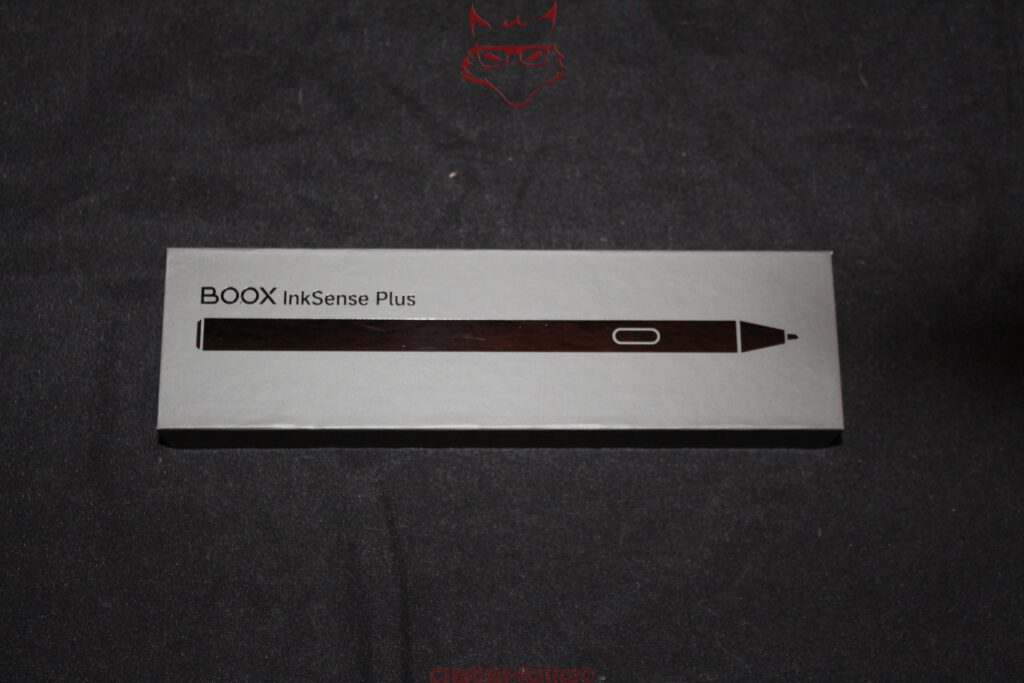
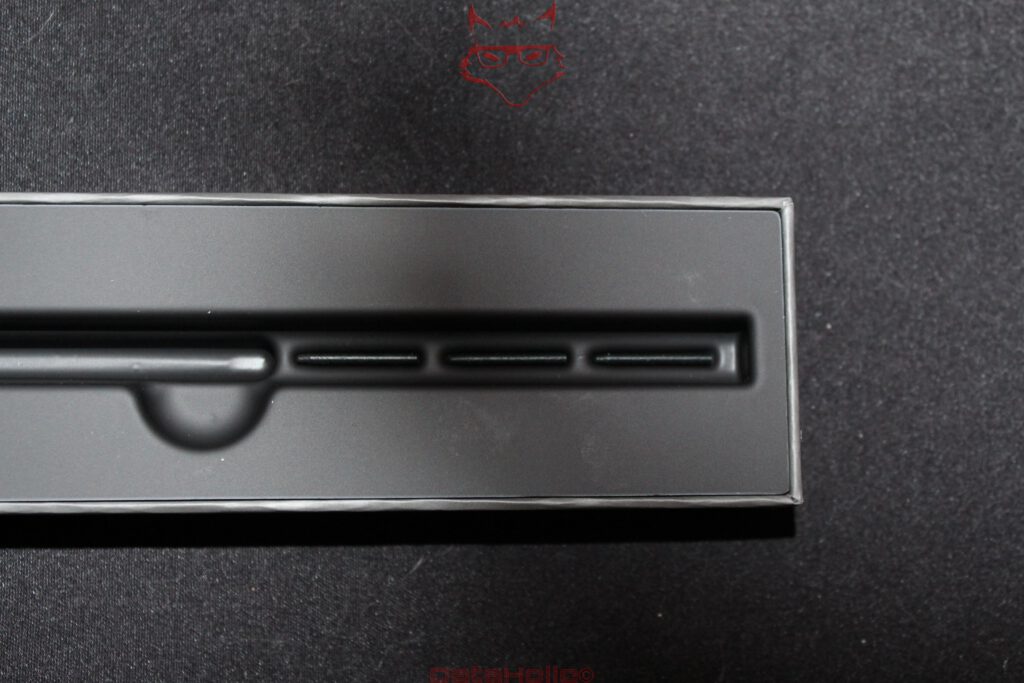
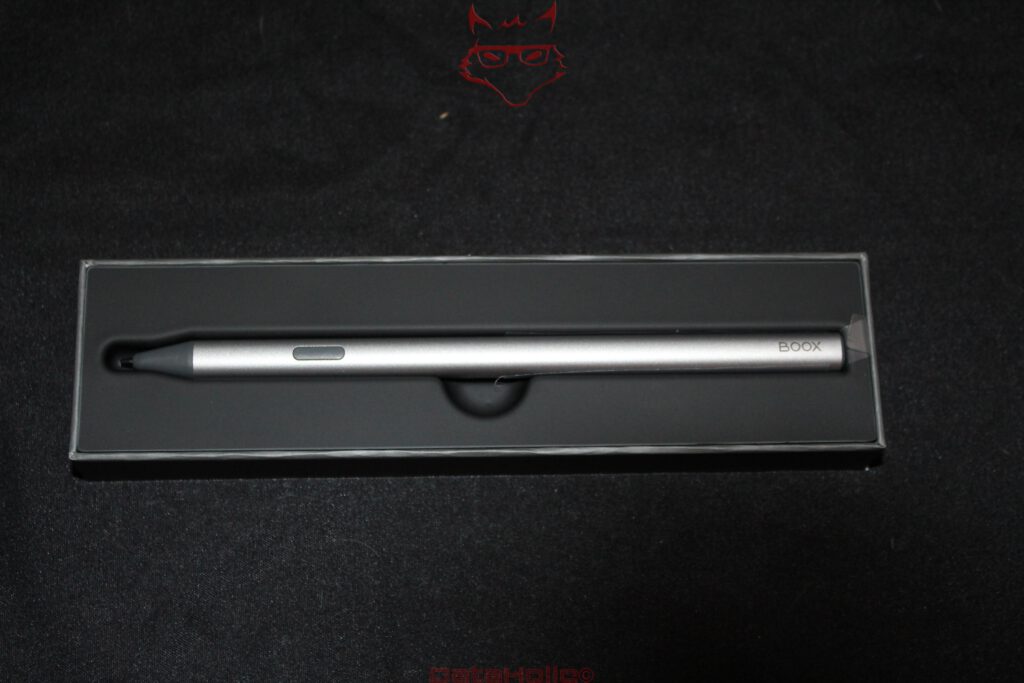
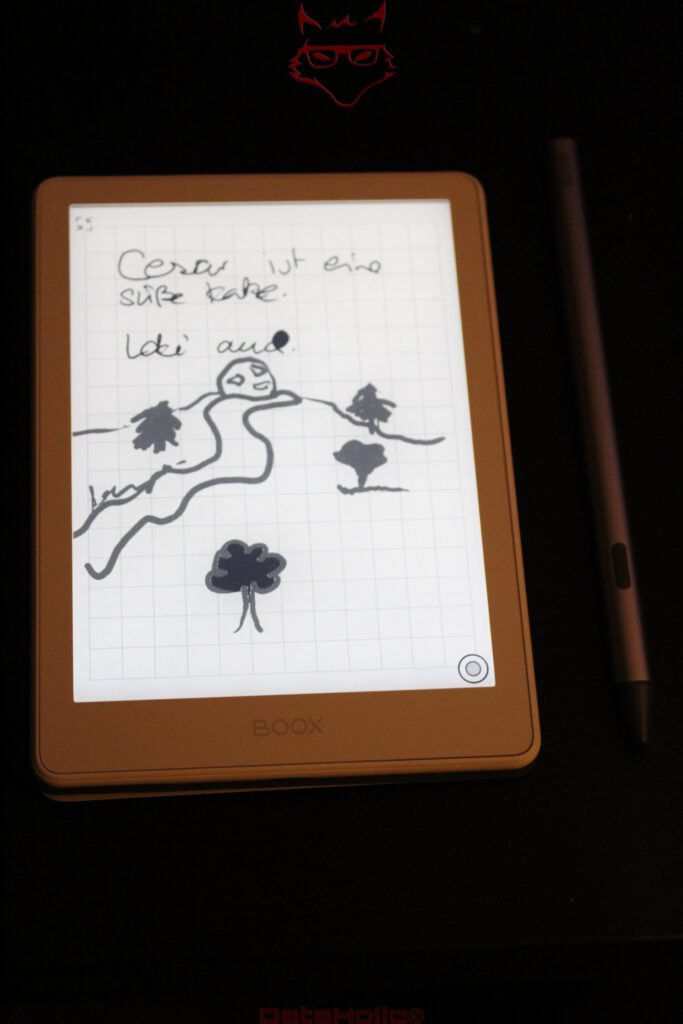
Perhaps the most interesting new feature is the InkSense Plus. The active stylus supports 4,096 pressure levels as well as tilt detection, includes a side function button and uses a replaceable nib. Inside sits an 80 mAh battery, charged via USB-C. At around 15.3 grams and 157.5 millimetres in length, it feels more like a proper writing instrument than a tiny accessory stylus.
Those 4,096 pressure levels initially sound like a figure borrowed from a graphics-tablet specification sheet. Such fine differentiation is hardly essential for simple handwritten notes. What matters far more is that strokes can respond naturally to different amounts of pressure instead of the stylus merely recognising a binary state of “touching” or “not touching”.
The technical implementation is particularly interesting. The InkSense Plus is an active stylus specifically intended for compatible BOOX devices. On the Go 6 (Gen II), this is the relevant pen. A random passive stylus does not replace it, and support for conventional pen standards should not simply be assumed.
That also introduces a minor disadvantage: the stylus needs power. A traditional EMR pen can operate without its own battery; the InkSense Plus cannot. USB-C makes the situation considerably less annoying because no proprietary charging cable is required. Even so, there is suddenly a second battery in a product ecosystem whose attraction partly lies in the fact that visits to a power socket are remarkably infrequent.
The side button is far more interesting in everyday use than any four-digit pressure-level specification. Quickly accessible functions reduce interruptions while writing. On a device this small, every trip into a menu that can be avoided is valuable.
A small notebook with digital side effects
Six inches are not enough for sprawling mind maps. Extensive meeting notes also feel more natural on a larger BOOX device. But that is not really the point.
The Go 6 works well for phone numbers, keywords, spontaneous thoughts, short task lists, comments in books and all those little pieces of information that would otherwise end up on a scrap of paper, inside a smartphone app or in short-term memory.
The latter is, of course, equipped with remarkably eccentric storage management. The thought “That will still be remembered later” is probably one of humanity’s oldest undocumented data-loss strategies.
A small E-Paper reader with a stylus is surprisingly coherent for precisely these situations. The device is quickly accessible, notes remain digital and the interface does not immediately pull attention towards messages, social networks or a browser with 37 open tabs.
That is not a technical feature in the strictest sense. It is a consequence of the hardware. E-Paper is poor at capturing attention through movement. That supposed weakness can become a strength when concentration matters.
“The device offers fewer distractions” would probably make a terrible advertising slogan. As a description of a tool, it captures the character remarkably well.
Writing on six inches: surprisingly useful, but not without limits
Stylus support should not be confused with a fully fledged digital note-taking system. Six inches remain six inches. Longer handwritten texts require more frequent page changes and larger sketches quickly collide with the physical limits of the display.
The combination of a compact writing area and precise stylus is ideal for annotation, though. Highlighting text, adding a margin note, marking a passage or quickly recording a thought: this is where the feature starts to feel genuinely useful.
The difference compared with an on-screen keyboard is larger than technical specifications can express. Entering lengthy text through a virtual keyboard on a small E-Paper device is unlikely to appear on any list of humanity’s greatest ergonomic achievements. Handwriting neatly sidesteps the problem.
The writing experience does not depend solely on the stylus. Display surface, latency, refresh behaviour and software all have to work together. The anti-glare glass surface does not create a perfect illusion of paper, but it provides a considerably more appropriate foundation than glossy smartphone glass.
The InkSense Plus therefore does not turn the Go 6 into a graphics tablet. It turns it into a useful digital pocket notebook. That more realistic classification makes the feature considerably more convincing.
NeoReader matters more than Android
With all the attention surrounding Google Play, apps and open software, NeoReader should not be overlooked. The integrated reading application remains at the heart of the system.
Fonts, spacing, margins and presentation can be adjusted. On a small display, these are not cosmetic extras. Slightly narrower margins can place noticeably more text on a page, while suitable line spacing can improve readability. EPUB and other reflowable formats benefit particularly strongly.
There are also highlighting, handwritten annotations and search functions. A Dark Mode is available within NeoReader as well. On E-Paper, however, a dark layout is more of a personal presentation preference than the same type of energy-saving feature familiar from OLED devices.
The real advantage lies in the integration. An open Android system is useful. An e-reader only becomes good, however, when reading itself does not feel like an application that was installed afterwards. BOOX achieves a much better balance here than a generic Android tablet fitted with an E-Paper panel.
Front light instead of a bedside lamp
The adjustable lighting is one of those features that becomes completely normal after only a few days. The Go 6 allows both brightness and colour temperature to be changed. A more neutral or cooler light can therefore be used during the day, while a warmer presentation is available in the evening.
This is particularly useful for reading in bed. An external lamp is unnecessary, yet there is also no need to stare into a bright smartphone or tablet display.
The term front light is technically important. E-Paper does not create its image through permanently active backlighting in the same way as an LCD. The additional light source illuminates the surface. Without the front light, content remains visible as long as sufficient ambient light is available.
That sounds trivial, but it fundamentally changes the relationship with the battery. A static E-Paper page does not continuously require the same energy as a conventional display. Power is primarily consumed during updates and by additional components such as the front light, Wi-Fi, Bluetooth, processor activity and applications.
1,500 mAh: small by smartphone standards, perfectly logical for E-Paper
The battery has a capacity of 1,500 mAh. Next to smartphones carrying 5,000 mAh or more, that figure can look almost alarming. A direct comparison would be technically meaningless, though.
The Go 6 is not powering a 120 Hz OLED panel with hundreds or even well over a thousand nits, a cellular modem or a high-performance SoC rendering complex 3D games. E-Paper consumes very little energy when displaying static content.
Actual battery life therefore depends unusually heavily on usage. Pure reading with Wi-Fi disabled and moderate or no front lighting is extremely efficient. Frequent synchronisation, Android apps, Bluetooth, intensive writing and high illumination levels increase consumption.
BOOX consequently describes runtime in terms of several days rather than providing a mathematically impressive but practically difficult-to-reproduce hour figure.
USB-C is, thankfully, now a given. The port also supports OTG and can be used for audio. Since there is no integrated speaker, audio output is handled through suitable USB-C solutions or Bluetooth.
Audiobooks without a speaker: possible, but deliberately invisible
Bluetooth 5.0 expands the device beyond its obvious role. Audiobooks, podcasts and other audio files can be played through Bluetooth headphones. WAV and MP3 are supported natively.
There is also an integrated microphone. On a traditional e-reader, that initially feels about as expected as a windscreen wiper on a desk. Within an open Android system, however, it creates possibilities for voice functions and compatible applications.
A speaker, on the other hand, is absent. For a reading device designed to remain as compact as possible, the decision is understandable. Anyone who uses headphones for audio loses very little. Spontaneous playback without additional hardware, however, is not part of the concept.
The chassis: miniature luggage
BOOX describes the design as being inspired by travel luggage. Normally, such language belongs in the category of design stories invented after the fact to provide an emotional explanation for a few lines in a piece of plastic. With the Go 6 (Gen II), the idea is actually visible.
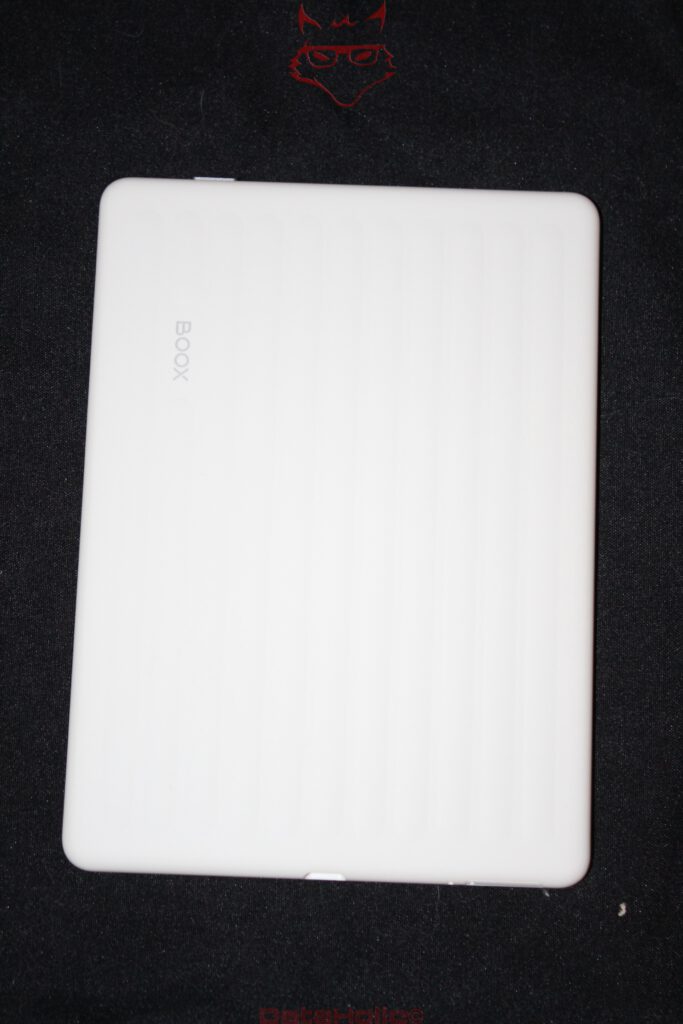
The rear uses a structured design that gives the otherwise very restrained device a little more visual character. Rounded corners and low weight fit the mobile concept. The white test unit looks understated and considerably less technical than many black e-readers.
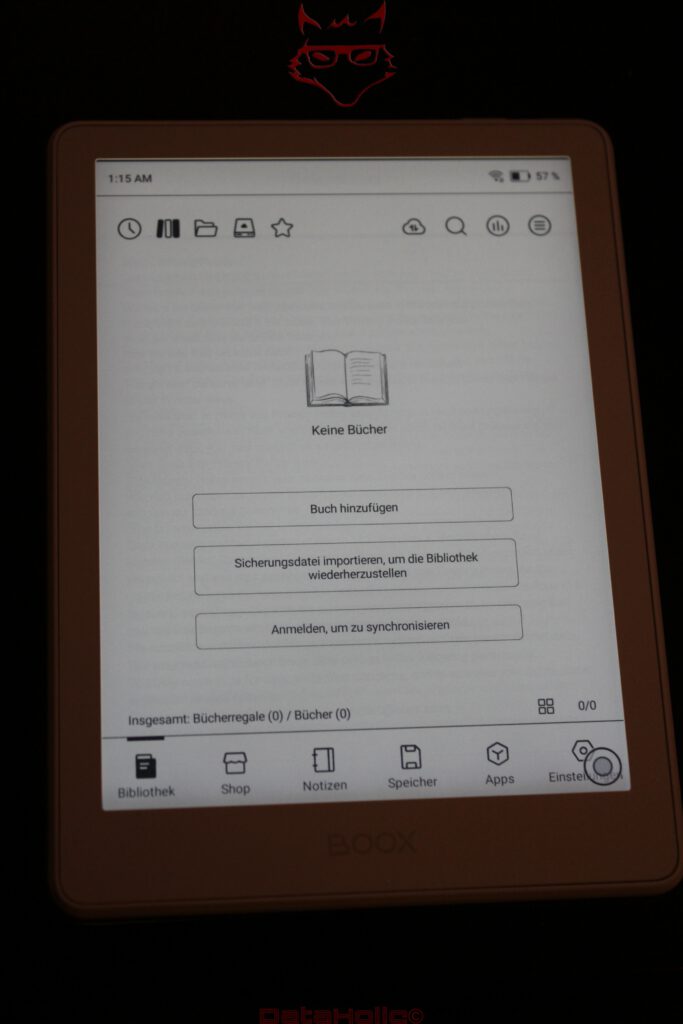
Build quality leaves a clean impression without unnecessary decorative elements. The BOOX logo remains discreet. The power button sits on the top edge, while permanent physical page-turn buttons are absent. This is one functional distinction compared with the larger Go 7. Anyone who strongly prefers physical page-turn controls will not find them on the Go 6 (Gen II).
Automatic screen rotation is also absent. Considering how commonplace orientation sensors have become across mobile hardware, that is slightly disappointing, although hardly a serious disadvantage for conventional portrait-oriented reading.
The magnetic cover almost feels like part of the concept
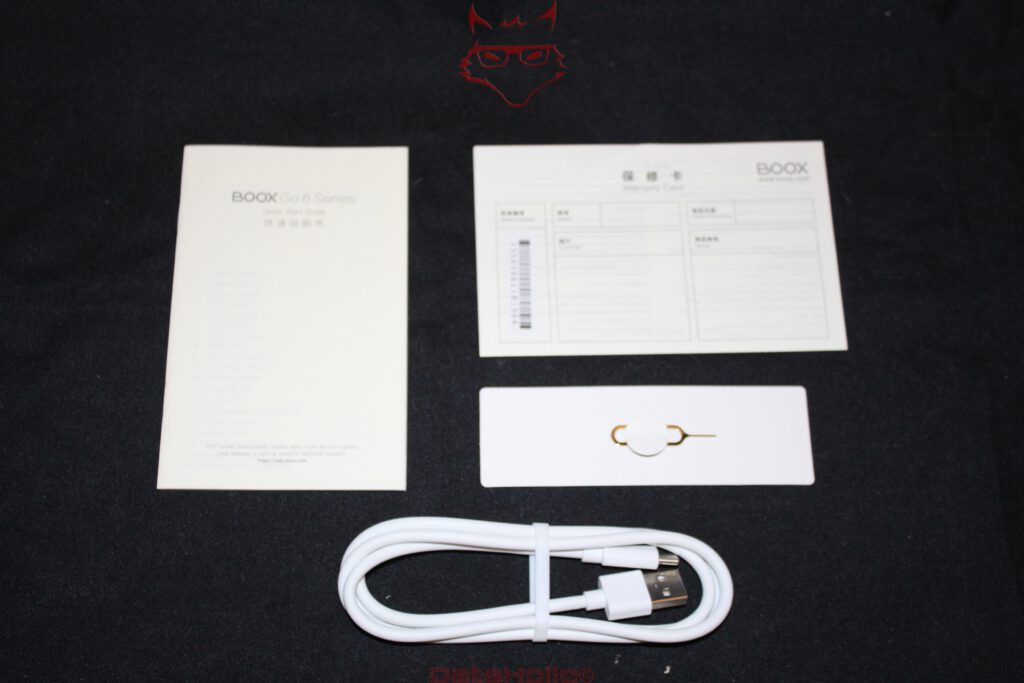
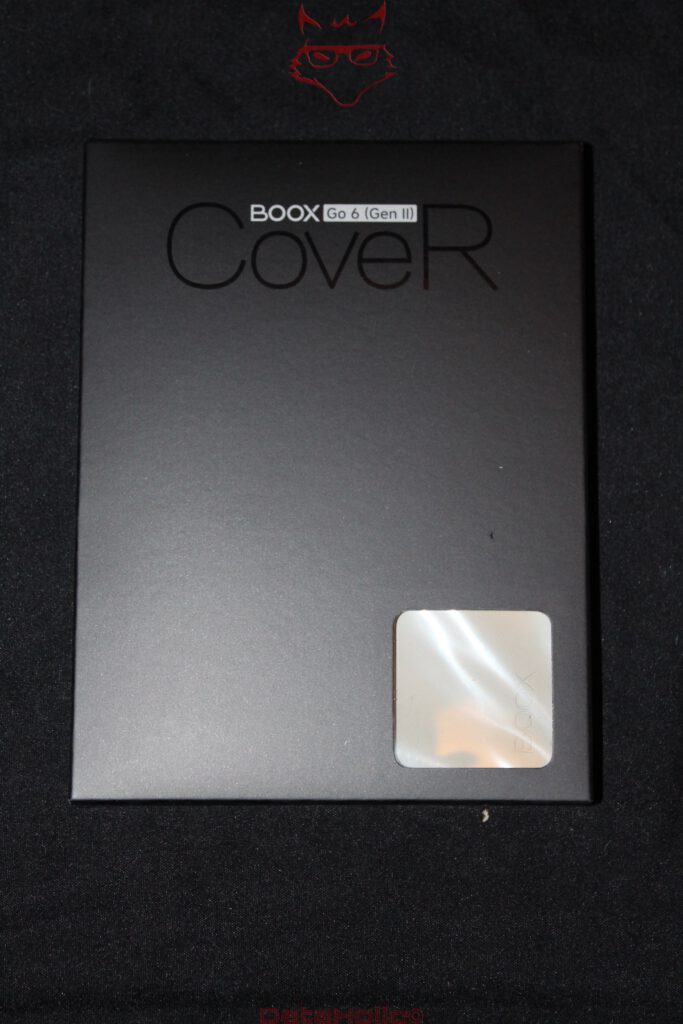
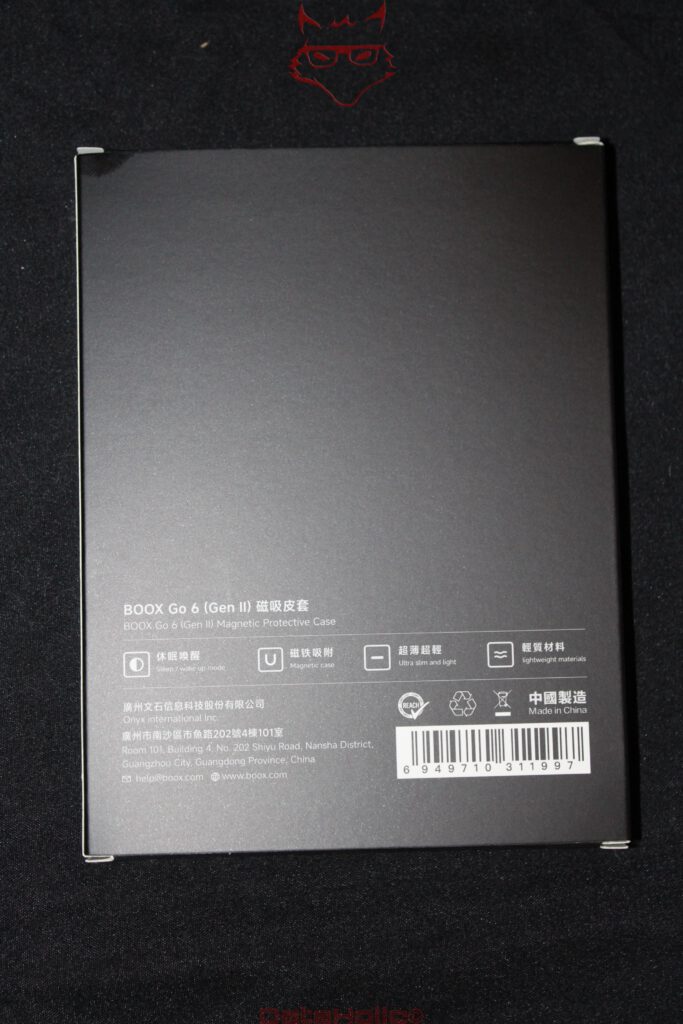
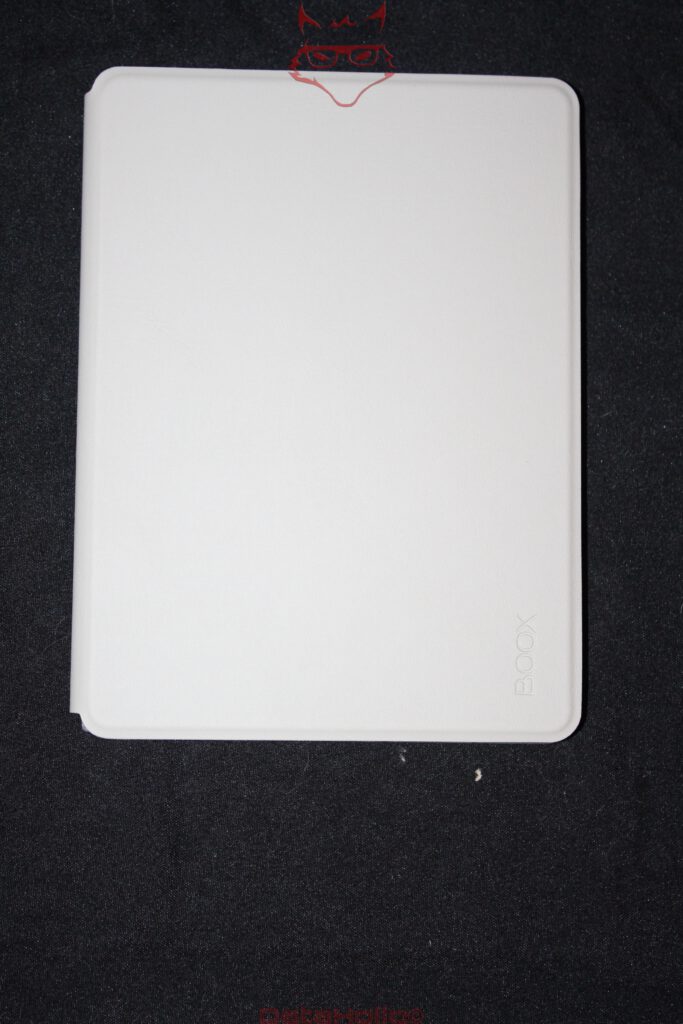
On a mobile device with a glass front, a protective case is less of a fashion accessory and more of an insurance policy against the laws of gravity. The optional magnetic Protective Case attaches without complicated clips and supports Sleep/Wake functionality. The device can therefore react when the cover is opened or closed.
The light-coloured case supplied for testing visually matches the white Go 6 (Gen II) extremely well. The interior remains simple, while the slightly textured exterior gives the combination some of the character of a small notebook.
Naturally, overall weight increases. The cover adds roughly 90 grams, turning the 160-gram reader into a package weighing around 250 grams. In percentage terms, that is a considerable increase. In absolute terms, it remains exceptionally light.
The case also reveals an interesting conflict in the design. Without it, the Go 6 is particularly thin and light. With it, the device becomes far better suited to everyday transport. For a product explicitly designed to travel everywhere, protection will usually win against saving the final few grams.
The small reader and its much larger competition
A comparison with traditional Kindle or Kobo devices demonstrates how differently the same basic problem can be approached. A closed reading system usually offers very straightforward operation and tight integration with its associated bookshop. BOOX instead relies on Android, file freedom and expandability.
That makes the Go 6 (Gen II) more complicated, but also more independent.
This openness becomes particularly interesting when several existing digital libraries are involved. Different providers do not necessarily have to dictate a hardware change. Applications can coexist, local files can be used directly and a microSD card expands storage.
That freedom consumes resources, however. Three gigabytes of RAM would be generous for a simple proprietary reader; with Android, it is merely sensible. The processor has more work to do, the software contains more layers and the interface occasionally reminds everyone involved that a smartphone operating system is working with a display technology that represents almost the exact opposite of a smartphone screen.
That contradiction is precisely what makes BOOX devices technically interesting.
The biggest criticism is not inside the chassis
From a hardware perspective, surprisingly many elements fit together. The display is sharp, the format is extremely portable, storage is expandable and the stylus is a genuine functional addition. The biggest criticism therefore remains Android 11.
A device introduced in 2026 with an operating-system foundation dating back to 2020 feels unnecessarily conservative. The important question is not simply whether the Go 6 works today. Applications continue to evolve, minimum requirements increase and security architectures change.
BOOX promises firmware support for its devices over several years. Firmware updates and upgrades to the underlying Android major version are two different things, however. Long-term maintenance of the BOOX interface does not automatically eliminate every disadvantage associated with an older Android base.
This would matter less on a pure e-reader. BOOX, however, promotes openness to Android applications as an important part of the product. The operating-system version therefore inevitably becomes more significant.
It creates a peculiar contrast: stylus support pulls the Go 6 conceptually forward, while Android 11 keeps one foot visibly planted in the past.
What has actually improved compared with the original Go 6
The generational designation might suggest more extensive hardware changes. In reality, many core specifications remain identical. Both generations use a 6-inch display with 1,448 × 1,072 pixels and 300 ppi, a 2.0 GHz octa-core processor, 32 GB of storage, microSD expansion, dual-band Wi-Fi, Bluetooth 5.0, a 1,500 mAh battery and Android 11.
RAM increases from 2 to 3 GB. The chassis grows slightly from 148 × 108 to 149 × 109 millimetres and weight increases from around 146 to approximately 160 grams. The most important new feature remains the InkSense Plus.
For that reason, moving from the direct predecessor is primarily interesting if handwritten input is genuinely wanted or if the additional memory provides a concrete benefit. As a pure reader, the second generation differs much less dramatically than the new name might suggest.
The calculation is different for a new purchase. There is no existing device that first has to be replaced. In that scenario, the Gen II version makes considerably more sense as the more versatile overall package.
The Go 6 (Gen II) as a complete system
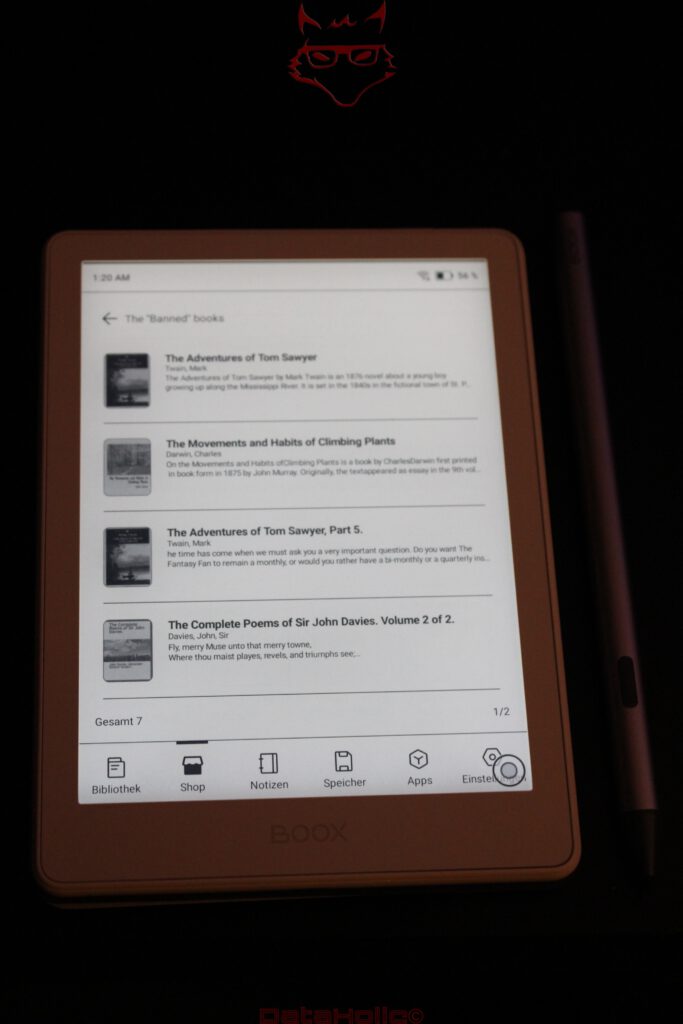
Only when everything is considered together does the construction reveal its real appeal. A weight of 160 grams means the device can easily travel everywhere. The 300-ppi E-Paper display enables long reading sessions. The front light extends usability into dark environments. Android opens access to different platforms. The microSD slot avoids artificial storage limitations. The InkSense Plus adds handwriting. The magnetic cover protects the system while travelling.
None of these characteristics is extraordinary on its own.
The combination is.
A 10.3-inch E-Paper tablet offers more comfortable writing. A closed e-reader is simpler. A smartphone is faster. A tablet is better for video. A paper notebook requires no battery whatsoever. The Go 6 does not try to beat each of these categories individually. Instead, it creates a small intersection between them.
And it works surprisingly well there.
Conclusion: the notebook that originally wanted to be an e-reader
The BOOX Go 6 (Gen II) is not a spectacular hardware upgrade, and that is precisely what makes it an interesting product. BOOX has not attempted to force a larger processor, a bigger display or an impressively large battery figure into the specification sheet. Instead, an already highly portable reader concept receives a feature that changes its role.
The InkSense Plus is the decisive component. Handwritten notes on a 6-inch e-reader initially sound like a feature developed more for the packaging than for everyday life. In practice, the compact size suits the idea surprisingly well. Short notes, comments, highlights and spontaneous thoughts do not require an A4-sized writing surface. They require a device that happens to be there at the right moment.
The display impresses with its 300 ppi resolution, high readability and the characteristic E-Paper advantage under bright ambient light. Adjustable front lighting makes the device pleasant to use in the evening as well. The 32 GB of internal storage are enough for an extensive library, while the microSD slot provides a welcome degree of technical freedom. Wi-Fi, Bluetooth, USB-C and Google Play ensure that the Go 6 can do considerably more than a conventional e-reader.
The downside to that freedom is Android 11. On a device released in 2026, the ageing operating-system foundation is the largest technical criticism. Added to that are the familiar limitations of a small E-Paper display: complex PDFs are uncomfortable on six inches, animations remain the wrong type of content for electronic ink and the available writing area is better suited to notes than extensive handwritten documents.
The generational leap itself is also fairly small when viewed soberly. An additional gigabyte of RAM, a revised chassis and stylus support form the core of the changes. Anyone already using a Go 6 exclusively for reading books receives no compelling reason to replace it. Anyone looking for a new, open and particularly compact e-reader, however, gets a considerably more versatile concept with the second generation.
Perhaps the most fitting comparison is ultimately not with a Kindle, tablet or smartphone, but with the small notebook carried in a jacket pocket. The traditional notebook starts instantly, offers excellent battery life of approximately several centuries and survives every operating-system update. On the other hand, it cannot search passages, synchronise books or install the Google Play Store, regardless of how long its cover is pressed.
The BOOX Go 6 (Gen II) sits precisely between these worlds. It is small enough that taking it along does not require planning, large enough for comfortable reading and, thanks to the InkSense Plus, finally flexible enough not only to display thoughts but also to capture them. Parts of the technical foundation are more conservative than they should be for a new model. The overall concept, however, feels unusually coherent.
Perhaps that is ultimately the most sensible interpretation of “Go”: not a shrunken tablet desperately trying to do everything, but a digital library with a notebook attached that has finally become small enough to take its own name seriously.
Transparency notice in accordance with EU requirements:
The BOOX Go 6 (Gen II) featured in this review was provided to us by BOOX as a non-binding loan unit for testing purposes. This does not constitute paid advertising.
BOOX had no influence on the content, assessment or editorial independence of this article. All opinions expressed are based exclusively on our own practical experience.
We would like to thank BOOX for providing the BOOX Go 6 (Gen II) and its accessories, and for the trust placed in dataholic.de.